

To update your old GPS with new maps, first check your device model for compatibility. Visit the manufacturer’s website or use their designated software to download the latest updates, ensuring your device is connected properly. Make sure you have enough storage space and an active internet connection. Follow step-by-step instructions to install the updates, and consider upgrading if your device can’t support newer maps. Keep your navigation accurate and safe—there’s more to discover on the process ahead.
Key Takeaways
- Verify your GPS device’s compatibility with the latest map updates before proceeding.
- Download and install the manufacturer’s update software or app designed for your GPS model.
- Connect the GPS unit to your computer via USB, following on-screen prompts to initiate the update process.
- Ensure sufficient storage space and a stable internet connection for downloading large map files.
- If your device can’t support new maps, consider upgrading to a newer GPS model for current navigation data.
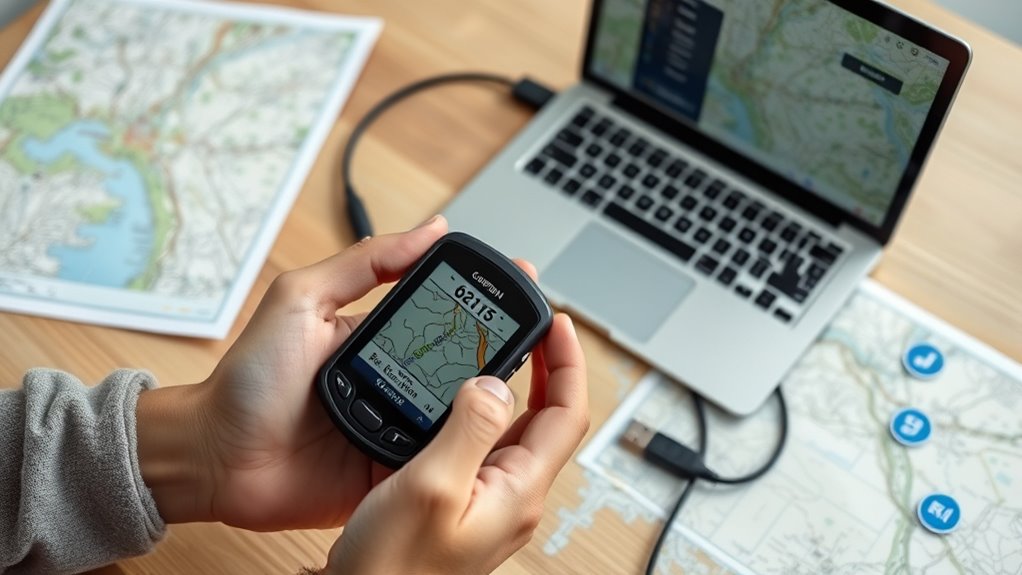
If you’re still using an older GPS unit, updating its maps can considerably improve your navigation experience. Outdated maps can lead you astray, cause delays, or even make you miss important turns. To ensure you’re always on the right path, it’s essential to understand how map compatibility and update frequency influence the process. Map compatibility determines whether your device can handle the latest map files. Some older GPS units may have limitations, such as requiring specific map formats or hardware specifications. Before attempting an update, check your device’s model and specifications to confirm it supports the newest maps. This step prevents compatibility issues that could render your updates useless or cause technical glitches. Additionally, considering the refresh rate of map updates can help you stay current with the latest road changes and POI additions.
Ensure your GPS supports the latest maps by checking compatibility before updating.
Update frequency is another critical factor. Maps are constantly changing—new roads open, existing roads close or change names, and points of interest get updated regularly. Manufacturers release updated maps periodically, often every few months or annually, to keep your navigation data current. If you rarely update, your device’s information can become outdated quickly, leading to wrong directions and missed destinations. Regular updates ensure you benefit from the freshest, most accurate data available, reducing the risk of confusion or wrong turns. Some GPS providers offer free updates, while others may charge a fee, so it’s worth checking how often updates are released and whether they align with your driving habits.
Updating your GPS maps typically involves connecting your device to a computer or using a dedicated app provided by the manufacturer. Many brands have user-friendly software that guides you through the process step-by-step. You’ll need to download the latest maps compatible with your device, which may take some time depending on the size of the update. Ensure your device has enough storage space, and be patient during the process. Once completed, your GPS will have the latest data, offering more reliable directions.
Keep in mind that some older units might not support the newest maps due to hardware limitations. If that’s the case, consider whether upgrading to a newer model is a better investment. However, if your device is compatible and you stay on top of update releases, you can markedly extend its usefulness. Regularly updating your maps is a simple but powerful step toward safer, more accurate navigation. It keeps you from driving blind and helps you reach your destination efficiently and confidently.
Frequently Asked Questions
Can I Update My GPS Maps Without an Internet Connection?
Yes, you can perform an offline update on your GPS maps without an internet connection. You’ll need to download the update files onto a computer and transfer them to your device via USB or SD card. Make sure to check your GPS’s map compatibility before starting. Offline updates are ideal if you have limited internet access, ensuring your maps stay current without needing a connection during the update process.
How Long Does a Typical GPS Map Update Take?
A typical GPS map update takes about 30 minutes to a few hours, depending on the map update process and your device. Expect some GPS update delays if your internet connection is slow or if you’re updating multiple regions. To avoid frustration, make sure your device is plugged in and has enough storage. Patience pays off, guaranteeing your GPS stays current without unexpected issues during the update.
Are There Risks to Updating My GPS Firmware?
Updating your GPS firmware can pose risks like firmware corruption or device incompatibility if not done correctly. You might encounter software glitches or even render your device unusable. To avoid these issues, make sure you download updates from official sources, follow instructions carefully, and check compatibility before installing. Taking these precautions helps protect your device and ensures a smooth update process without risking firmware corruption or compatibility problems.
Will Updating Maps Erase My Saved Routes or Favorites?
Updating your maps generally won’t erase your saved routes or favorites if you perform a proper map backup beforehand. Always back up your data to guarantee you don’t lose important information. Also, check device compatibility before updating to avoid issues. Once you’ve backed up your data and confirmed compatibility, proceed with the update, and your saved routes and favorites should remain intact, giving you a seamless navigation experience.
Is It Necessary to Update Maps Regularly for Accuracy?
Think of your GPS as a compass steering through changing terrain. You need to update maps regularly to keep map accuracy sharp, just like renewing a map ensures you find the fastest route. The update frequency depends on how often roads change in your area. Staying current helps you avoid surprises, guaranteeing you’re always on the right path. Don’t wait—regular updates keep your navigation reliable and your journey smooth.
Conclusion
So, here you are, happily updating that vintage GPS, pretending you’re ahead of the tech curve. Ironically, while you’re fussing over maps, you could be exploring new places instead of rerouting through outdated streets. But hey, at least now you won’t have to drive blind—just slightly less lost. Who knew that keeping your GPS current could turn your daily commute into a mini adventure? Happy steering, and may your updates always be quick and painless!