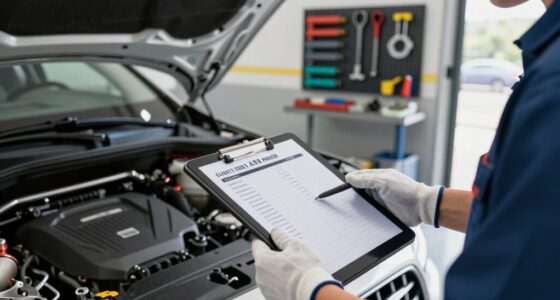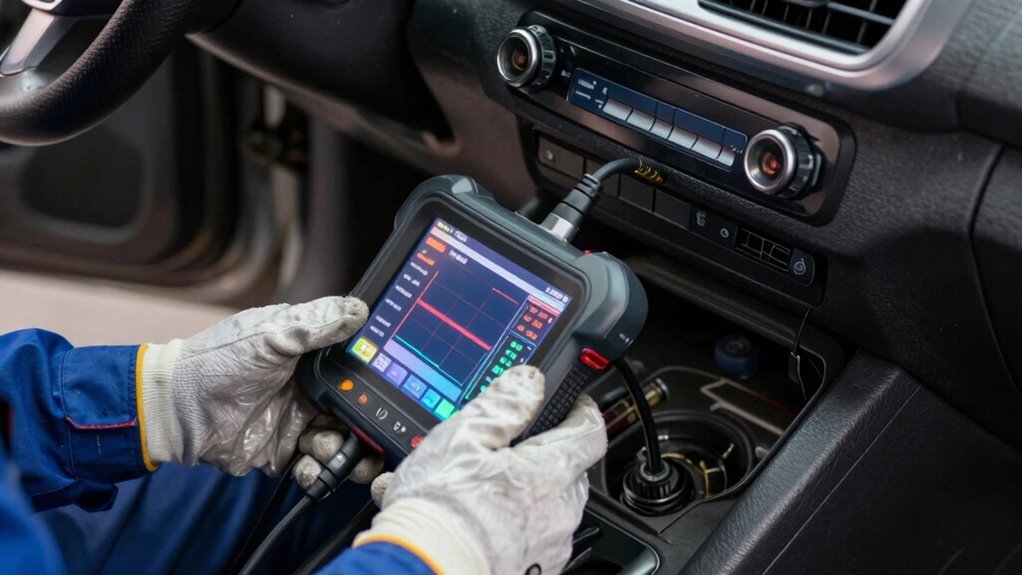

To use basic diagnostic data before calling a shop, start by locating your vehicle’s diagnostic port, usually under the dashboard, and connect a user-friendly OBD-II scanner. Turn on the scanner and follow prompts to run a scan, then note any trouble codes like P0171 or P0300. Look up what these codes mean online to identify potential issues. Using this info helps you better understand your car’s problems, and there’s more to discover if you keep exploring.

Get business pricing on garage and car supplies
- Business-only prices and quantity discounts
- Tax-exempt purchasing
- Multiple users, one account, clear invoices
Key Takeaways
- Connect an OBD-II scanner to the vehicle’s diagnostic port under the dashboard.
- Turn on the scanner and follow prompts to retrieve and record trouble codes.
- Use online resources or manuals to interpret the codes’ meanings accurately.
- Analyze the codes in context, inspecting related components like spark plugs or sensors.
- Clear the codes after addressing issues and monitor if warning lights reappear during test drives.
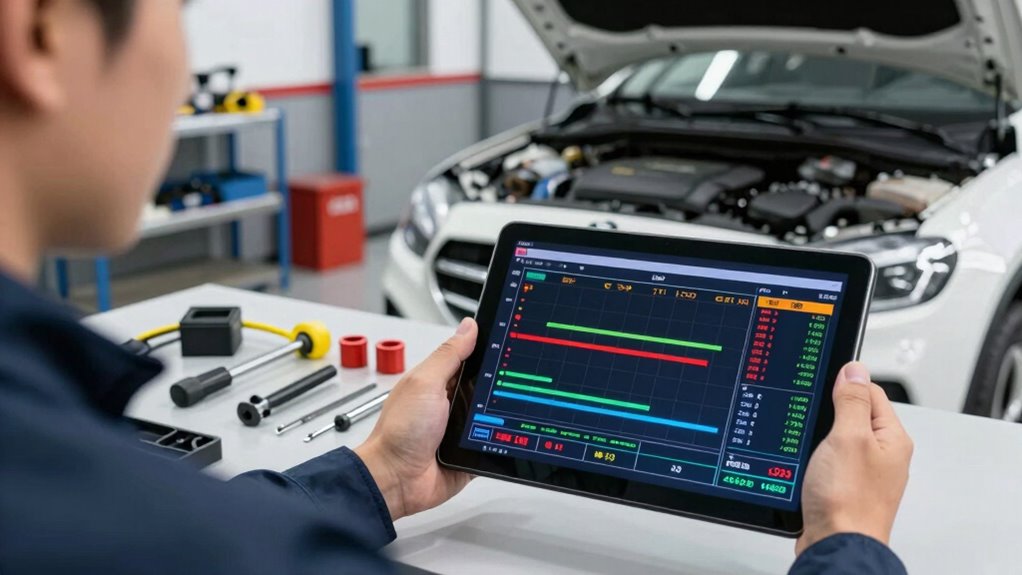
Have you ever wondered how to interpret basic diagnostic data to troubleshoot issues effectively? When your vehicle’s check engine light blinks on or you notice strange noises, knowing how to read and understand the data can save you time and money before heading to a mechanic. The key lies in familiarizing yourself with troubleshooting techniques and using diagnostic tools properly. These tools, like an OBD-II scanner, are designed to retrieve error codes that point you toward specific problems. Instead of feeling overwhelmed, think of diagnostic data as a map guiding your next steps.
First, connect your diagnostic tool to the vehicle’s port, usually located under the dashboard. Most diagnostic tools are user-friendly; simply turn on the scanner and follow the prompts to scan your vehicle’s system. Once the scan is complete, you’ll receive a set of trouble codes—like P0171 or P0300—each representing a specific fault. Learning the common codes and their meanings allows you to quickly identify issues such as misfires, oxygen sensor failures, or fuel system problems. Many online resources or the scanner’s manual can help you decode these messages.
Next, apply troubleshooting techniques by interpreting the codes in context. For example, a code indicating a misfire might be caused by faulty spark plugs, a bad coil, or even a fuel injector problem. From there, you can conduct simple tests—checking spark plug connections or inspecting wires—before jumping to conclusions. Remember, diagnostic data isn’t always the full story; use it as a starting point, not the final diagnosis. Sometimes, multiple codes can appear, and understanding how they relate helps you narrow down the root cause more effectively. Gaining familiarity with vehicle alert data can further enhance your troubleshooting accuracy. Additionally, understanding diagnostic trouble codes can help you interpret the information more precisely and efficiently. Being aware of the filtering efficiency of your vehicle’s sensors can also help you recognize when components like the air filter or sensors might be affecting your readings.
Furthermore, understanding basic contrast ratio concepts can help you interpret visual cues, such as the brightness and clarity of your dashboard displays, which may indicate underlying electronic issues. It’s also essential to clear the codes after addressing the issue to see if they reappear. Many diagnostic tools let you erase codes and then monitor if the warning light comes back on during your drive. If it does, it signals that the problem persists or that something else might be causing the fault. This process of testing, troubleshooting, and rechecking allows you to gather more information without costly visits to the shop.
As an affiliate, we earn on qualifying purchases.
Frequently Asked Questions
What Tools Do I Need to Read Basic Diagnostic Data?
To read basic diagnostic data, you’ll need an OBD-II scanner, which connects to your vehicle’s port. These tools often include features for sensor calibration and data logging, helping you identify issues. Make sure the scanner is compatible with your car model. Once connected, turn on the ignition, and the device will display codes and real-time data, giving you a clearer understanding before visiting a shop.
How Accurate Is Basic Diagnostic Data Compared to Professional Checks?
You get what you pay for, so basic diagnostic data isn’t as precise as professional checks, but it’s enough to guide your DIY maintenance and troubleshooting basics. While it’s useful for catching obvious issues, inaccuracies can occur, and some problems require expert tools. Use this data as a starting point, not the final word. When in doubt, consult a mechanic to make certain you’re on the right track.
Can I Interpret Diagnostic Codes Without Technical Training?
You can interpret diagnostic codes without technical training, but be aware of common misconceptions. DIY troubleshooting with code readers helps identify issues quickly, but understanding what each code means requires some research. Don’t assume all codes indicate severe problems—many are minor or temporary. Use online resources or guides to interpret codes accurately, and remember that professional diagnosis is essential if you’re unsure or the problem persists.
How Often Should I Check Diagnostic Data for My Vehicle?
You should check your vehicle’s diagnostic data regularly, ideally during routine vehicle maintenance or if you notice any issues. Doing DIY troubleshooting every few months helps catch problems early, saving you money and time. Keep an eye on warning lights or unusual sounds, and use basic diagnostic tools to monitor your vehicle’s health. Consistent checks guarantee your vehicle stays reliable, safe, and in good condition.
What Should I Do if I See Error Codes but No Symptoms?
If you see error codes but no symptoms, start by checking if sensor calibration is needed, as miscalibrated sensors can trigger codes without affecting performance. Next, perform a data reset to clear the codes temporarily. If the codes reappear, note them down for the shop. This guarantees you’re prepared, saving time and money, and helps the mechanic diagnose the issue more efficiently.
As an affiliate, we earn on qualifying purchases.
Conclusion
Remember, a little knowledge is a powerful tool—“forewarned is forearmed.” By understanding basic diagnostic data, you can better communicate with your mechanic and avoid unnecessary repairs. Taking a moment to review warning lights or error codes can save you time and money, giving you confidence in handling your vehicle. So, don’t wait until it’s too late; being informed now helps you stay ahead of potential issues and keeps your journey smooth.
As an affiliate, we earn on qualifying purchases.
As an affiliate, we earn on qualifying purchases.
Halloween Picks
halloween
As an affiliate, we earn on qualifying purchases.