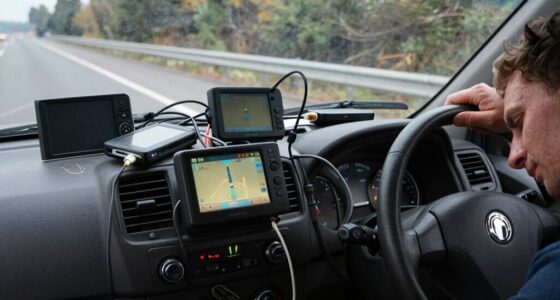
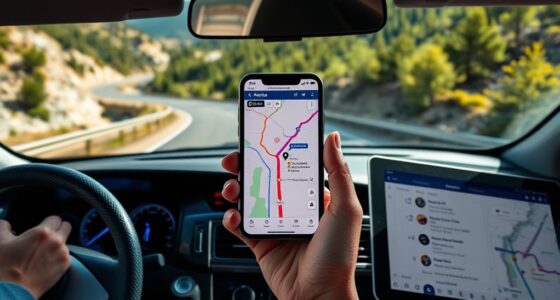
To prepare your navigation tech for rural or low-signal driving, download offline maps and routes before your trip, ensuring key roads and landmarks are included. Update your device software and navigation apps regularly to improve accuracy. Carry backup tools like printed maps, a compass, or a portable charger in case of device failure. Familiarize yourself with offline features on your apps, and stay informed about the latest navigation advancements—knowing these steps can help you navigate confidently even without internet.

Get garage and car supplies delivered free — and shop member deals
- Fast, free delivery on millions of items
- Access to Prime Big Deal Days deals on October 6–7
- Prime Video, Amazon Music and more included
Key Takeaways
- Download offline maps and routes for the entire region before your trip.
- Keep device software and navigation apps updated to ensure map accuracy and offline functionality.
- Carry physical maps, a compass, and other backup navigation tools as contingencies.
- Use satellite imagery to familiarize yourself with terrain features and landmarks in advance.
- Charge devices fully and carry portable power sources to maintain navigation capabilities.
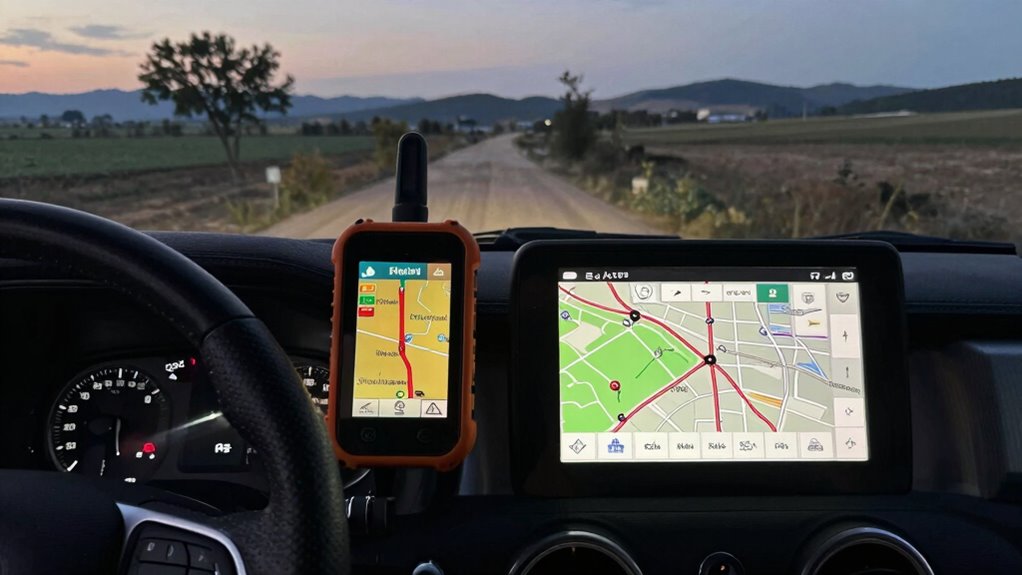
When you’re heading into rural areas or places with poor signal coverage, it’s essential to prepare your navigation technology in advance. One of the best ways to do this is by ensuring you have access to reliable satellite maps and offline routing capabilities. Satellite maps allow you to view detailed imagery of the terrain, roads, and landmarks without needing an internet connection. This visual information can be invaluable when you’re traversing unfamiliar territory, especially when digital maps might not update in real time or become unavailable due to weak signals.
Offline routing is equally important. Before your trip, take the time to download maps and routes on your device. Most navigation apps now offer offline mode, which lets you set a destination and save the necessary map data ahead of time. This way, you can follow turn-by-turn directions without worrying about losing signal. When planning your route, double-check that all key roads, landmarks, and points of interest are included in your offline package. This preparation helps you avoid getting lost or stuck without guidance, especially in areas where cell towers are sparse or nonexistent.
Another essential step is to familiarize yourself with the features of your navigation app. Many apps provide options to download specific regions or entire countries for offline use. Take advantage of these options to guarantee you have comprehensive coverage in your travel zone. Keep your device’s software updated, as updates often improve offline functionality and map accuracy. Additionally, consider carrying a portable charger or extra battery, because navigation can drain your device’s power quickly, especially when using GPS in low-signal environments. Proper map calibration can also enhance the accuracy of your navigation experience.
It’s also wise to have physical backup options, such as printed maps or a compass, in case your digital devices fail. While satellite maps and offline routing greatly boost your confidence in traversing rural areas, they aren’t foolproof. Sometimes, map data may be outdated, or technical glitches can occur. Having a backup plan ensures you’re not completely stranded if your device encounters issues. Incorporating emerging trends in digital publishing can help you stay informed about the latest advancements in navigation technology and offline tools.
As an affiliate, we earn on qualifying purchases.
Frequently Asked Questions
What Are the Best Offline Navigation Apps for Rural Areas?
You should try offline navigation apps like Maps.me, OsmAnd, or Sygic, which store offline maps directly on your device. These apps are perfect for rural areas with poor signal, as they don’t rely on real-time data. To improve your experience, make sure you download all necessary maps beforehand and consider signal boosting options, like portable Wi-Fi devices or signal amplifiers, to stay connected when possible.
How Can I Update Maps Without Internet Access?
Did you know over 60% of rural areas lack reliable internet? To update maps without internet access, you should first guarantee offline map storage on your device. Download the latest maps before your trip, then use GPS signal boosters if needed to enhance accuracy. This way, you can navigate confidently through remote areas, knowing your maps are current and your signal is strengthened for peak performance.
What Backup Power Sources Are Recommended for Navigation Devices?
You should consider battery backups and solar chargers as reliable backup power sources for your navigation devices. Battery backups provide instant power during outages, ensuring your device stays on. Solar chargers are eco-friendly options that harness sunlight to recharge your device on the go, especially useful in remote areas. Combining both options offers the best protection, ensuring your navigation system remains operational during low-signal or rural adventures.
How Do I Ensure My GPS Device Works in Remote Locations?
To guarantee your GPS works in remote locations, prioritize satellite connectivity by choosing a device with strong satellite reception. Use signal boosters to amplify weak signals, especially in mountainous or dense forest areas. Keep your device updated with offline maps to avoid relying solely on live data. Carry backup power sources, such as portable chargers, and test your setup beforehand to prevent surprises during your journey.
Are There Specific Settings to Optimize Navigation in Low-Signal Zones?
To optimize navigation in low-signal zones, activate offline maps and guarantee your device is set to prioritize satellite connectivity. You can also use signal boosters to enhance your device’s reception and maintain better satellite communication. Before your trip, download necessary updates and maps, and turn on any low-signal mode options available. These steps help your navigation tech stay functional, even when cellular signals are weak or unavailable.
portable phone charger for travel
As an affiliate, we earn on qualifying purchases.
As an affiliate, we earn on qualifying purchases.
Conclusion
By preloading maps, downloading offline routes, and keeping your devices charged, you’re equipping yourself like a trusty compass in uncharted territory. Even when signals fade into the background like whispers in a forest, you’ll stay on course and reach your destination safely. Remember, a little preparation turns what could be a navigation nightmare into a smooth journey — like sailing through calm waters, even when the winds are scarce. Safe travels!
As an affiliate, we earn on qualifying purchases.
satellite imagery maps for hiking
As an affiliate, we earn on qualifying purchases.
As an affiliate, we earn on qualifying purchases.
Fall Picks
fall essentials
As an affiliate, we earn on qualifying purchases.