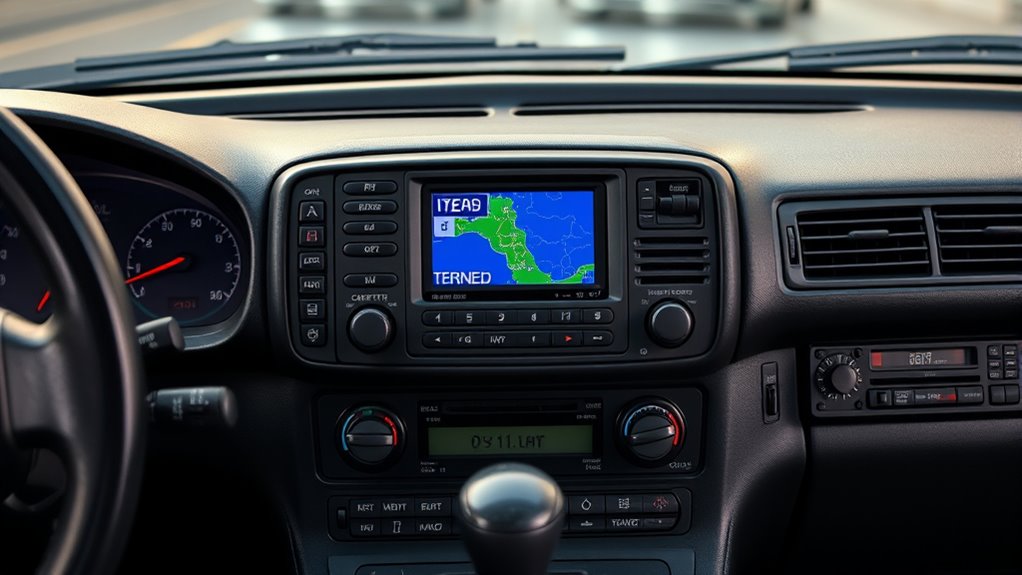

Remember when car navigation systems used CDs? You relied on physical CD-ROMs to store your maps, which provided a durable, tangible record of navigation data. Your system needed to read these discs accurately, and scratches or dirt could cause errors. Updating your maps meant swapping out discs or downloading new ones, making the process less instant than today’s digital updates. If you want to uncover more about this classic tech, keep exploring how it shaped driving history.
Key Takeaways
- Car navigation systems once relied on CD-ROM discs to store and access map data.
- Disc quality and cleanliness directly impacted GPS accuracy and system performance.
- CD players were built to withstand vehicle vibrations, but scratches on discs could cause read errors.
- Updating maps involved inserting new discs or downloading updates, unlike instant digital downloads today.
- These CD-based systems marked a significant technological advancement before digital navigation became standard.
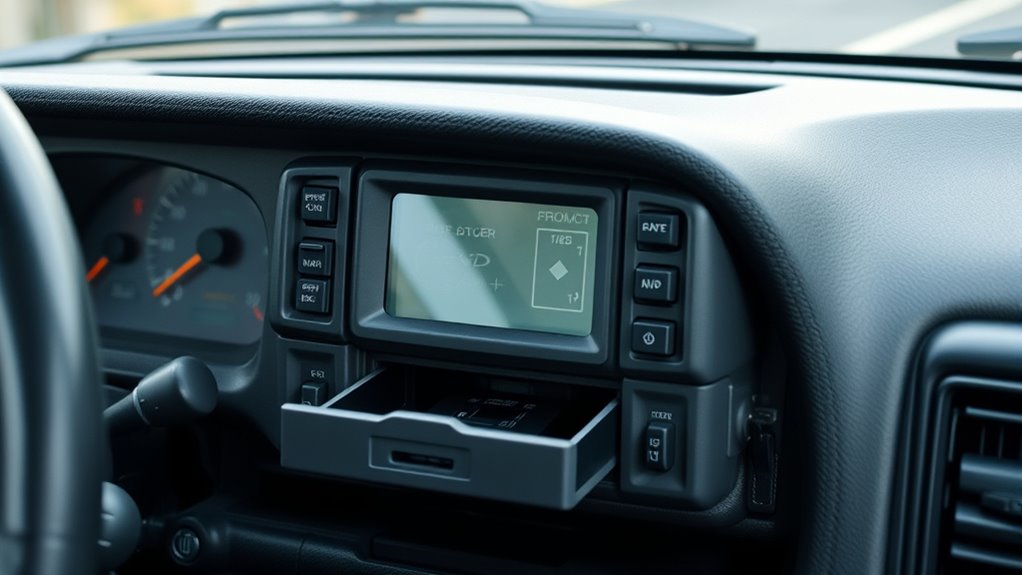
Before GPS turned into a sleek, always-on feature on your smartphone, car navigation systems relied heavily on physical discs. These discs, often called CD-ROMs, stored map data that your vehicle’s system accessed to guide you from point A to point B. It was a different era of navigation—one where your device’s GPS accuracy depended on the quality of the disc and how well the system read it. When working properly, these systems provided surprisingly precise directions, but they also had their quirks. If the disc was scratched or dirty, your GPS accuracy could suffer, leading to miscalculations or lost signals. You’d often find yourself waiting for the system to recalibrate or clean the disc to get the best results. Despite these limitations, many drivers appreciated how these systems offered consistent updates and reliable performance, especially compared to earlier, purely radio-based navigation methods.
One of the key advantages of using CDs for navigation was their durability. CD players, especially those built into cars, were designed to withstand the rigors of daily driving—vibrations, temperature fluctuations, and dust. While no device is completely immune to wear and tear, a well-made CD player could last years with minimal issues. You’d often find that the physical media, the disc itself, was the most vulnerable component. Scratches or dirt on the map disc could cause read errors, resulting in navigation hiccups or system freezes. Still, with proper care, these discs remained functional for many miles, providing a sturdy, dependable way to access navigation data.
CD players in cars were durable, but scratches on discs could still cause navigation errors.
The process of updating your maps meant purchasing new discs or downloading updates from a manufacturer’s website. This was less convenient than the instant updates we take for granted today but was considered a standard part of owning a car navigation system. You’d insert the new disc, wait for it to load, and then enjoy fresh maps and improved features. Over time, these discs became a essential part of your driving experience, offering a tangible, physical record of your navigation data. Despite their reliance on physical media, they provided consistent performance and a sense of reliability that many drivers still remember fondly.
In the end, these CD-based navigation systems represented a significant step forward in automotive tech, combining the durability of physical discs with the precision of GPS. They may seem outdated now, but back then, they were a dependable, innovative solution that helped travelers reach their destinations confidently.
Frequently Asked Questions
How Long Did Cd-Based Car Navigation Systems Typically Last?
CD-based car navigation systems typically lasted around 3 to 5 years. The CD lifespan depends on usage and storage conditions, but frequent use or exposure to scratches can shorten navigation durability. You might notice errors or skipping as the system ages, indicating it’s time for an upgrade. Proper maintenance can extend the system’s life, but ultimately, digital storage limitations mean these systems don’t last as long as modern alternatives.
Were CD Navigation Systems Prone to Data Corruption or Skipping?
Yes, CD navigation systems were prone to data corruption and skipping. The digital signal could get disrupted by scratches or dirt, causing navigation errors. Over time, hardware deterioration, like lens wear or motor issues, increased the chances of skipping or freezing. You had to handle discs carefully and keep the hardware in good condition to guarantee smooth operation, but problems still often occurred, especially with older units.
What Were the Main Advantages of CD Navigation Over Previous Methods?
You’d find CD navigation offered improved map accuracy and a clearer user interface compared to older methods like paper maps or simple displays. It provided real-time updates, making navigation more reliable, and the digital display was easier to read. Plus, it often allowed for easier route adjustments and updates, giving you a more seamless experience. Overall, CD navigation systems made driving directions more precise and user-friendly than previous options.
How Did Users Update Map Data on These Cd-Based Systems?
Think of the map update process like renewing a library’s collection. You’d replace the old CD-ROM with a new one that contains the latest maps. With CD-ROM technology, you’d purchase or receive an updated CD, then swap it into your system to refresh your navigation data. This straightforward method kept your maps current, but it also meant you needed to physically update the system whenever new map data was released.
Were There Any Notable Brands Specializing in CD Car Navigation?
You’ll notice brands like Pioneer, Alpine, and Garmin led the way in CD-based car navigation, showcasing their brand evolution by refining user interfaces for easier navigation. These companies prioritized clear screens and simple controls, making map updates and route planning more user-friendly. As technology advanced, many shifted to DVD or digital systems, but during their peak, these brands set the standard in CD navigation, offering reliable and innovative solutions for drivers.
Conclusion
So, next time your GPS glitches or your phone dies, just remember the good old days of flipping through CDs, hoping you didn’t scratch the map. Who needs real-time updates when you can have the nostalgic thrill of manual input and endless disc swapping? Sure, it was clunky, but hey, at least you weren’t glued to a screen 24/7. Ah, the simpler times—when navigation was an adventure, not a tap away.