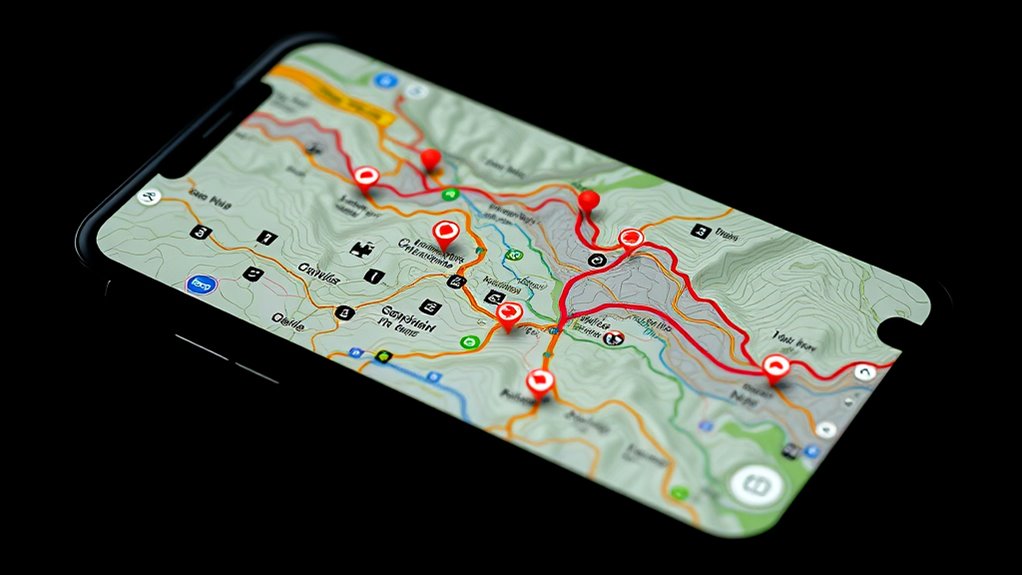

To master custom maps and POIs for advanced navigation, start by editing existing maps or creating new ones tailored to your needs. Add and personalize points of interest with unique icons, notes, or colors for quick recognition. Use visualization tools to enhance contrast and clarity, making key features stand out. Share and collaborate on maps to optimize group trips. Keep experimenting with these techniques, and you’ll discover even more powerful ways to tailor your navigation experience.
Key Takeaways
- Leverage map editing tools to tailor routes, add landmarks, and highlight key areas for efficient navigation.
- Customize POIs with unique icons, colors, and notes to quickly identify important locations.
- Adjust visualization styles and contrast settings to improve map readability and emphasize critical features.
- Create activity-specific maps, such as cycling routes or hiking trails, for specialized navigation needs.
- Share and collaborate on custom maps with others to ensure access to up-to-date, relevant routing information.
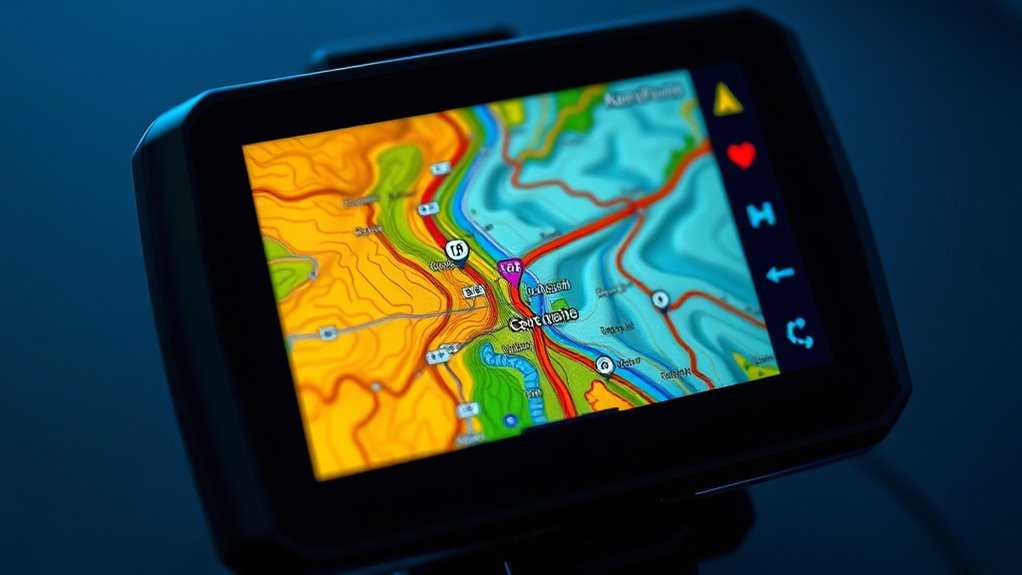
Have you ever wanted to personalize your navigation experience? If so, diving into custom maps and POIs can transform the way you travel and explore. One of the key components of this customization is map editing, which allows you to modify existing maps or create entirely new ones tailored to your specific needs. With map editing, you can add or remove roads, pathways, and landmarks, guaranteeing the map reflects your preferred routes or highlights important areas that standard maps might overlook. This process gives you control over the map’s details, making your navigation more intuitive and aligned with your interests. Additionally, understanding the contrast ratio of your maps and POIs can help in selecting visualization styles that improve readability and clarity. POI customization, on the other hand, takes personalization a step further by letting you define points of interest that matter most to you. Whether it’s your favorite coffee shop, a hidden trail, or a family member’s house, you can add these locations to your map so they’re always at your fingertips. By customizing POIs, you’re not limited to generic labels; instead, you can assign specific icons, colors, or notes, making it easier to identify your preferred spots instantly. This level of personalization is especially useful when traveling in unfamiliar areas or planning complex routes, as it helps you keep track of critical stops and personal favorites without digging through cluttered maps. Getting started with map editing and POI customization might seem formidable at first, but many navigation apps now offer user-friendly tools designed for power users. You can often import existing maps or create new ones from scratch, then mark key locations with custom icons or labels. For example, if you’re a cyclist, you may want to highlight bike trails, repair shops, and scenic viewpoints. If you’re a hiker, you might add trailheads, water sources, and campsites. The flexibility to tailor your maps ensures that your navigation aligns perfectly with your activities and preferences, saving you time and frustration. Furthermore, these advanced techniques empower you to share your custom maps and POIs with others, making group trips or community events more streamlined. You can collaborate with friends or fellow enthusiasts by editing shared maps, ensuring everyone has access to the most relevant and updated information. This collaborative approach enhances the overall experience, turning simple navigation into a powerful tool for planning, discovery, and community engagement.
Frequently Asked Questions
Can I Import Third-Party Custom Map Formats?
Yes, you can import third-party custom map formats, but it depends on map format compatibility with your navigation software. You’ll need to check if the application supports formats like GPX, KML, or other popular types for third-party map integration. Usually, you can import these files through the import feature or plugins. Just verify your third-party map files are compatible to avoid any issues during the integration process.
How Do I Update POIS Automatically?
You can update POIs automatically by setting up map layering with your preferred POI categories. Use your navigation app’s sync or auto-update features to keep the POI data current. Enable automatic refresh options in settings, and make sure your device has an active internet connection. This way, your map layering stays up-to-date, and POI categories reflect the latest information without manual input.
Are Custom Maps Compatible Across Different Devices?
Custom maps are generally not compatible across different devices due to varying map format compatibility. You might face issues with device synchronization, making it difficult to transfer or use the same custom maps seamlessly. To guarantee smooth use, check your device’s supported map formats and use compatible tools to convert maps if needed. This way, you can maximize your navigation experience across multiple devices.
What Are the Best Tools for Creating Detailed POIS?
You can create detailed POIs using tools like QGIS or Mapbox Studio, which excel at map layering and poi customization. Some users worry these tools are complex, but with tutorials and user-friendly interfaces, you’ll quickly master them. Picture designing a custom map with layered features, precise points of interest, and personalized icons—making your navigation experience uniquely yours. These tools empower you to craft highly detailed, functional maps effortlessly.
How to Troubleshoot Sync Issues With Custom Map Data?
To troubleshoot sync issues with custom map data, first check your map layer for any data corruption or inconsistencies. Make certain your device has a stable internet connection, as unstable networks can disrupt synchronization. Try removing and re-adding the map layer, then resync. Clearing cache or restarting your device can also resolve temporary glitches. If problems persist, verify that your map layer files are up-to-date and compatible with your navigation app.
Conclusion
Now that you’ve mastered custom maps and POIs, you’re practically a navigation wizard—except, of course, when you get lost in your own carefully crafted maze. It’s ironic how these advanced tricks turn you into a map-making genius, yet sometimes leave you scratching your head. But hey, at least you’ll always have a backup plan—probably buried somewhere deep within those personalized points of interest. Happy exploring, you clever explorer!