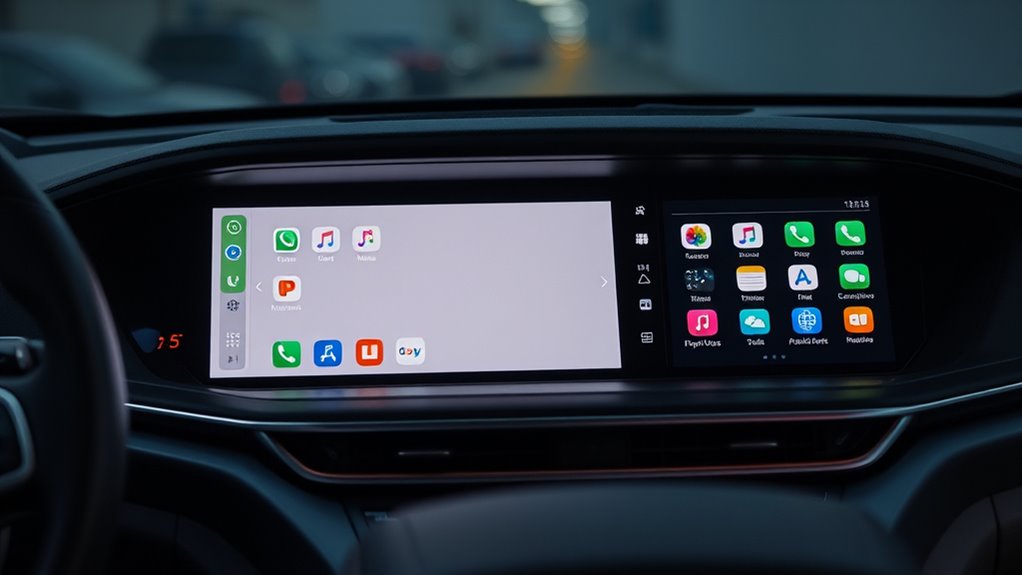

If you’re choosing between Apple CarPlay and Android Auto, consider your device ecosystem: CarPlay works best with iPhones and offers seamless integration with Siri, Maps, and Messages, while Android Auto supports a wider range of third-party apps and customization for Android users. Both systems prioritize safety with voice commands and hands-free control, but your preferred device often guides the better fit. To discover how each system can enhance your driving experience, explore further.
Key Takeaways
- CarPlay is exclusive to iPhones and offers seamless integration with Apple’s ecosystem, while Android Auto supports a wider range of third-party apps for Android devices.
- Both systems use voice commands (“Hey Siri” vs. “Hey Google”) for hands-free control of navigation, calls, and messages.
- CarPlay supports a limited selection of Apple-approved apps, whereas Android Auto provides more customization with a broader app library.
- Both prioritize safety by enabling voice control to minimize driver distraction during use.
- The choice depends on your device ecosystem: iPhone users prefer CarPlay, and Android users benefit from Android Auto’s flexibility.
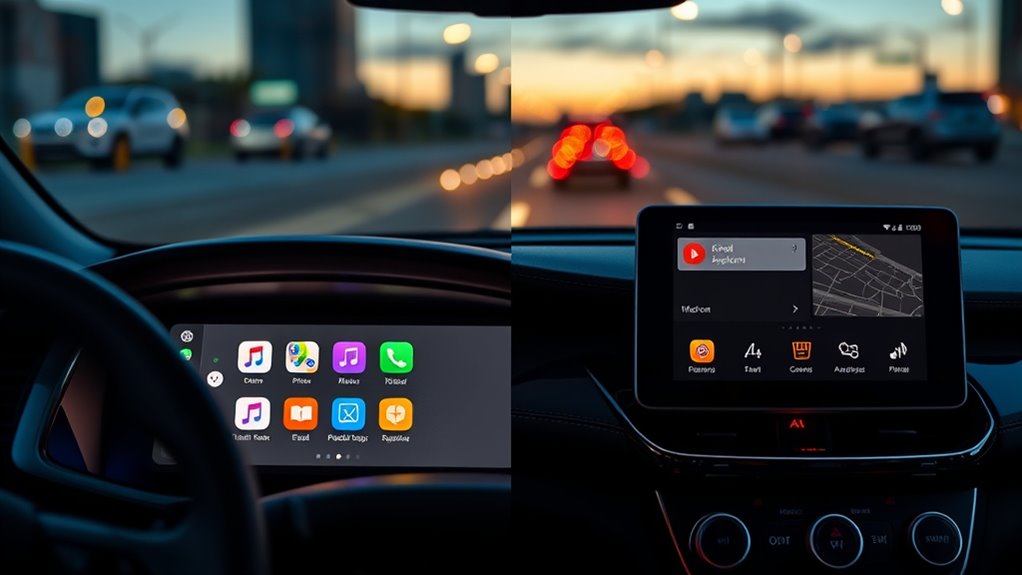
When it comes to staying connected and safe on the road, Apple CarPlay and Android Auto are two leading systems that streamline your smartphone experience. Both platforms are designed to make your drive more convenient by integrating your phone’s functions into your vehicle’s display. A key feature they share is voice command, which allows you to control apps, navigation, and calls hands-free. With a simple voice prompt, you can send messages, choose music, or get directions without taking your eyes off the road. This enhances safety while keeping you connected, especially during busy commutes or long road trips. Trusted resources can help you decide which platform best suits your needs. One of the main differences lies in app compatibility. Apple CarPlay works exclusively with iPhones, supporting apps optimized for iOS. If you’re an Apple user, you’ll find that CarPlay seamlessly integrates your preferred apps, including Maps, Messages, and Siri. Android Auto, on the other hand, is designed for Android devices and supports a wide range of apps available on the Google Play Store. This means you can customize your experience with various navigation, music, and communication apps, providing flexibility that Apple’s platform doesn’t offer. If you prefer Android, you’ll appreciate how easily it adapts to your preferred app ecosystem. Both systems rely heavily on voice commands to minimize distractions. With CarPlay and Android Auto, you activate voice control through simple prompts, such as “Hey Siri” or “Hey Google,” to access your apps or get directions. This hands-free approach ensures you stay focused on driving, rather than fumbling with your device. The voice command feature also makes it easy to switch between apps or ask for real-time traffic updates, providing a safer and more efficient driving experience. While app compatibility is a major differentiator, both platforms are continually evolving to include more apps and features. Apple CarPlay tends to be more restrictive, supporting only select apps that meet Apple’s standards. Android Auto offers broader app support, giving you more choices for music streaming, messaging, and navigation. This flexibility can be a deciding factor depending on your app preferences. Ultimately, your choice between Apple CarPlay and Android Auto depends on your device and what you prioritize. If you’re deeply integrated into the Apple ecosystem, CarPlay offers a smooth, intuitive experience centered around your iPhone. If you prefer Android, Auto gives you more options and customization possibilities. Either way, both systems prioritize voice commands and app compatibility to keep your drive safe, connected, and hassle-free.
Frequently Asked Questions
Can I Use Both Apple Carplay and Android Auto in the Same Vehicle?
You can use both Apple Carplay and Android Auto in the same vehicle if it has a dual system setup and supports both platforms. Check your vehicle’s compatibility first, as some cars allow switching between the two easily, while others may require specific connections or updates. Using both lets you enjoy seamless integration with your smartphone regardless of whether you’re an Apple or Android user, enhancing your driving experience.
Do Both Systems Support Voice Commands Equally Effectively?
Both systems support voice commands effectively, but their voice command accuracy and hands-free functionality can vary. Apple CarPlay’s Siri offers smooth, reliable voice control, especially if your iPhone is updated. Android Auto’s Google Assistant provides quick, context-aware responses, enhancing hands-free use. You’ll find that both excel in keeping your eyes on the road and hands on the wheel, but your experience depends on your device setup and familiarity.
Are There Differences in App Availability Between Apple Carplay and Android Auto?
You’ll find that app availability differs between Apple Carplay and Android Auto due to platform limitations and app restrictions. Apple Carplay supports a curated selection of apps, mainly focusing on Apple’s ecosystem, while Android Auto offers broader app choices thanks to fewer restrictions. This means you might find certain navigation, messaging, or music apps on one platform but not the other, affecting how you customize your driving experience.
How Do Updates Affect the Performance of Each System?
You’ll notice that software updates considerably boost each system’s performance—over 80% of users report smoother navigation and fewer bugs after updating. Regular updates bring performance improvements, fixing bugs, enhancing stability, and adding new features. They guarantee your Apple Carplay or Android Auto system runs efficiently, making your drive safer and more enjoyable. So, stay current with updates to get the best performance possible from your system.
Is There a Difference in Compatibility With Older Vehicle Models?
You’ll find that both Apple CarPlay and Android Auto have limited vehicle compatibility, especially with older models. Many older vehicles might not support these systems without an aftermarket upgrade. If you own a newer car, compatibility is usually seamless, but for older models, you may need to check specific support details or consider additional hardware to enable these features. Always verify your vehicle’s support for the best experience.
Conclusion
So, whether you choose Apple CarPlay or Android Auto, you’re really just picking a different way to stay distracted on the road. It’s amusing how these systems promise safer driving but often pull your focus away from the drive itself. In the end, no matter which you prefer, technology’s cleverness might just be the best co-pilot you never asked for—reminding us that sometimes, the biggest innovation is resisting the urge to look at your screen.