When upgrading your cabin tech, you might forget how important system compatibility and software updates are. You could end up with features that don’t work well together or become outdated quickly. Voice recognition systems may not handle your accents, and customizable interfaces might not match your habits. Security and future-proofing often get overlooked, which can cause frustration later. Stay aware of these factors, so your upgrade feels seamless and long-lasting—there’s more to take into account for a smooth tech experience.
Key Takeaways
- To test voice recognition in various accents and noisy environments before fully relying on it.
- To customize and organize interfaces for intuitive access and avoid clutter.
- To verify system compatibility with existing vehicle hardware and software.
- To ensure familiarity with software update procedures and security features.
- To consider future-proofing options for ongoing updates and expansion.
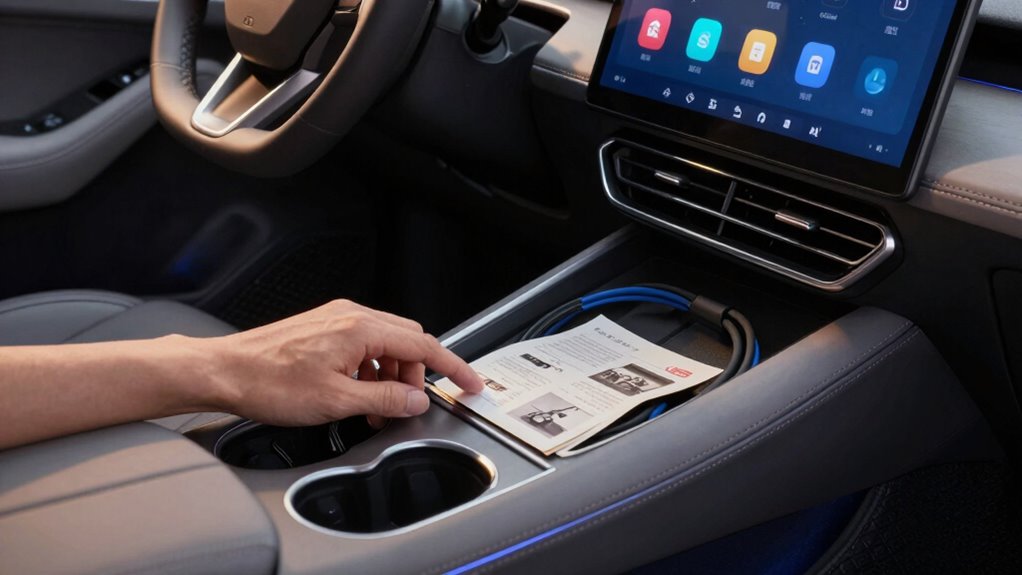
Upgrading your car’s cabin tech can feel like stepping into the future, but many drivers overlook essential features and considerations that can impact their overall experience. One common oversight is neglecting how voice recognition systems work in real-world conditions. While voice commands promise hands-free control, they often struggle with accents, background noise, or complex commands. If you don’t test this feature thoroughly before upgrading, you might find yourself frustrated, constantly repeating commands or unable to activate functions smoothly. It’s worth spending time to learn the system’s capabilities and limitations and verifying it’s compatible with your speech patterns. Otherwise, you might end up relying on manual controls more than you’d like, defeating the purpose of a voice-activated system.
Test voice recognition thoroughly to ensure it handles your speech and background noise effectively before upgrading.
Another aspect many overlook is the importance of customizable interfaces. Modern cabin tech often offers the ability to tailor menus, shortcuts, and display layouts to your preferences. However, if you don’t explore these options fully or set them up to suit your habits, you could miss out on a more intuitive and efficient driving experience. Customizable interfaces help streamline your access to frequently used features, like navigation, climate controls, or music playlists. Without personalization, you might find yourself browsing through multiple menus or dealing with cluttered screens, which can be distracting and time-consuming. Take the time to configure your system to match your daily routines. It’s an easy step that can greatly enhance your comfort and safety. Additionally, understanding system integration can prevent potential frustrations during daily use. Paying attention to compatibility with existing vehicle systems can help avoid inconsistent performance and ensure a smoother user experience. Moreover, being aware of software updates and their role in maintaining system performance can help you stay ahead of potential issues and benefit from new features as they become available. Familiarizing yourself with system security is also important to protect your vehicle from potential cyber threats, especially as connectivity increases.
Many drivers also forget to think about the integration of voice recognition and customizable interfaces with other vehicle systems. If these features don’t communicate seamlessly with your existing infotainment or safety systems, you may experience delays or inconsistent performance. Compatibility issues can turn an otherwise sophisticated upgrade into a frustrating experience. Before finalizing your purchase, check that your chosen tech integrates well with your vehicle’s hardware and software, and ask about updates or support options. Moreover, understanding the future-proofing of your tech can help ensure your investment remains relevant as technology rapidly advances.
Finally, it’s common to upgrade without contemplating future-proofing. Technology evolves rapidly, so selecting systems that can be updated or expanded ensures your investment remains relevant. Forgetting this can leave you stuck with outdated features or incompatible hardware down the road. In the end, a thoughtful approach—paying attention to voice recognition accuracy, customizing interfaces, and ensuring compatibility—can make a notable difference. It transforms your cabin tech from a shiny gadget into a genuinely useful, intuitive part of your driving experience.

Enhances Voice Recognition Microphones for Car Navigation Systems with High Sensitive and Noise Cancellation Technology Car Handsfree Microphones Systems
Perfect for daily driving scenarios, it eliminates background noise interferences on busy roads, ensuring your voice prompts are…
As an affiliate, we earn on qualifying purchases.
As an affiliate, we earn on qualifying purchases.
Frequently Asked Questions
How Do I Ensure Compatibility With My Existing Vehicle System?
To guarantee compatibility with your existing vehicle system, you should first check the product’s specifications against your car’s make and model. Read reviews and consult the manufacturer’s guidelines to identify potential compatibility issues and integration challenges. It’s also wise to visit a professional installer or dealership to verify that the new tech will seamlessly connect without causing system conflicts or errors, saving you time and money in the long run.
Are There Privacy Concerns With New Cabin Tech?
Yes, privacy risks and data security are valid concerns with new cabin tech. You need to be aware that connected devices collect personal information, track your habits, and could be vulnerable to hacking. Protect yourself by updating software regularly, using strong passwords, and reviewing privacy settings. Stay informed about how your data is used, and be cautious about sharing sensitive information. Prioritize security to enjoy your tech upgrades without compromising your privacy.
What Are the Common Troubleshooting Issues After Upgrading?
After upgrading your cabin tech, you might face troubleshooting issues like voice recognition problems or glitches from recent software updates. You could find that voice commands don’t work as smoothly or that certain features freeze unexpectedly. To fix these, try restarting your system, checking for new software updates, or resetting the device. If problems persist, consulting your vehicle’s manual or contacting support can help resolve these issues efficiently.
How Does Upgraded Tech Affect Vehicle Resale Value?
Upgraded tech can boost your vehicle’s resale value if it aligns with current market demand, making your car more attractive to buyers. However, if the technology feels outdated or overly customized, it might lower resale value, as buyers prefer proven, reliable features. You need to weigh how new tech appeals to future owners against its longevity, ensuring your upgrade enhances, rather than diminishes, your car’s market appeal.
What Maintenance Is Required for New Cabin Technology?
When you upgrade cabin tech, you need to stay on top of software updates to keep everything running smoothly. Regular updates improve security, fix bugs, and enhance features. Also, check your warranty coverage, as some repairs or troubleshooting might be covered if issues arise. Staying proactive with software updates and understanding your warranty helps you maintain your new tech’s performance and longevity, avoiding unnecessary expenses down the road.

Android 14 Stereo Radio for Cadillac CTS 2007-2012 Replacement Upgrade Head Unit Tesla Style IPS Touch Screen Built-in Wireless Apple Carplay & Android Auto with GPS Navigation Bluetooth WiFi(Silver)
【Perfect Fit for Cadillac CTS 2007-2012】Compatible with Cadillac CTS 2007-2012. Verify your center console’s year, size, and shape…
As an affiliate, we earn on qualifying purchases.
As an affiliate, we earn on qualifying purchases.
Conclusion
Don’t overlook the small details when upgrading your cabin tech—those forgotten features can turn a good upgrade into a frustrating experience. Remember, it’s the little things that make a big difference, and missing out on key functions could leave you feeling like you’re chasing your tail. So, do your homework, double-check compatibility, and make sure everything fits your needs. That way, you’ll avoid crying over spilled milk and truly enjoy your tech upgrade to the fullest.
![True Mods 12V 24V DC Automotive Auto Car Battery and Alternator Tester [Large Clamps] [LED Indication] Digital Checker Diagnostic Tool for Van Pickup Truck Vehicle Motorcycle](https://m.media-amazon.com/images/I/51a4xzG0qrL._SL500_.jpg)
True Mods 12V 24V DC Automotive Auto Car Battery and Alternator Tester [Large Clamps] [LED Indication] Digital Checker Diagnostic Tool for Van Pickup Truck Vehicle Motorcycle
12/24V BATTERY COMPATIBLE- Conveniently and accurately check the charge of the 12V or 24V battery in your car,…
As an affiliate, we earn on qualifying purchases.
As an affiliate, we earn on qualifying purchases.
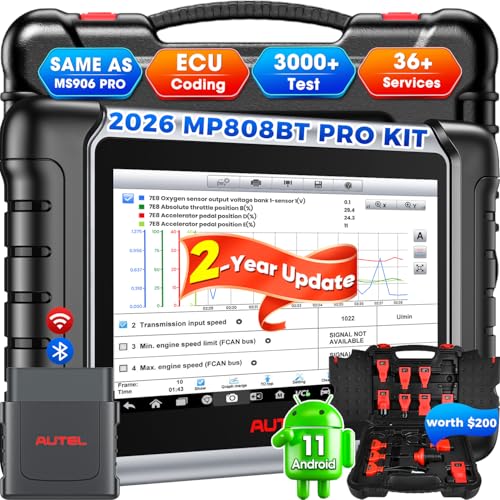
2026 Autel Scanner MaxiPRO MP808BT PRO KIT, 2 Years Update with 11PCS OBD Adapters, Function as MaxiSYS MS906 PRO MS906MAX MP900BT, Up of MS906BT MK900BT MK900, Bidirectional 3000+Test, 30+ Services
📌【Please Rea-ch Out to Us Directly】Dear valued customer, if you experience any issues with your product after purchase…
As an affiliate, we earn on qualifying purchases.
As an affiliate, we earn on qualifying purchases.