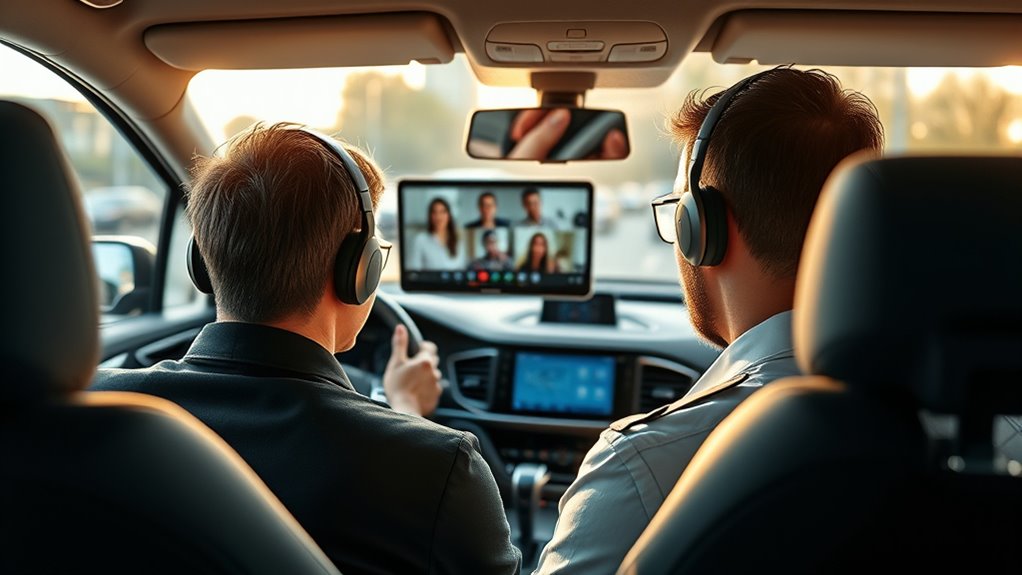

To make video calls from your car, guarantee your vehicle has a quality audio system with noise-canceling microphones and good speakers. Use a reliable mobile hotspot for stable internet, and choose a quiet, well-lit parking spot. Mount your device at eye level for a clear view, keep devices charged, and mute when not speaking. Prepare and test your setup beforehand to boost confidence—discover more tips to stay connected on the go.
Key Takeaways
- Use a reliable mobile hotspot to ensure stable, high-speed internet during video calls.
- Mount your device at eye level with a stable stand to improve video quality and reduce vibrations.
- Equip your vehicle with noise-canceling microphones and quality speakers for clear audio communication.
- Choose a quiet, well-lit parking spot to minimize background noise and optimize lighting conditions.
- Test audio, video, and connection settings beforehand to troubleshoot issues and participate confidently.
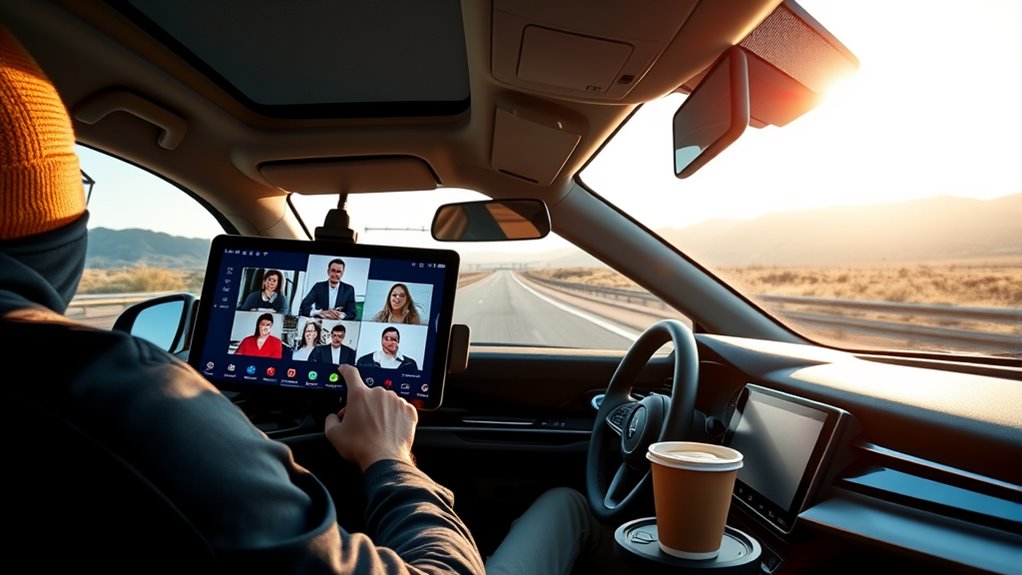
Ever wondered how you can stay connected while on the move? With the right gear and a bit of planning, you can successfully hold video conferences from your car. One of the key components to making this happen smoothly is a good car audio system. Clear sound is essential for both hearing your colleagues and being heard without distractions. Upgrading your car’s audio setup ensures that background noise doesn’t interfere with your calls. Look for systems with noise-canceling microphones and quality speakers to improve audio clarity. This way, even if you’re parked in a busy area or driving through noisy streets, your voice comes through crisp and clear.
A good car audio system with noise-canceling microphones ensures clear calls on the move.
But audio isn’t enough on its own. Reliable internet access is critical for seamless video conferencing. This is where mobile hotspots come into play. A mobile hotspot device allows you to connect multiple devices to a secure, high-speed internet network provided by your cellular carrier. It’s a game-changer for remote work on the road, offering more stability than relying solely on your phone’s tethering or public Wi-Fi, which can be unpredictable or insecure. Investing in a good mobile hotspot ensures you won’t be cut off during important meetings. Plus, many carriers offer unlimited data plans or large data buckets, so you won’t have to worry about hitting caps mid-call.
Once you have your car audio and mobile hotspot set up, you need to ensure your environment is optimized. Park in a quiet, well-lit area where your signal is strongest, and your audio won’t be drowned out by external noise. Consider mounting your phone or laptop at eye level to avoid awkward angles, and use a hands-free setup to stay compliant with traffic laws. Make sure your devices are charged and have backup power sources, like a portable charger, ready to go. This prevents interruptions if your car’s engine turns off or your main power source runs low. Additionally, paying attention to kitchen science & materials principles, such as minimizing vibrations and ensuring stable device placement, can greatly improve your conference experience.
Finally, familiarize yourself with the conferencing app’s features before your meeting. Adjust audio and video settings for clarity, mute yourself when you’re not speaking to reduce background noise, and test your setup in advance. With the right combination of car audio, a dependable mobile hotspot, and some preparation, you can confidently participate in video conferences from your car, turning travel time into productive work time.
Frequently Asked Questions
How Secure Is Video Conferencing While on the Road?
Video conferencing on the road can be secure if you use strong encryption protocols and make certain your device security is up to date. Always connect through trusted networks and avoid public Wi-Fi whenever possible. Keep your device’s software current, enable two-factor authentication, and use a VPN for added protection. These measures help safeguard your meetings from potential breaches, making your on-the-go communication safer and more private.
What Are the Legal Considerations for Recording Meetings in a Car?
Are you aware of the legal considerations when recording meetings in your car? You need to follow consent laws, which vary by jurisdiction, and always inform participants if you’re recording. Ignoring privacy concerns can lead to legal trouble or breach trust. So, ask yourself: are you respecting everyone’s rights? Always get explicit consent, understand local laws, and prioritize privacy to avoid legal pitfalls during on-the-go recordings.
How Can I Minimize Background Noise During Mobile Video Calls?
To minimize background noise during your mobile video calls, use soundproofing techniques like sealing windows and parking in quieter areas. Invest in good microphone accessories, such as noise-canceling microphones or earphones with built-in microphones, to improve audio clarity. Position your microphone close to your mouth, and avoid distractions nearby. These steps help guarantee your voice remains clear and professional, even when you’re on the move.
What Are the Best Practices for Managing Interruptions During Meetings?
Master mindful management by muting your microphone when not speaking, minimizing multitasking, and maintaining focus. Prepare proactively by informing others of your meeting schedule to reduce surprises. During interruptions, address distractions promptly, politely re-engage, and stay centered on the conversation. Effective interruption handling involves calmly acknowledging disruptions and refocusing quickly, helping you maintain professionalism and productivity even amidst unexpected interruptions.
How Do I Ensure Reliable Internet Connectivity in Remote Areas?
To guarantee reliable internet connectivity in remote areas, consider using satellite internet, which provides coverage even in off-grid locations. Additionally, invest in a good signal booster to strengthen your connection, reducing disruptions during meetings. Before your trip, test your setup to identify potential issues. Keeping a backup plan, like offline meeting notes or an alternative connection, ensures you stay connected and productive no matter where your travels take you.
Conclusion
Next time you’re on the go, remember that with the right tech, you can seamlessly join meetings from your car. Imagine you’re driving to a client site, and suddenly, a quick update is needed. With a hands-free setup and reliable internet, you can confidently hop into a video call right from your dashboard. Staying connected on the road keeps you productive, no matter where your day takes you.