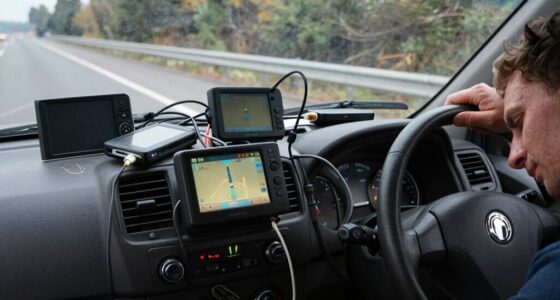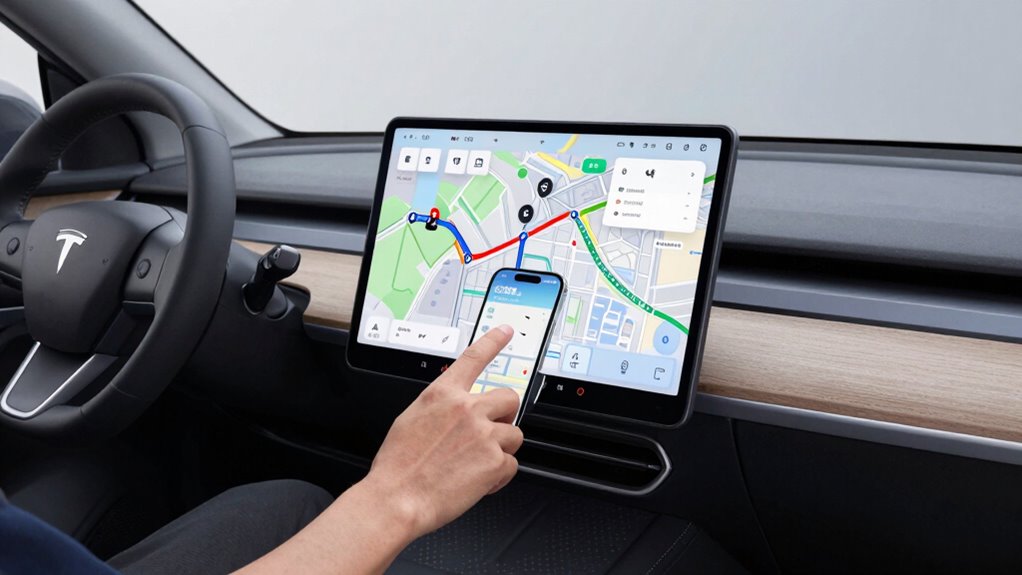

A good navigation setup for delivery, fleet, and gig drivers relies on real-time traffic updates, route optimization, and dynamic adjustments. It helps you avoid traffic jams, reduce backtracking, and stay on schedule. Clear directions and the ability to respond to changing conditions ensure smoother deliveries and lower stress. By using an effective system, you save time and fuel, making your operations more efficient. Keep exploring to uncover how to maximize these benefits even further.
Open a free Amazon Business account
Business pricing, bulk buying and tax-exempt orders.
As an affiliate, we earn on qualifying purchases.
Key Takeaways
- Incorporate real-time traffic updates to enable dynamic rerouting and avoid delays.
- Utilize route optimization tools that analyze delivery priorities, distance, and traffic for efficient planning.
- Enable flexible route adjustments to adapt to changing conditions and unforeseen road issues.
- Ensure the navigation system is easy to use and provides clear, turn-by-turn directions.
- Maintain accurate, up-to-date traffic data for continuous route optimization and reliable delivery times.
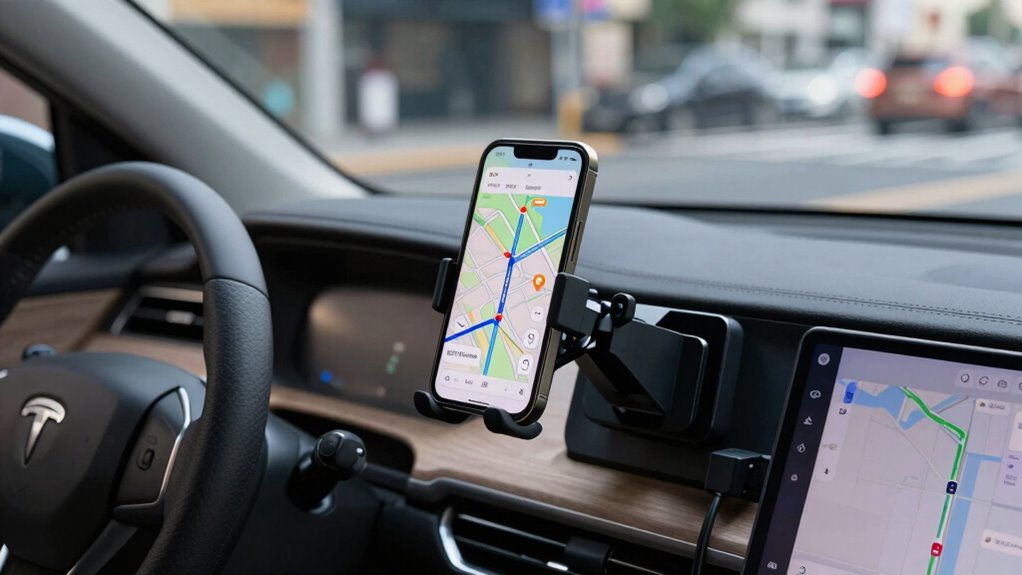
Setting up your navigation system properly is vital for efficient and stress-free deliveries. When you prioritize good navigation setup, you can save time, reduce fuel costs, and avoid unnecessary frustration. A key factor in achieving this is route optimization. Your navigation system should be able to analyze multiple factors—such as delivery priorities, distance, and traffic conditions—to suggest the best possible route. This means not just following the simplest path but dynamically adjusting as new information becomes available. With effective route optimization, you can minimize backtracking, avoid congested areas, and make the most of your available time.
Prioritize route optimization for efficient, stress-free deliveries by dynamically adjusting based on traffic, priorities, and distance.
Real-time traffic updates are indispensable for a good navigation setup. Traffic conditions can change quickly, and your system should be capable of providing live updates to reroute you around jams, accidents, or road closures. When your navigation app pulls in real-time traffic data, it helps you stay ahead of delays and keeps your delivery schedule intact. This feature is especially important for fleet and gig drivers, who often operate under tight deadlines. By receiving up-to-the-minute information, you can make smarter decisions about when to take alternative routes, saving both time and stress. Incorporating accurate traffic data ensures your routes are continually optimized for the most current conditions, thereby increasing your overall efficiency and reliability.

GPS Navigator for Car Truck RV, 9-Inch HD Touchscreen GPS for Car with 2026 Maps Free Lifetime Updates, Voice Turn-by-Turn Guidance, Speed & Red Light Camera Alerts, Custom Truck Routing
- Large 9-inch HD Touchscreen: Clearer visuals and wider view
- Lifetime Map Updates: Pre-loaded with 2026 maps, free updates
- Voice Guidance & Alerts: Turn-by-turn prompts and safety warnings
As an affiliate, we earn on qualifying purchases.
As an affiliate, we earn on qualifying purchases.
Frequently Asked Questions
How Often Should Navigation Apps Be Updated?
You should update your navigation apps regularly, ideally as often as updates are available. Frequent updates improve route optimization, helping you find the fastest routes and avoid delays. They also enhance driver communication features, ensuring you receive accurate traffic info and alerts. Keeping your apps current minimizes errors, boosts efficiency, and helps you stay connected with your team, making your delivery process smoother and more reliable.
What Are the Best Battery-Saving Navigation Tips?
To save battery while steering, enable battery optimization on your device and choose apps with good battery efficiency. Reduce screen brightness and turn off unnecessary features like Bluetooth or Wi-Fi if not needed. Use apps compatible with your device for smoother performance, which minimizes power drain. Updating your navigation app regularly also guarantees it runs efficiently, helping you conserve battery during long routes.
How to Handle Navigation Errors or Incorrect Routes?
Did you know that a misnavigation can add up to 15 minutes or more to your delivery? When you face navigation errors, quickly initiate route recalibration to correct your course. Always stay alert and double-check your directions to prevent errors before they happen. If you encounter an incorrect route, use your GPS’s error prevention features to avoid further delays, ensuring timely deliveries and happier customers.
Can Navigation Setups Improve Safety During Deliveries?
Yes, a good navigation setup can improve safety during deliveries by helping you avoid traffic congestion and find ideal routes. With real-time traffic updates and route optimization, you’re less likely to get stuck in risky situations or rush through hazardous areas. By choosing safer paths and staying aware of traffic conditions, you reduce stress and the chance of accidents, ensuring a safer experience for both you and others on the road.
How Do I Troubleshoot GPS Signal Issues?
To troubleshoot GPS signal issues, first check for GPS signal interference from tall buildings, dense forests, or electronic devices. Move your device to an open area to improve reception. If problems persist, use alternative navigation tools like offline maps or dedicated GPS devices. Updating your app or device firmware can also help resolve bugs. Regularly calibrate your GPS and make sure your device has a clear view of the sky for maximum signal strength.
route optimization device for fleet management
As an affiliate, we earn on qualifying purchases.
As an affiliate, we earn on qualifying purchases.
Conclusion
A well-crafted navigation setup is your trusted compass in the busy world of delivery, fleet, and gig driving. It’s the steady hand guiding you through the twists and turns of each day, helping you reach your destination with confidence. When your tools are reliable, your journey becomes smoother, and your work feels less like a race against time and more like a well-orchestrated dance. Equip yourself wisely, and watch your efficiency and peace of mind grow—your success depends on it.

7'' GPS Navigator for Car Truck RV – 2026 North America Maps Free Lifetime Updates, Touchscreen Navigation System, Speed & Red Light Warning, Turn-by-Turn Voice Guidance, for All Cars
- Lifetime Map Updates: Free updates for 2026 North America maps
- Voice Guidance & Alerts: Turn-by-turn voice prompts and real-time alerts
- Custom Vehicle Routing: Inputs vehicle size for safe, tailored routes
As an affiliate, we earn on qualifying purchases.
As an affiliate, we earn on qualifying purchases.

Starnovo 3.7V 1250mAh Replacement GPS Navigator Battery for Tomtom Go 720 GO 930 Go 530 Live Go 630 Go 630T GO 730 GO 730T Go 930T GO530 4CH5.000.00 SatNav,1697461,AHL03714000,VF8
- Compatibility: Fits various Tomtom GPS models
- Warranty: 180-day warranty included
- Capacity: 1250mAh battery capacity
As an affiliate, we earn on qualifying purchases.
As an affiliate, we earn on qualifying purchases.
Back to school Picks
back to school
As an affiliate, we earn on qualifying purchases.