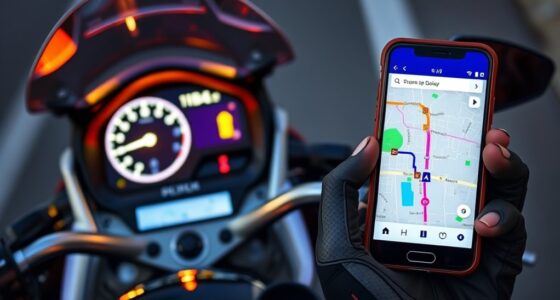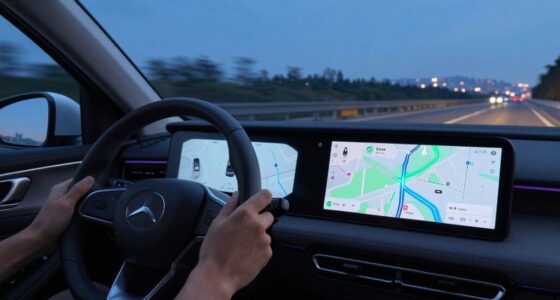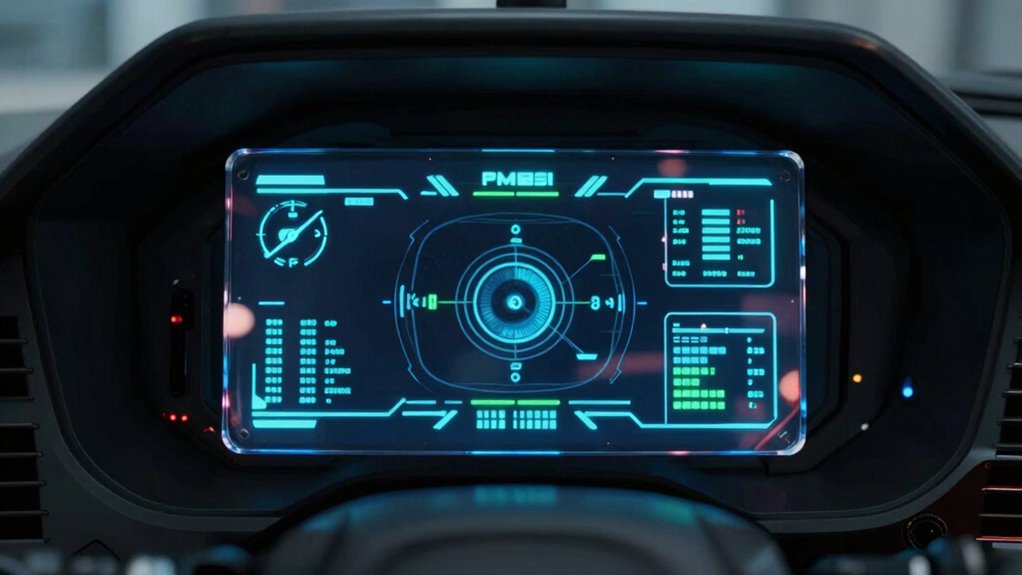

A Heads-Up Display (HUD) feels so different because it projects information directly into your line of sight, blending digital data with the real world. This means you don’t have to move your eyes or head to check details, reducing mental effort and keeping your focus on your surroundings. Unlike looking down at a screen, a HUD helps you stay aware and react faster. Keep going to discover how this technology enhances safety and decision-making.

Get business pricing on garage and car supplies
- Business-only prices and quantity discounts
- Tax-exempt purchasing
- Multiple users, one account, clear invoices
Key Takeaways
- HUD overlays digital information directly into the natural line of sight, eliminating eye and head movement needed for traditional screens.
- It integrates data with the real environment through augmented reality, creating a seamless visual experience.
- HUD reduces cognitive load by minimizing visual shifts and mental effort required to process separate screens.
- It maintains continuous focus on surroundings, preventing distractions caused by shifting attention between environment and screens.
- The integrated display enhances reaction speed and situational awareness, unlike looking down at separate screens.
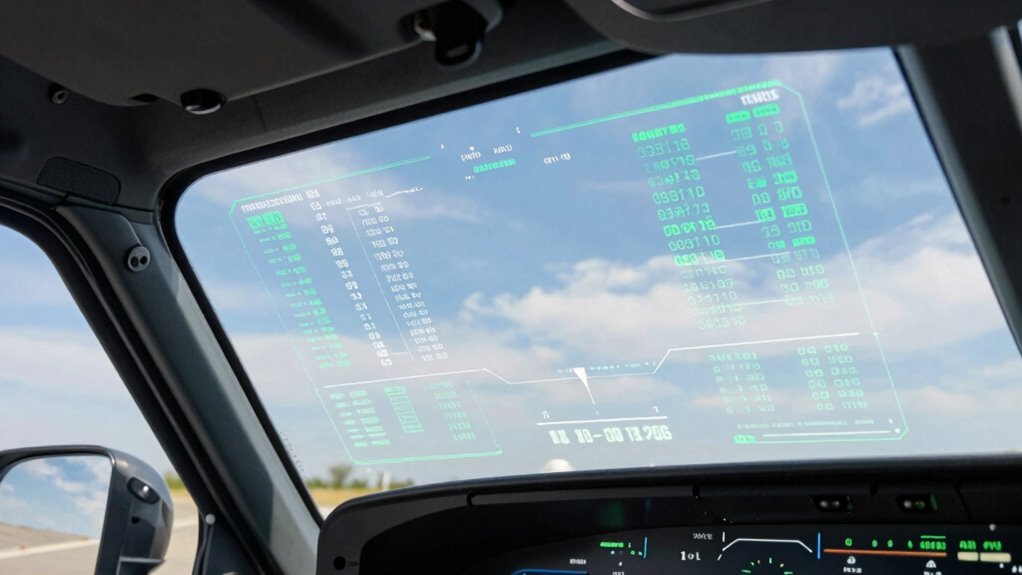
When you’re driving or operating machinery, choosing between a heads-up display (HUD) and looking at a traditional screen can substantially impact your safety and focus. A HUD projects essential information directly into your line of sight, often overlaid onto the windshield, creating a seamless connection between your task and the data you need. This technology leverages augmented reality, blending digital information with the real world, so you don’t have to shift your gaze or divert your attention from your environment. In contrast, looking down at a traditional screen requires you to move your eyes and sometimes your head, which can momentarily disrupt your situational awareness.
A heads-up display keeps your focus on the environment by projecting critical info directly into your line of sight.
The key difference lies in how each method affects your cognitive load. When you glance at a screen, your brain has to process visual information from a different depth and coordinate eye movements, which can increase mental effort. This extra cognitive load can slow down your reaction time or cause you to miss important cues in your surroundings. With a HUD, because the information is aligned with your natural line of sight, your brain can process data more effortlessly. It’s almost like the digital information becomes part of your environment, minimizing the mental effort needed to interpret and act on it. Additionally, the augmented reality capabilities of HUDs contribute to visual integration, making digital data feel like a natural extension of the real world.
This seamless integration in a heads-up display makes your focus more continuous. You don’t need to take your eyes off the road or the machinery controls for extended periods. Instead, you can keep your attention centered on what’s happening around you while still receiving critical updates—speed, navigation, warnings—without distraction. The cognitive load is further reduced when information is presented in a way that aligns with natural viewing patterns. The augmented reality aspect of HUDs enhances this effect, as it overlays relevant data directly onto the real-world scene, giving you contextually rich information in real-time. This integration aligns with energetic alignment, which helps optimize mental clarity and focus during demanding tasks.
Because a HUD reduces the need for eye and head movements, it also helps prevent cognitive overload—an overload that often happens when multitasking or trying to process multiple streams of information at once. This streamlined flow of data supports better decision-making and quicker responses. Moreover, by reducing the physical and mental effort required for visual switching, HUDs can contribute to increased situational awareness, especially in complex environments. In environments where split-second judgments matter, the way a HUD presents information can make a significant difference in safety and efficiency.
In essence, a heads-up display feels so different from looking down at a screen because it integrates digital data into your natural view, reducing cognitive load and keeping your focus anchored on your environment. This natural, augmented reality interface enhances your awareness and helps you react faster, making your overall experience safer and more intuitive.
Products Worth Considering

Chemical Guys 17-Piece Car Detailing Kit

Chemical Guys 14-Piece Arsenal Builder Car Wash Kit with Foam Blaster

Chemical Guys HOL123 Car Cleaning Kit – 14-Item Interior & Exterior Detailing Set
As an affiliate, we earn on qualifying purchases.
Frequently Asked Questions
How Does Eye Movement Differ Between HUDS and Traditional Screens?
When using a HUD, your eye tracking involves minimal movement, as the display stays within your natural line of sight, reducing strain. With traditional screens, you tend to move your eyes more, shifting focus between the screen and your environment. This impacts visual ergonomics, as HUDs promote better eye comfort and quicker information access. Overall, eye movement is more efficient with HUDs, enhancing safety and reducing fatigue.
Can HUDS Cause Visual Fatigue Over Extended Use?
Yes, HUDs can cause visual fatigue over extended use. You might experience eye strain because your eyes constantly adjust between the HUD and your surroundings, disrupting visual comfort. Unlike traditional screens, HUDs demand continuous focus, which can tire your eyes faster. To reduce fatigue, take regular breaks, guarantee proper brightness, and adjust the display for maximum clarity. These steps help maintain comfort during prolonged use.
Are HUDS Customizable for Individual Preferences?
Yes, HUDs are customizable for your individual preferences. Many models offer personalization options such as adjusting display position, brightness, and data types shown. These features, combined with ergonomic design, help you tailor the experience to reduce eye strain and enhance comfort. By customizing your HUD, you guarantee it fits your needs, making it easier to focus on essential information without feeling overwhelmed or fatigued during extended use.
How Do Lighting Conditions Affect HUD Visibility?
Lighting conditions greatly impact HUD visibility. When ambient illumination is bright, the display may become harder to see, so glare management features help reduce reflections and enhance clarity. Conversely, in low-light environments, the HUD’s brightness adjusts automatically to prevent it from being too dim. Properly managing ambient illumination and glare ensures you can always read the display comfortably, regardless of external lighting, improving safety and ease of use.
What Are the Safety Implications of Using HUDS While Driving?
Using HUDs while driving enhances safety by providing real-time information through augmented reality, so you keep your eyes on the road. However, if not designed properly, they can cause driver distraction, increasing the risk of accidents. It’s essential to stay focused and not rely solely on the display. Properly integrated HUDs help you stay aware of your surroundings without diverting attention, promoting safer driving overall.
Conclusion
Remember, seeing is believing, but how you see can change everything. A heads-up display feels different because it’s integrated into your environment, allowing you to stay engaged without distraction. It’s like the old adage says—sometimes, you need to look beyond the surface to truly understand. Embrace this shift in perception, and you’ll find that technology can enhance your experience without pulling you away from the moment. Stay aware, stay connected.