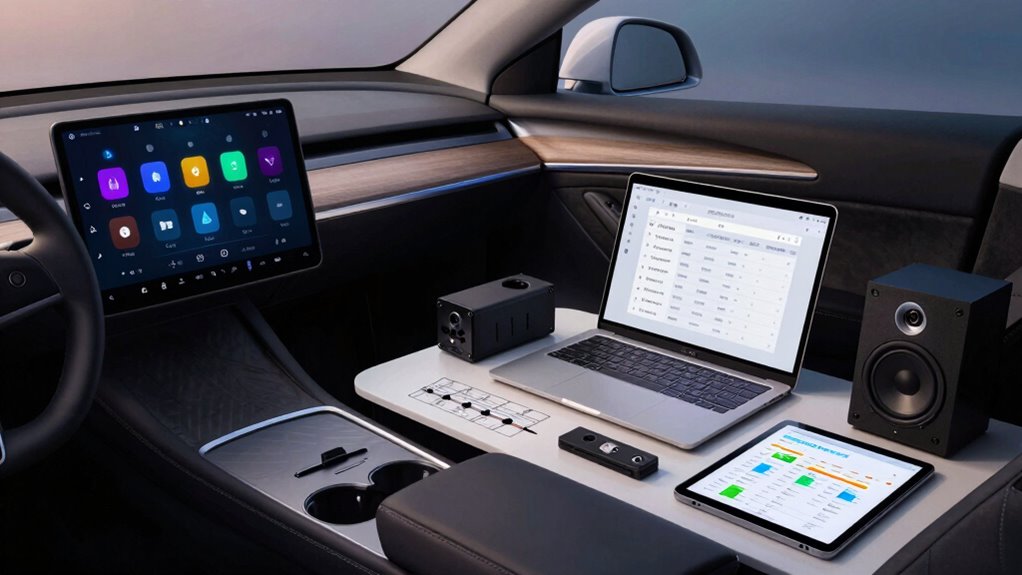

To plan a full infotainment upgrade, start by listing your top priorities, like voice control, display quality, and compatibility with your vehicle’s systems. Assess your driving habits and choose features that enhance safety and convenience without overspending. Check your vehicle’s space and existing hardware to verify compatibility. Research reviews and demos to guide your choices, and plan installation carefully. Staying mindful of your needs now helps prevent costly mistakes later—more details will help you make the best decision.
Key Takeaways
- Assess your vehicle’s current system compatibility and identify specific features needed for safety, convenience, and entertainment.
- Prioritize voice control and high-resolution displays that suit your driving habits and dashboard space.
- Research system options through reviews and demos to evaluate ease of use and integration with existing hardware.
- Ensure compatibility with connectivity options like Bluetooth, Wi-Fi, and USB for seamless media streaming and app access.
- Plan your budget carefully, considering installation costs and future-proof features to avoid costly upgrades later.
Upgrading your car’s infotainment system can substantially enhance your driving experience, but jumping into a purchase without proper planning can lead to dissatisfaction or costly mistakes. To avoid this, you need a clear plan that considers your specific needs and how you use your vehicle. Start by evaluating what features matter most to you. Do you want seamless voice control to make calls, navigate, or control music hands-free? Voice control can markedly improve safety and convenience, but not all systems handle commands equally well. Look for systems with robust voice recognition that understand natural language and respond accurately.
Choose a system with reliable voice recognition for safer, hands-free calling, navigation, and music control.
Next, consider the screen resolution. A higher-resolution display offers clearer visuals, making maps, media, and menus easier to read at a glance. If you frequently use your system for navigation, investing in a high-resolution screen can reduce eye strain and improve overall usability. Also, think about screen size—bigger displays are more immersive but may require more installation space and can be distracting if too large for your dashboard. Balance size with clarity to ensure you get a display that fits your vehicle and driving style.
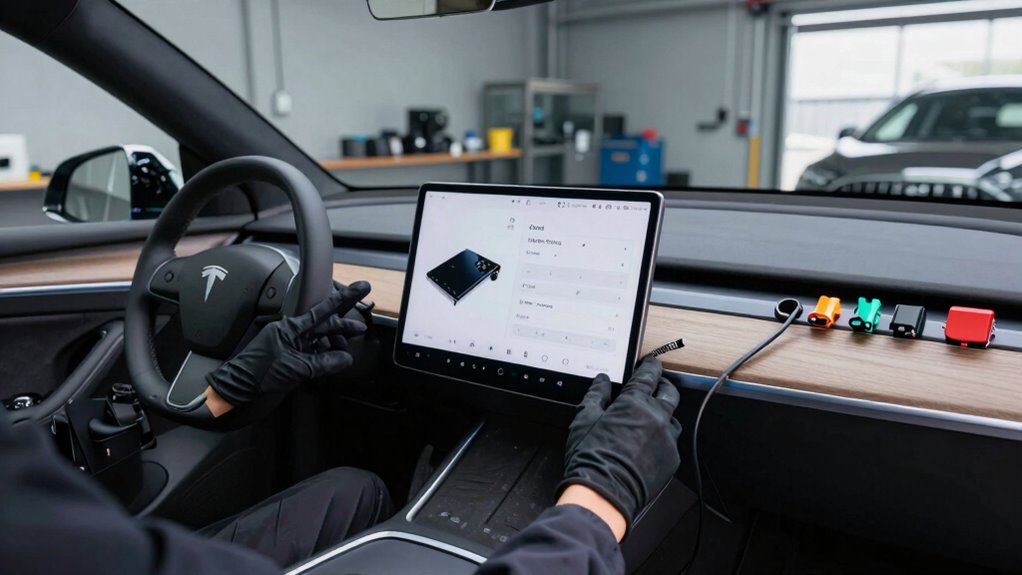
Don’t forget to check compatibility with your existing hardware. Some systems require specific connectors or adapters, so verify what’s needed before purchasing. Additionally, consider the system’s user interface—an intuitive, straightforward menu will save you frustration. Look for reviews or demos to see how easily you can navigate the features.
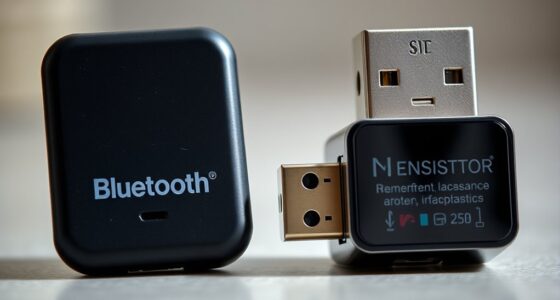
Power and connectivity are also vital aspects. Ensure the system supports multiple device connections via Bluetooth, Wi-Fi, or USB. This flexibility allows you to stream music, access apps, or mirror your smartphone’s screen effortlessly. If your car has a premium sound system, confirm that the new infotainment unit can integrate well to preserve audio quality. Understanding emerging trends in digital content can also help you choose a system that is future-proof and compatible with upcoming technology updates.

Carplay Wireless Portable Touchscreen Car Stereo Bluetooth Voice Control 7" for Apple Car Play & Android Auto Car Audio HD Screen with 1080p Backup Camera GPS Navigation/Mirror Link Fits All Cars
【Carplay and Android Auto with Voice Control】: APOKAMORI Portable Apple Car Screen blends seamlessly with your driving experience,…
As an affiliate, we earn on qualifying purchases.
As an affiliate, we earn on qualifying purchases.
Frequently Asked Questions
What Is the Typical Cost of a Full Infotainment System Upgrade?
A full infotainment system upgrade typically costs between $1,000 and $3,000, depending on the features you choose. You’ll improve audio quality with high-end speakers and amplifiers, and the user interface becomes more intuitive with a larger touchscreen and advanced controls. Keep in mind, installation costs vary, so factor those in. Investing in quality components guarantees better sound and easier navigation, making your driving experience much more enjoyable.
How Long Does an Infotainment Upgrade Usually Take?
An infotainment upgrade can take anywhere from a few hours to several days—sometimes feeling like an eternity! The exact upgrade timeline depends on your vehicle compatibility and the complexity of the system you’re installing. If your vehicle is straightforward, expect a quick install of about 2-4 hours. For more complex setups, plan for a full day or more. Always factor in extra time for troubleshooting or unforeseen issues.
Are There Any Compatibility Issues to Consider With Existing Vehicle Components?
Yes, you should consider compatibility issues with existing vehicle components. Check if the new system integrates smoothly with your dashboard controls to guarantee seamless dashboard integration. Also, verify the audio system compatibility to prevent sound issues or connection problems. Sometimes, older vehicles may require adapters or additional parts. Doing this research beforehand helps you avoid costly surprises and guarantees your upgrade functions perfectly with your current setup.
Can I Upgrade My Infotainment System Myself or Should I Hire a Professional?
You can absolutely try a DIY installation, especially if you’re tech-savvy or enjoy hands-on projects. Sometimes, a coincidence like discovering a detailed online tutorial makes the process smoother. However, if your vehicle’s system is complex or you’re unsure about compatibility issues, professional assistance guarantees a proper, safe upgrade. Weigh your skills and comfort level, but don’t hesitate to seek expert help for a seamless, worry-free experience.
What Warranty or Support Options Are Available After an Upgrade?
After your upgrade, you should explore extended warranty options to protect your new system. Many manufacturers or retailers offer support plans that cover repairs or replacements if issues arise. You’ll also want to check the customer support services available, like technical assistance or troubleshooting help. These options guarantee you’re covered long-term, giving you peace of mind knowing that if anything goes wrong, help is just a call away.

9" Carplay Screen for Car, Portable Wireless Car Play Screen for Apple CarPlay & Android Auto, OTA Updates, Backup Camera, Mirror Link, Voice Control, GPS Navigation, Bluetooth 5.0, FM/AUX
【Exclusive OTA Updates】If your Android phone or iPhone is updated (or will be updated) to Android 16 or…
As an affiliate, we earn on qualifying purchases.
As an affiliate, we earn on qualifying purchases.
Conclusion
Before diving into an infotainment upgrade, take a moment to gently consider your options. By thoughtfully planning your choices, you guarantee a smoother journey and avoid unnecessary bumps along the way. A well-thought-out upgrade is like a cozy blanket—it wraps you in comfort and convenience, making every drive more enjoyable. So, approach your upgrade with care and patience, and you’ll find the perfect fit that enhances your driving experience without any unwelcome surprises.
Bluetooth car stereo upgrade
As an affiliate, we earn on qualifying purchases.
As an affiliate, we earn on qualifying purchases.

Hyphoon USB-C Wireless CarPlay & Android Auto Adapter, 2-in-1 Plug-in Adapter for Factory Wired CarPlay/Android Auto Cars, Converts Wired to Wireless, Auto Reconnect, 5GHz WiFi, USB Adapter Included
Hidden Low-Profile Mini Design – Designed for drivers who want a cleaner, clutter-free console, this ultra-mini wireless CarPlay…
As an affiliate, we earn on qualifying purchases.
As an affiliate, we earn on qualifying purchases.