
To DJ your drive like a pro, use streaming apps with curated playlists or create your own, balancing genres and energy levels for a seamless flow. Download your music beforehand for uninterrupted listening, and leverage playlist tools to organize moods and progressions. Mix in themed sections and switch tracks to match scenery or energy shifts. Mastering these tech tricks turns your road trip into an expertly curated experience—continue to explore how to elevate every mile just ahead.
Key Takeaways
- Use playlist editing tools like Spotify’s crossfade and gapless playback for seamless song transitions.
- Create customized playlists with themed sections to match different trip segments and moods.
- Download playlists in advance to ensure uninterrupted listening in areas with poor connectivity.
- Employ smart playlists or automation apps to shuffle or alternate songs for a dynamic listening experience.
- Utilize voice assistants or DJ apps to control music hands-free and mix tracks like a professional DJ.
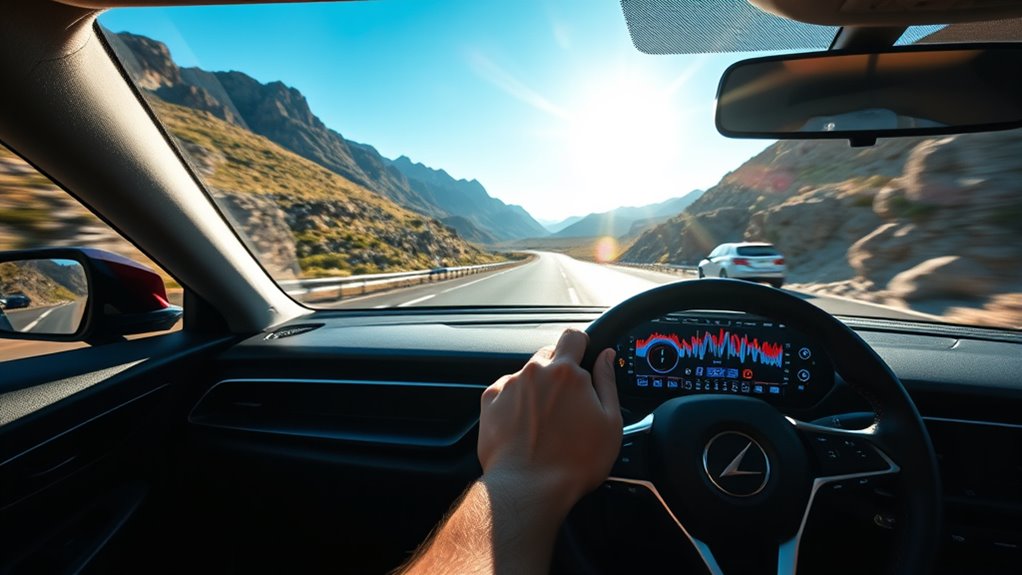
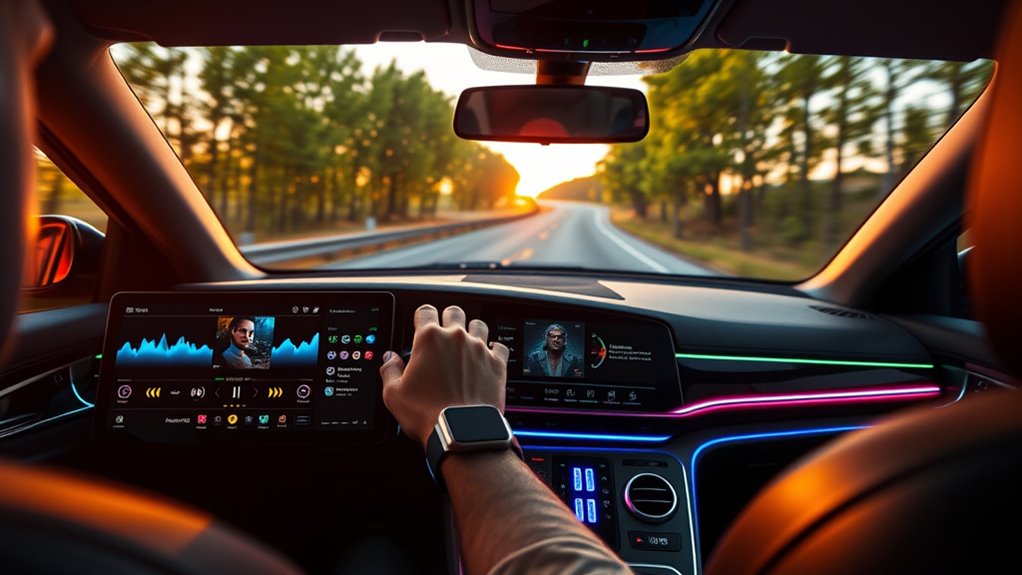
Looking for the perfect soundtrack to elevate your next road trip? The right music can turn a long drive into an unforgettable adventure. To do that, you need to focus on your music selection and playlist curation. Start by thinking about the vibe you want—whether it’s energetic beats to keep you alert or mellow tunes for scenic stretches. Your goal is to craft a playlist that flows seamlessly, keeping everyone engaged and the mood just right. Instead of randomly adding songs, consider the overall energy and how each track *segue* into the next. A well-curated playlist prevents awkward pauses and keeps your drive smooth. Think of your playlist as a story unfolding through music, guiding you through different moods and moments along your route.
Create a seamless playlist that flows naturally to keep your road trip smooth and engaging.
When curating your playlist, include a mix of genres and tempos. Incorporate favorites that everyone knows, alongside some new discoveries to keep things fresh. A good rule of thumb is to balance upbeat tracks with slower, more relaxed songs. This way, you can energize the car when needed and unwind during scenic stops. Use playlists as a way to set themes—maybe a ’80s throwback, indie chill, or country road trip vibes. Creating sections within your playlist for different segments of your trip can help you stay organized and adapt to changes in mood or scenery. For example, you might begin with lively tunes for the start, switch to mellow melodies for the afternoon, and finish with energetic songs for the final stretch.
Technology makes playlist curation easier than ever. Use streaming services like Spotify, Apple Music, or YouTube Music, which offer pre-made playlists or allow you to create your own from scratch. Explore curated playlists tailored for road trips—they’re a quick way to get inspired. Save your favorite tracks beforehand, so you don’t have to rely solely on internet connectivity during your drive. Devices like smartphones and tablets make it simple to switch between playlists or shuffle songs, ensuring your soundtrack stays dynamic. Some apps even let you plan your playlist in sections, customizing the flow to match your trip’s progress. Remember to download your playlists in advance, especially if you’ll be traveling through areas with spotty service.
Additionally, selecting high-quality audio settings enhances the overall listening experience, making your playlist sound crisp and clear. Ultimately, your playlist curation is about personal taste and making your drive enjoyable. With thoughtful music selection, you turn a simple road trip into a memorable journey—one filled with the perfect soundtrack that keeps everyone in good spirits from start to finish.

Pioneer MVH-S110BT 1-Din Digital Media Receiver Car Stereo – Bluetooth, USB Input, 50W x 4 Output, AM/FM Radio, iPhone & Android Compatible, Front & SW (Mono) RCA Output
Seamless Bluetooth Connectivity: Car stereo with Bluetooth technology allows you to enjoy hands-free calling and high-quality wireless music…
As an affiliate, we earn on qualifying purchases.
As an affiliate, we earn on qualifying purchases.
Frequently Asked Questions
How Can I Prevent My Playlist From Buffering During the Drive?
To prevent buffering during your drive, guarantee offline listening is enabled so your music plays smoothly without internet reliance. Manage your playlist by downloading your favorite tracks beforehand and organizing them for quick access. Keep your device’s storage clear of unnecessary files to avoid performance issues. Additionally, use a reliable app with offline capabilities and connect to a stable power source to maintain ideal performance throughout your trip.
What Are the Best Headphones for Long Road Trips?
For long road trips, you want headphones with wireless comfort and effective noise cancellation. Look for models with plush ear cushions and lightweight design so you can wear them for hours without discomfort. Noise-canceling features help block out engine noise and chatter, making your listening experience more immersive. Choose a pair with long battery life and seamless Bluetooth connection, so you stay unplugged and relaxed throughout your drive.
How Do I Troubleshoot Bluetooth Connection Issues With My Car?
Imagine cruising down the highway when your Bluetooth connection suddenly drops. First, make certain your device is within range and fully charged. Try re-pairing by turning Bluetooth off and on, then reconnecting. If interference persists, move away from other electronics or Wi-Fi signals that might disrupt the pairing. Reset your car’s Bluetooth system if needed. These interference solutions can often resolve connection issues, so your playlist keeps flowing smoothly.
Can I Use Voice Commands to Control My Playlist While Driving?
Yes, you can control your playlist with voice command integration while driving. Most modern cars offer hands-free controls that let you change songs, adjust volume, or play specific playlists using voice commands. Just activate your car’s voice assistant, like Siri or Google Assistant, and say commands clearly. This keeps your focus on the road and makes managing your playlist safer and more convenient during your trip.
What Safety Measures Should I Take When Using Tech for Music on the Road?
Like a skilled conductor avoiding a dissonant chord, you should keep tech use minimal to prevent driver distraction. Set your playlist before driving, use voice commands, and keep your eyes on the road. Always prioritize emergency preparedness by staying alert and ready to react. Never manipulate controls while moving, and consider using hands-free options. These measures help guarantee safety, letting you enjoy your music without risking your journey or others’ safety.
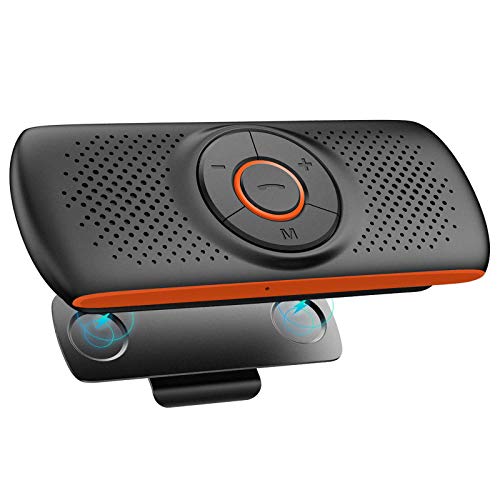
NETVIP Bluetooth Handsfree Speakerphone for Cell Phone, Wireless Car Kit Music Player Adapter with Back-Clip Portable Bluetooth Speaker for Home/Sport/Outdoor, Work with Siri/Google Assistant/TF Card
Bluetooth Speaker for Car: Designed for Safe Driving. Mounts on the car sun visor with the Magnetic back…
As an affiliate, we earn on qualifying purchases.
As an affiliate, we earn on qualifying purchases.
Conclusion
Now that you’ve got your playlists, your tech tricks, and your DJ skills, you’re ready to transform every road trip into an unforgettable adventure. Play your favorites, switch seamlessly, and stay connected — because the right tunes, the right tools, and the right mindset make all the difference. Keep the music flowing, keep the energy high, and keep the journey exciting. After all, the best memories are made when you’re in control, in rhythm, and on the move.

AI Box CarPlay, 3-in-1 Wireless CarPlay Adapter & Android Auto for OEM Wired Cars, Built-in Netflix/YouTube for Streaming, 5.8GHz WiFi, Convert Wired to Wireless, Plug & Play (4GB RAM+32GB ROM)
Wireless Freedom, Cable-Free Driving:Transform your factory wired CarPlay or Android Auto into a seamless ai box carplay experience….
As an affiliate, we earn on qualifying purchases.
As an affiliate, we earn on qualifying purchases.
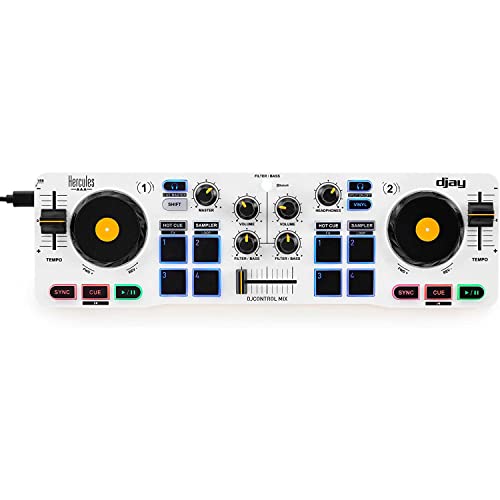
Hercules DJControl Mix – Bluetooth Wireless DJ Controller for Smartphones (iOS and Android) – dJay app – 2 Decks, White
WIRELESS BLUETOOTH, FREEDOM EVERYWHERE – Cut the cords and mix music from anywhere with seamless Bluetooth connectivity that…
As an affiliate, we earn on qualifying purchases.
As an affiliate, we earn on qualifying purchases.