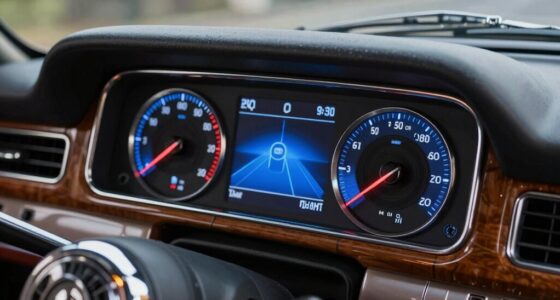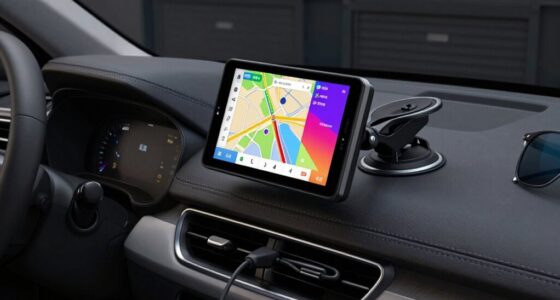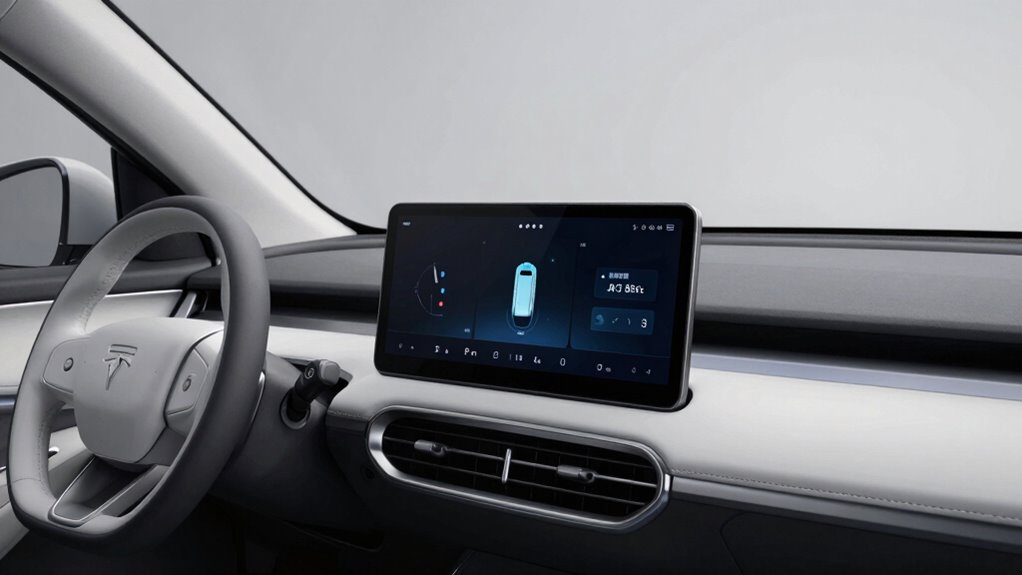

To avoid cluttering your dash, focus on using augmented reality (AR) overlays that project navigation and alert information directly onto your windshield, keeping your view clear. Customize your displays to show only essential information, and rely on voice commands to control functions like navigation, climate, or messages. Keep the dashboard minimal and prioritize critical alerts. If you want tips on mastering these tools for safe driving, there’s more to discover below.

Get business pricing on garage and car supplies
- Business-only prices and quantity discounts
- Tax-exempt purchasing
- Multiple users, one account, clear invoices
Key Takeaways
- Customize display settings to show only critical, relevant information, reducing visual clutter.
- Utilize augmented reality overlays for navigation, minimizing the need for multiple screens.
- Use voice commands to control systems, decreasing reliance on manual inputs and screen interactions.
- Focus on AR and voice controls to keep dashboard displays minimal and distraction-free.
- Prioritize alerts and warnings to prevent information overload and maintain driver focus.
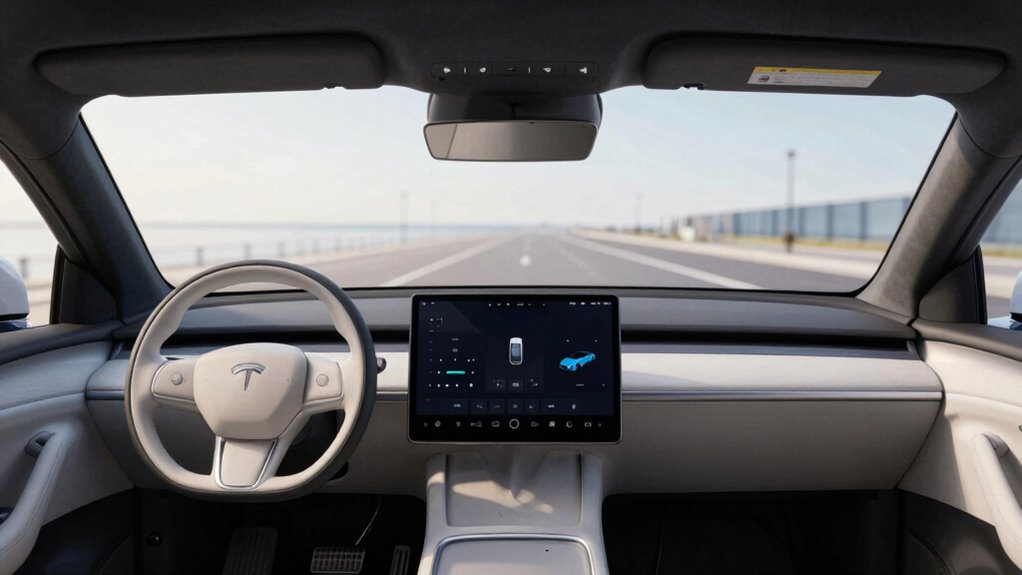
Modern vehicles come equipped with driver-aid displays that provide valuable information without cluttering your dashboard. These screens are designed to enhance safety and convenience by delivering critical data right where you need it, without overwhelming your view of the road. To make the most of these displays without feeling overwhelmed by screens, you’ll want to learn how to use features like augmented reality and voice commands effectively.
Augmented reality (AR) is transforming how you interact with your vehicle’s information systems. Instead of looking down at a traditional screen, AR projects navigation arrows, hazard alerts, and other vital data directly onto your windshield. This way, you can see directions and warnings superimposed onto your actual view of the road, keeping your focus ahead and reducing distractions. To use AR effectively, familiarize yourself with the system’s settings. Most vehicles allow you to customize what information appears and how it’s displayed. Turn on AR features when navigating unfamiliar routes or in heavy traffic, so you get real-time guidance without glancing away from the road. AR minimizes the need to look down at a separate screen, helping you stay engaged and alert. Incorporating augmented reality into your driving routine is a great way to stay informed without cluttering your dashboard. Additionally, understanding how to optimize driver-aid displays can further improve your driving experience by ensuring the information provided is relevant and manageable. Paying attention to display customization options allows you to tailor the information shown, reducing unnecessary clutter and enhancing safety. Exploring system alerts and warnings can also help you prioritize critical information and avoid information overload while driving.
AR projects navigation and alerts onto your windshield, keeping your focus on the road and reducing distractions.
Voice commands are another essential tool to prevent your dashboard from becoming cluttered with screens. Instead of manually adjusting settings or checking information, you can simply speak to your vehicle’s voice assistant. Use commands like “Show navigation,” “Adjust climate control,” or “Read incoming messages,” to access information or control systems hands-free. This not only keeps your attention on driving but also reduces the need to glance at multiple screens. Practice using your voice commands to become comfortable with the system, and always speak clearly to guarantee accuracy. Many vehicles also allow customization of voice commands, so you can set up shortcuts for frequently used functions, making interactions even quicker.
To avoid filling your dashboard with screens, focus on integrating these features seamlessly into your driving routine. Keep the displays minimal by setting preferences that highlight only critical information, and rely on augmented reality overlays for navigation whenever possible. Use voice commands to control entertainment, navigation, and communication systems, so your hands stay on the wheel and your eyes stay on the road. Remember, the goal isn’t to eliminate all screens but to use them judiciously, allowing you to stay focused, safe, and informed. By mastering these tools, you’ll enjoy a more streamlined, distraction-free driving experience while still benefiting from advanced driver-aid technology.
Products Worth Considering

DEWALT 20V MAX Drill/Driver and Impact Driver Combo Kit (DCK240C2)

Milwaukee 2697-22 M18 18-Volt Lithium-Ion Cordless Hammer Drill/Impact Driver XC Combo Kit (2-Tool)

DEWALT 20V MAX XR Impact Driver, 1/4 Inch High Torque Brushless 3-Speed Cordless with LED Light, Extended Runtime (DCF845B)
As an affiliate, we earn on qualifying purchases.
Frequently Asked Questions
Can Driver-Aid Displays Be Customized for Individual Preferences?
Yes, driver-aid displays often offer personalization options and interface customization, allowing you to tailor the information shown to your preferences. You can typically adjust layouts, choose which data to display, and set alerts or themes. Exploring the settings menu helps you optimize your display, ensuring you get relevant information without clutter. This customization enhances your driving experience by making essential data easily accessible and suited to your individual needs.
Are There Safety Risks in Using Multiple Displays Simultaneously?
Using multiple displays can pose safety risks by increasing distraction and visual clutter, making it seem like you’re running a cockpit rather than a car. While distraction mitigation strategies help, juggling numerous screens can still divert your attention from the road. Think of it as a digital circus—more screens don’t always mean better awareness, and in this case, safety’s the real showstopper. Keep it simple, stay safe.
How Do Updates Affect Existing Driver-Aid Display Configurations?
Updates can change your driver-aid display configurations by affecting software compatibility and update frequency. When you install updates, they may introduce new features or modify existing ones, which can alter how displays are set up. To avoid issues, check update notes for compatibility details and plan updates regularly. This way, you keep your displays functioning smoothly without unexpected changes, ensuring safety and ease of use.
Can Driver-Aid Displays Be Integrated With Older Vehicle Models?
They say, “Old dogs can learn new tricks,” and that’s true for integrating driver-aid displays into older vehicles. You can do it, but vehicle compatibility and integration challenges might arise. You’ll need to choose compatible systems and possibly use adapters or modules. Be prepared for some technical work, and consider professional help to guarantee seamless integration without compromising your vehicle’s existing features.
What Are the Best Practices for Minimizing Distractions From Displays?
To minimize distractions from displays, you should keep visual clutter to a minimum by choosing simple, clear interfaces. Focus on displaying only essential information to reduce cognitive load, so you stay alert without feeling overwhelmed. Adjust display brightness and contrast for ideal visibility without glare, and position screens within your line of sight. Regularly review and customize settings to guarantee the information remains relevant and non-intrusive during your drive.
Conclusion
By keeping your driver-aid displays streamlined, you’re like a skilled conductor guiding an orchestra—balancing information without overwhelming the senses. Use only what you need, and let your intuition fill in the gaps. This way, your dash remains a clear, calm canvas, not a chaotic mosaic. With mindful management, you’ll navigate with confidence, turning technology into a silent partner rather than a distraction. Less clutter, more clarity—your safest ride yet.