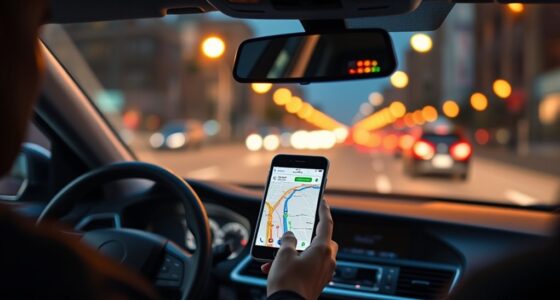
When road tripping abroad, use your smartphone with offline maps and navigation apps tailored to local driving rules to avoid data issues. Familiarize yourself with local customs and signage to prevent misunderstandings, and save emergency contacts, including local services and your embassy. Carry a portable charger to keep devices powered and have a backup physical map ready. Staying prepared with these tech tips helps you navigate confidently—and if you keep exploring, you’ll discover even more ways to stay safe and enjoy your journey.
Key Takeaways
- Download offline maps and navigation apps to ensure reliable directions without internet access.
- Familiarize yourself with local road signs and driving customs to prevent violations and misunderstandings.
- Save emergency contacts and know the local emergency numbers for quick access during crises.
- Use translation apps and physical maps as backups to interpret signs and communicate effectively.
- Keep devices charged with portable power banks and carry printed maps for technology failures.
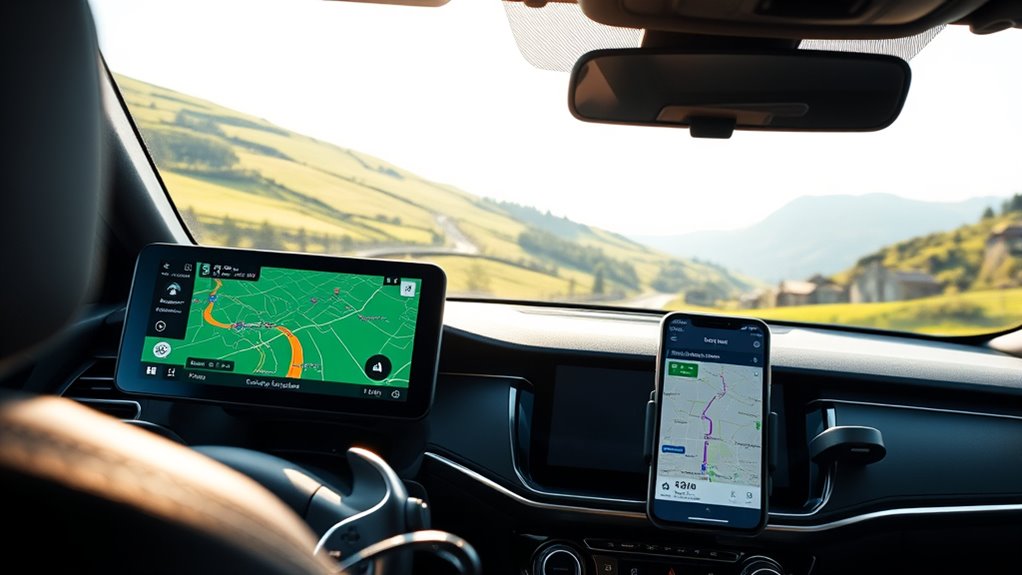
Setting out on a road trip abroad can be exciting, but it also comes with unique navigation challenges. One of the first hurdles you’ll face is understanding local customs, especially when it comes to guiding yourself through the roads. Different countries have varying driving rules, signage, and road etiquette. For example, some places might have specific signals or gestures that are considered polite or offensive, so it’s smart to do a bit of research beforehand. This knowledge helps you avoid misunderstandings and guarantees smoother interactions with locals. Additionally, paying attention to local customs can prevent you from inadvertently breaking laws, such as parking restrictions or speed limits that might not be obvious to outsiders.
Understanding local driving customs and signage helps ensure a safe and smooth road trip abroad.
Having reliable technology is essential to overcoming these challenges. Make sure your smartphone is equipped with local maps and navigation apps, and download offline maps before you set off. This way, you won’t be left stranded without data or Wi-Fi. When using these apps, keep in mind that some countries drive on the opposite side of the road, so adjust your settings accordingly. It’s also wise to carry a portable charger or power bank, making sure your devices stay charged during long drives. This way, you can always access your navigation tools and emergency contacts when needed.
Speaking of emergency contacts, it’s important to have quick access to local emergency services, your embassy, and any roadside assistance numbers specific to the country you’re visiting. Save these contacts in your phone, and consider having a printed list as a backup. Some countries have different emergency numbers than your home country, so knowing the right ones can save precious time in an emergency. Also, familiarize yourself with the location of the nearest hospital or clinic along your route, just in case.
To further adapt to local conditions, consider using translation apps to understand road signs or communicate with locals if needed. Always keep a physical map or GPS device as a backup—technology can fail, and you don’t want to be stranded without a sense of direction. Remember, integrating local customs and emergency preparedness into your planning not only keeps you safe but also enhances your overall experience. Additionally, understanding the importance of contrast ratio in projectors can help you choose the right equipment for your home cinema setup, ensuring clear and vivid visuals. With the right tech tools and awareness, you’ll be better equipped to steer through unfamiliar roads confidently and enjoy your road trip abroad.
Frequently Asked Questions
How Do I Avoid Roaming Charges While Abroad?
To avoid roaming charges abroad, you should buy a local SIM card, which offers affordable data plans and local calls. Additionally, take advantage of free Wi-Fi hotspots in cafes, hotels, and public spaces to stay connected without extra costs. Make sure your phone is unblocked before traveling, so you can easily swap SIM cards. Using these tips helps you save money while staying connected during your trip.
What Are the Best Offline Navigation Apps?
You should download offline maps from apps like Google Maps or Maps.me before your trip to guarantee GPS accuracy and navigation without Wi-Fi. These apps offer offline map download features, allowing you to access detailed routes anytime. Use GPS accuracy tools within the apps to verify your location in real-time. This way, you avoid roaming charges, stay on track, and navigate confidently in foreign countries.
How Can I Ensure My Device Is Secure Overseas?
To keep your device secure overseas, start by enabling device encryption to protect your data if lost or stolen. Review app permissions carefully, only granting access to what’s necessary. Use strong, unique passwords and enable two-factor authentication where possible. Avoid connecting to unsecured Wi-Fi networks, and consider using a VPN for added security. These steps help safeguard your information while you navigate foreign countries.
What Should I Do if My GPS Stops Working?
When your GPS throws a wrench in your plans, think of it as a detour in your adventure story. First, try device troubleshooting—restart your device or update the app. If it’s still dead in the water, switch to offline maps to keep moving forward. Keep a paper map handy as a backup; sometimes, old-school navigation is the compass that guides you through digital storms.
How Can I Access My Favorite Apps Internationally?
You can access your favorite apps internationally by using local app stores or downloading the APK files if available. Additionally, a reliable VPN service helps you bypass regional restrictions and access your usual apps seamlessly. Make sure to update your app settings before traveling, and consider downloading essential apps beforehand. These steps guarantee you stay connected and productive, no matter where your road trip takes you.
Conclusion
As you plan your next adventure, remember that a simple tech tip could be the key to unexpected discoveries. Just last summer, a forgotten offline map led me to a hidden café I’d never have found otherwise. So, keep your devices ready, download essential apps, and stay curious. Sometimes, it’s those little coincidences—like a missed turn or a surprise detour—that make your road trip truly unforgettable. Embrace the journey, and let technology be your best travel companion.