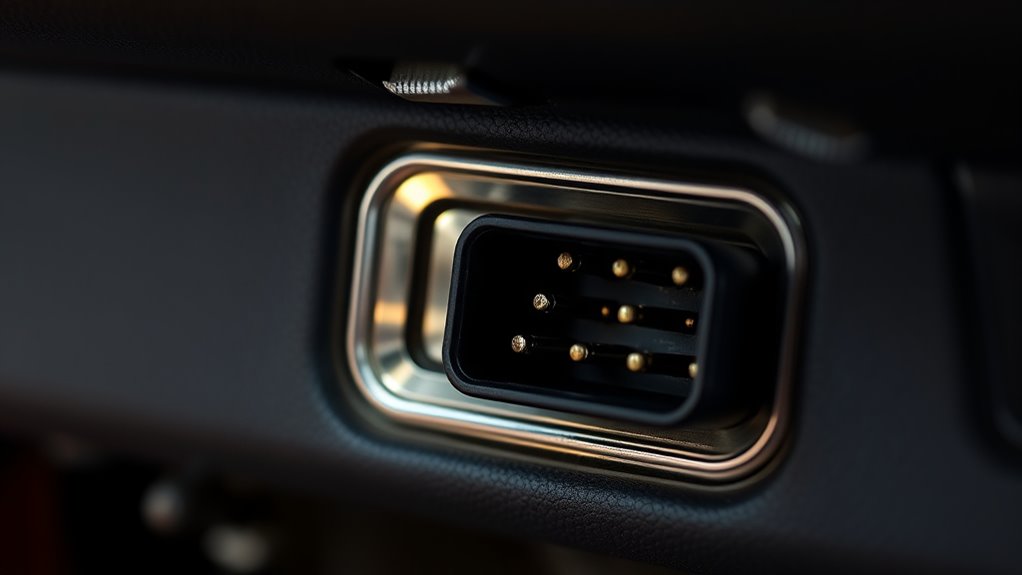

The OBD-II port, usually located under your dashboard, is a powerful tool that lets you access real-time engine data, trouble codes, and emissions info. Using a scanner or adapter, you can diagnose issues early, monitor performance, and even reset your check engine light—all without taking your car to a mechanic. Understanding how this little port works can save you time and money, and if you’re curious, there’s more to discover about revealing your vehicle’s full potential.
Key Takeaways
- The OBD-II port allows access to real-time engine data and diagnostic trouble codes for your vehicle.
- Located under the dashboard near the steering column or footwell, often hidden behind panels.
- Connecting an OBD-II scanner helps identify issues early, preventing costly repairs and ensuring emissions compliance.
- It supports vehicle performance monitoring, modifications, and optimizing fuel efficiency.
- Using the port with compatible apps provides insights into engine health and simplifies maintenance.
Understanding the OBD-II Port and Its Location

The OBD-II port is a standardized connector that allows you to access your vehicle’s diagnostic information. Port accessibility is generally straightforward once you know where to look. Most vehicles position the connector within easy reach, often under the dashboard on the driver’s side. To locate the connector, look beneath the steering column, near the center console, or close to the driver’s footwell. Some vehicles have covers hiding the port, so you may need to remove a panel or cover first. Knowing how to find the connector quickly saves you time when diagnosing issues or using a scanner. Remember, locating the connector is simple once you understand common placement spots, making vehicle diagnostics more accessible and less frustrating. Additionally, understanding the style and function of diagnostic ports can help you interpret the data more effectively. Familiarity with the standardized design of the OBD-II port can further simplify the troubleshooting process. Recognizing the common locations of the port can also expedite your diagnostic efforts, especially if you’re unfamiliar with your vehicle’s specific layout. Being aware of vehicle-specific variations can also assist in locating the port more efficiently. Knowing how the port’s electrical connections work can improve your troubleshooting skills and ensure proper scanner compatibility.
How the OBD-II System Works in Your Vehicle
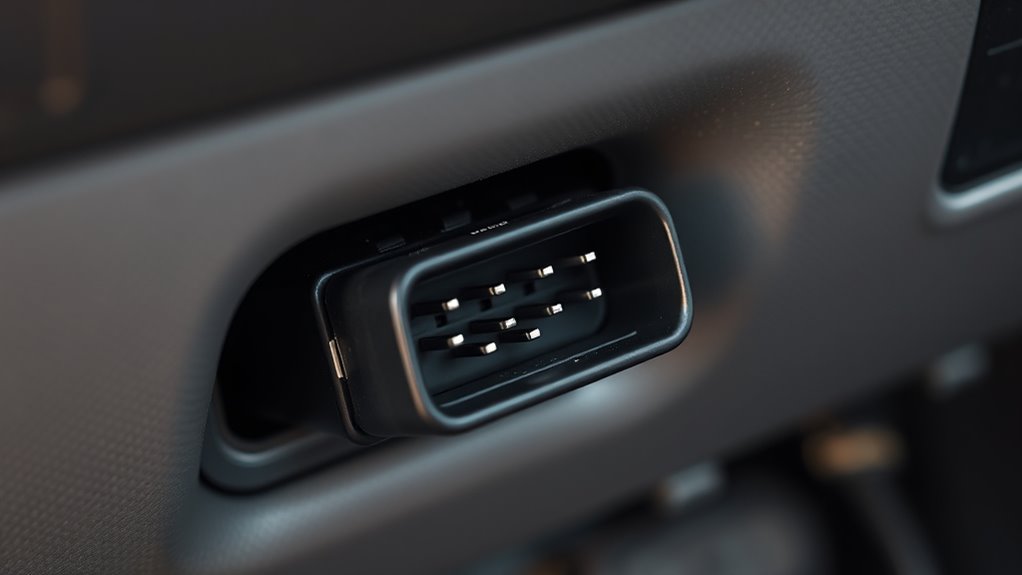
Once you’ve located the OBD-II port, understanding how the system works helps you interpret the data it provides. The system communicates with your vehicle’s sensors, which constantly monitor engine performance, emissions, and other essential functions. Here’s how it operates:
- It retrieves real-time data from sensors, ensuring accurate readings through sensor calibration.
- Data is encrypted to protect sensitive information from unauthorized access.
- The system processes this data via the vehicle’s ECU (Engine Control Unit), which analyzes and diagnoses issues.
- If a fault is detected, the ECU triggers the check engine light and stores a trouble code for further diagnostics.
- Smart design ensures that the system remains user-friendly, enabling vehicle owners to better understand their vehicle’s health and address problems effectively.
- Additionally, the system’s ability to diagnose and monitor various vehicle subsystems helps prevent costly repairs and maintain optimal performance.
- Regularly updating the system’s firmware can improve its accuracy and reliability, ensuring consistent performance over time.
- Understanding these core functions can help you make informed decisions about vehicle maintenance and troubleshooting.
- Familiarity with the diagnostic trouble codes can assist you in quickly identifying specific issues and planning repairs more efficiently.
Common Tools and Devices for OBD-II Diagnostics
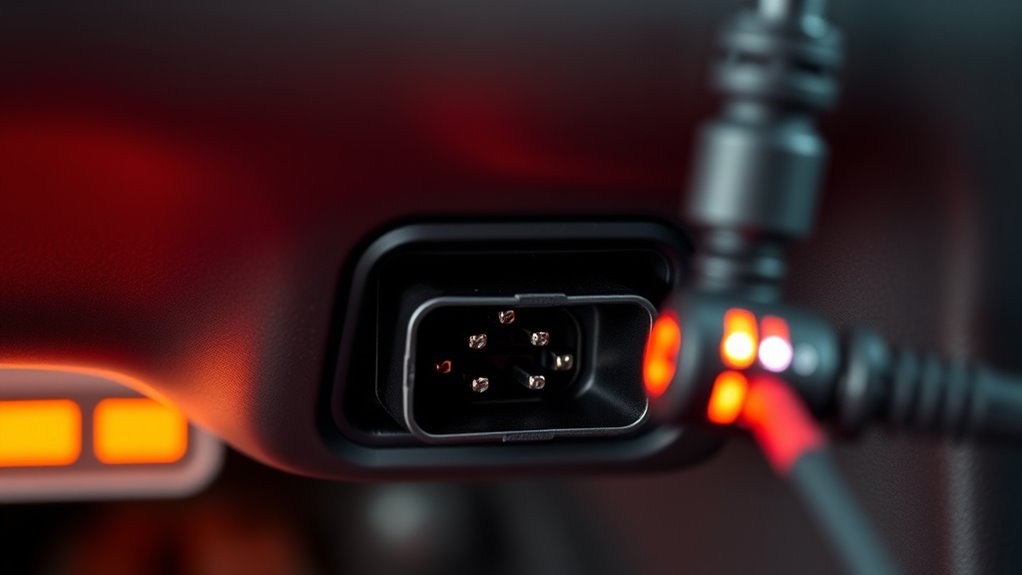
To perform OBD-II diagnostics effectively, you need the right tools and devices. These help identify issues, monitor emissions, and support aftermarket upgrades. A basic scanner reads trouble codes, while advanced tools provide live data and detailed analysis. Consider an OBD-II scanner that connects via Bluetooth or Wi-Fi for convenience. For emission testing, specialized devices ensure your vehicle meets standards. Here’s a quick overview:
| Tool/Device | Function |
|---|---|
| Basic OBD-II Scanner | Reads trouble codes, resets check engine light |
| Bluetooth/Wi-Fi Adapter | Connects to smartphones for real-time data |
| Emission Test Analyzer | Checks emissions compliance |
| Enhanced Diagnostic Tool | Supports aftermarket upgrades and detailed diagnostics |
These tools streamline diagnostics, making maintenance easier and more effective. Understanding OBD-II technology can help you better interpret diagnostic results and optimize vehicle performance, especially when combined with cybersecurity measures to protect your vehicle’s data. Additionally, using diagnostic software can enhance troubleshooting accuracy and efficiency, ensuring your vehicle stays in top condition. As the industry shifts toward more integrated systems, choosing compatible tools that support sustainable vehicle upgrades can also be beneficial.
Practical Benefits of Using the OBD-II Port on Older Cars
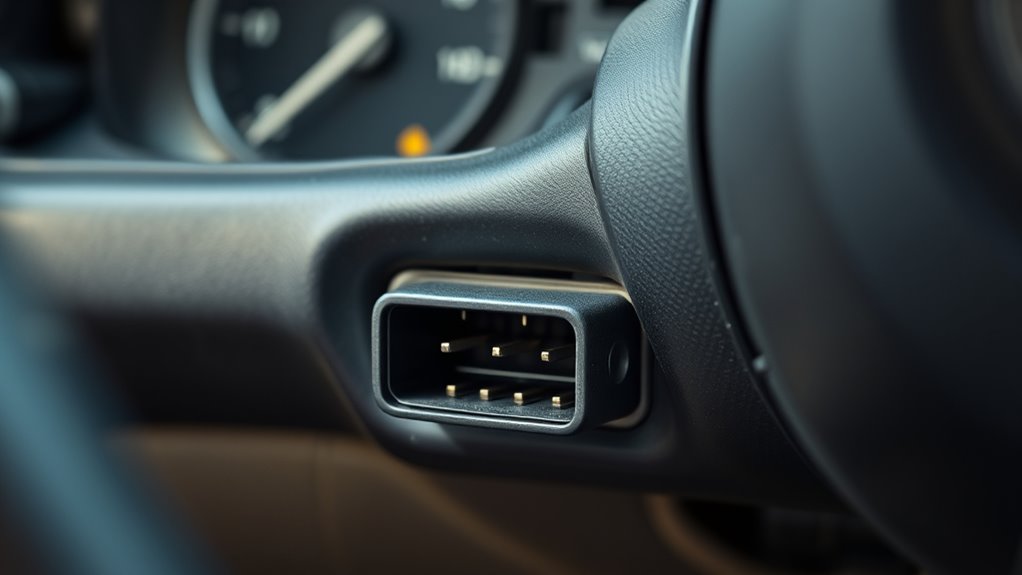
Even older cars can benefit considerably from using the OBD-II port, which provides easy access to critical engine data. This access streamlines emissions testing, helping you quickly identify issues that could cause failed inspections. It also supports vehicle customization, allowing you to monitor modifications and ensure peak performance. Using the port, you can:
- Diagnose engine problems before they worsen
- Save money on unnecessary repairs
- Improve fuel efficiency through data analysis
- Track modifications to optimize power and responsiveness
Regularly checking the emissions compliance status can also prevent costly violations. Additionally, understanding the diagnostic trouble codes can help you interpret the data more effectively. Recognizing how the net worth of individuals involved in related fields impacts the industry can provide insight into the latest advancements and tools available. Moreover, utilizing an appropriate scanner can enhance your ability to accurately read and clear trouble codes, making vehicle maintenance more straightforward. Staying informed about automotive diagnostic technology can further empower you to maintain your vehicle efficiently. Overall, it’s a valuable tool for extending your car’s lifespan and performance.
Tips for Accessing and Using Your Vehicle’s OBD-II Data
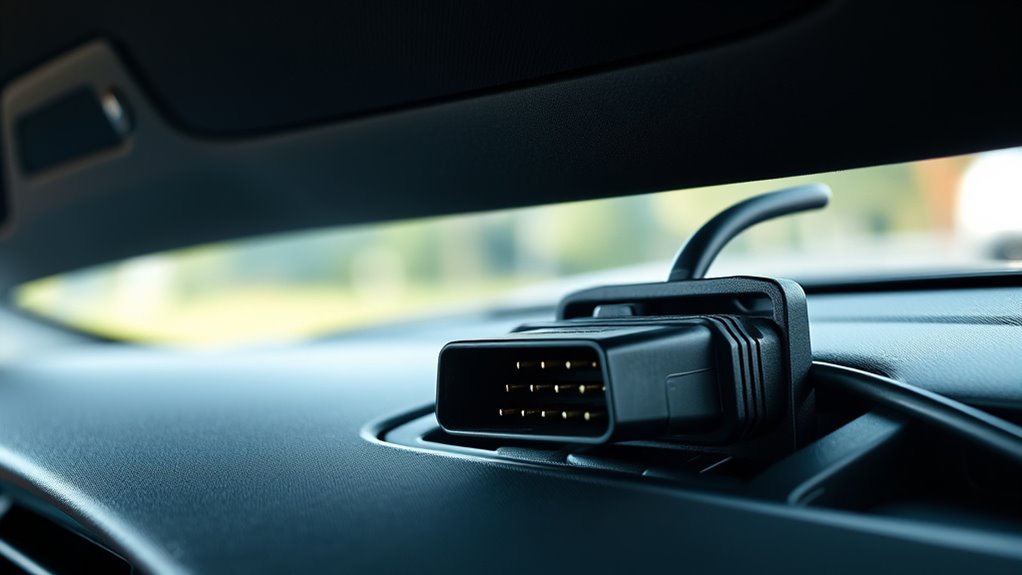
Accessing your vehicle’s OBD-II data is straightforward if you follow a few simple steps. First, locate the OBD-II port, usually under the dashboard. Connect an affordable scanner or Bluetooth adapter, then turn on your ignition without starting the engine. Use compatible apps or software to read the data, which includes engine performance, emission testing info, and trouble codes. This information helps you monitor your car’s health, especially if you’re considering aftermarket upgrades that could affect emissions or performance. Regularly checking your OBD-II data guarantees your vehicle remains compliant with emission testing standards and can identify issues early. By understanding these readings, you can better manage repairs or upgrades, saving money and improving your car’s reliability.
Frequently Asked Questions
Can I Use OBD-II to Improve Fuel Efficiency?
Yes, you can use an OBD-II scanner to improve fuel efficiency. By monitoring real-time data like air/fuel ratio and engine performance, you can identify issues that affect fuel savings. Addressing these problems helps reduce emissions and improves overall efficiency. Regularly checking your vehicle with an OBD-II device enables you to optimize your driving habits, save on fuel costs, and contribute to emissions reduction efforts.
Are There Any Risks in Using Aftermarket OBD-II Devices?
Using aftermarket OBD-II devices can be like walking a tightrope—you might gain useful data or risk losing balance. While many are compatible, some may not integrate well with your vehicle’s systems, causing performance issues. Also, device security is vital; poorly secured devices could expose your car to hacking. Always choose reputable brands, check for aftermarket compatibility, and make sure the device has proper security features to keep your vehicle safe.
How Often Should I Scan My Car With OBD-II?
You should scan your car with OBD-II regularly, ideally during your maintenance schedule or at least once every few months. This diagnostic frequency helps catch issues early, saving you money and preventing breakdowns. If you notice warning lights or suspect performance problems, scan immediately. Consistent diagnostic checks ensure your vehicle runs smoothly and safely, giving you peace of mind while maintaining ideal engine health.
Can OBD-II Diagnostics Help With Car Theft Recovery?
Think of OBD-II diagnostics as your car’s silent guardian in theft prevention and recovery assistance. If your vehicle is stolen, these systems can provide real-time location data to authorities, increasing the chances of recovery. By monitoring diagnostic codes and vehicle signals, you help protect your car from theft and boost the chances of retrieval if it’s taken. It’s like having a high-tech security system built right into your vehicle.
Do All OBD-II Tools Work With Every Vehicle Model?
Not all OBD-II tools work with every vehicle model because of vehicle compatibility and tool limitations. You need to check if the scanner is compatible with your car’s make, model, and year before using it. Some tools are designed for specific systems or brands, which can limit their effectiveness. Always verify compatibility to guarantee you get accurate diagnostics and avoid wasting money on tools that won’t work with your vehicle.
Conclusion
Now that you know what the OBD-II port can do, imagine revealing hidden secrets your car’s been hiding—all at your fingertips. It’s like having a personal mechanic in your pocket, ready to diagnose issues before they become costly. So, don’t let your old car hold secrets—embrace this tiny port and turn mystery into mastery. After all, isn’t it time you took control and gave your ride the care it deserves?