
To get wireless CarPlay or Android Auto in your car, make certain your vehicle supports wireless connections or consider an aftermarket wireless adapter. Pair your smartphone via Bluetooth first, then connect it to your vehicle’s system for a seamless, cable-free experience. Many new cars now come with built-in wireless capabilities, making setup easier. To discover specific steps and options tailored to your car, continue exploring the details below.
Key Takeaways
- Ensure your vehicle supports wireless CarPlay or Android Auto, or consider aftermarket wireless adapters.
- Update your smartphone and car infotainment system to the latest compatible firmware.
- Pair your phone with the car via Bluetooth, then connect wirelessly for seamless integration.
- Enable wireless CarPlay/Android Auto in your vehicle’s settings menu if available.
- Follow manufacturer-specific setup guides for your vehicle or adapter to activate wireless connectivity.
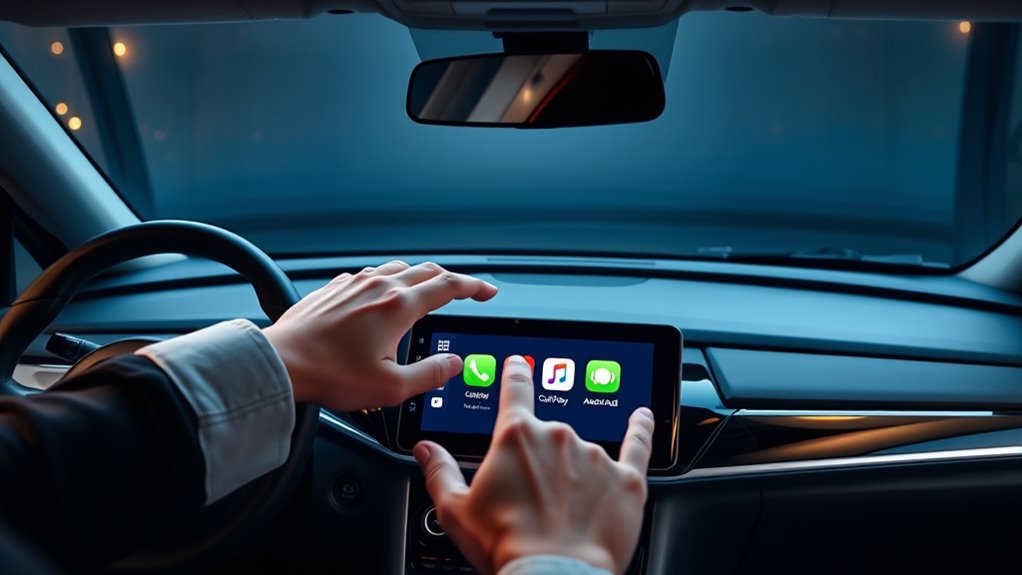
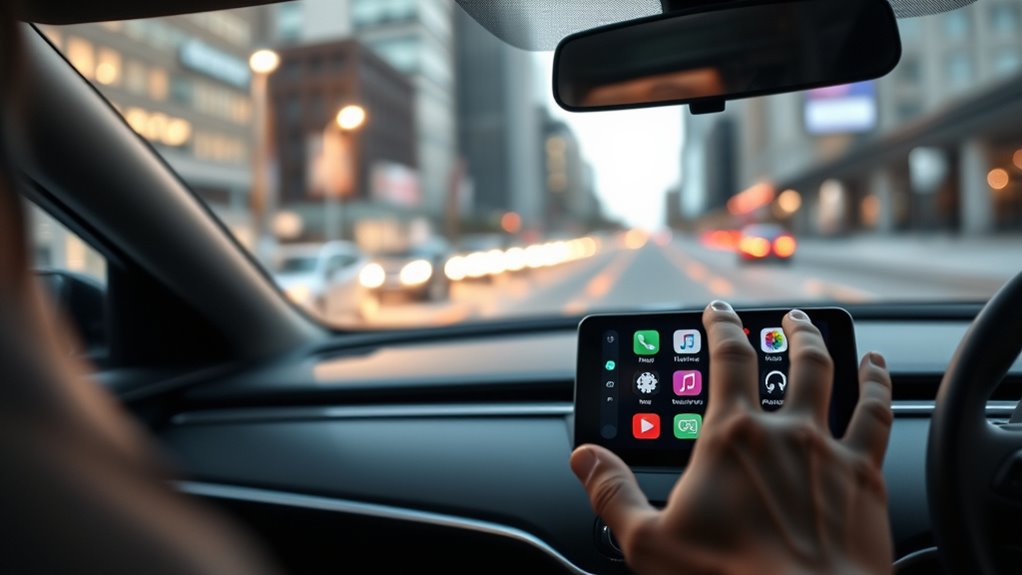
If you’re tired of plugging in your phone every time you get in your car, wireless CarPlay and Android Auto offer a convenient solution. No more fumbling with cords or dealing with tangled cables; instead, you can seamlessly connect your device wirelessly and enjoy a cleaner, more organized driving experience. Once connected, you’ll have instant access to your favorite apps, navigation, and media, all displayed clearly on your car’s dashboard. This setup not only simplifies your commute but also minimizes distractions, helping you stay focused on the road.
Enjoy a clutter-free drive with wireless CarPlay and Android Auto for quick, seamless smartphone connectivity.
One of the standout features of wireless CarPlay and Android Auto is their ability to incorporate voice recognition technology. With just a simple voice command, you can make calls, send messages, or navigate to a new destination without taking your eyes off the road. This hands-free functionality is essential for safe driving, especially if you’re juggling multiple tasks. You can ask your system to find a nearby coffee shop, play your favorite playlist, or get directions to a meeting—without ever touching your phone. The voice recognition system becomes your co-pilot, making your drive smoother and more efficient.
In addition to communication and entertainment, wireless CarPlay and Android Auto enhance parking assistance. Many compatible systems integrate with your vehicle’s sensors and cameras, providing real-time guidance for parking in tight spots. Voice prompts can alert you if you’re getting too close to an obstacle, or you can use voice commands to activate parking assist features. This integration helps reduce stress and increases safety when maneuvering in crowded lots. Plus, with wireless connectivity, you can access parking maps and find available spots more easily, saving you time and frustration. wireless connectivity also allows for faster and more reliable connections, ensuring a seamless experience every time you drive.
Setting up wireless CarPlay or Android Auto usually involves a few straightforward steps. You typically need a compatible vehicle and a smartphone running the latest software updates. Pairing your device initially might require a quick Bluetooth connection, but afterward, your system remembers your device for hassle-free wireless access. Some vehicles may need a firmware update or an aftermarket module, but many newer models now come with wireless capabilities built-in.
Frequently Asked Questions
Is Wireless Carplay/Android Auto Compatible With All Car Models?
Wireless CarPlay and Android Auto aren’t compatible with all car models. You need to verify your vehicle compatibility first, as some cars don’t support wireless connectivity. Additionally, confirm your infotainment system has the latest software updates, which often include wireless features. If your car isn’t compatible, you might consider aftermarket adapters that enable wireless functionality, but double-check compatibility before making any purchases.
What Is the Average Cost to Upgrade to Wireless Carplay/Android Auto?
Ever wondered how much it costs to upgrade your car? The average expense ranges from $150 to $400 for aftermarket kits, depending on your vehicle and features. Installation costs can add another $50 to $150 if you hire a professional. This investment makes wireless CarPlay or Android Auto seamless, giving you a cord-free experience. Are you ready to enjoy improved connectivity and convenience without breaking the bank?
How Reliable Is the Wireless Connection During Long Drives?
Wireless connections for CarPlay and Android Auto are generally reliable during long drives, but signal stability can vary based on interference management and your car’s Bluetooth and Wi-Fi setup. You might experience occasional drops if there’s heavy interference from other devices or obstacles like tunnels or dense foliage. To improve reliability, keep your device and car system updated, minimize interference sources, and ensure a strong, stable Wi-Fi or Bluetooth signal for ideal performance.
Can I Use Wireless Carplay/Android Auto With Multiple Devices?
Yes, you can use wireless CarPlay or Android Auto with multiple devices, but it depends on your car’s system. Most vehicles support multi-device pairing, allowing you to switch between devices easily. However, simultaneous connectivity isn’t always available, so you might need to disconnect one device before connecting another. Check your car’s compatibility and settings to guarantee a smooth experience with multi-device pairing and seamless switching during your drives.
Are There Any Security Risks Associated With Wireless Connections?
Wireless connections can pose serious security risks, like exposing your data privacy to hackers. You might unknowingly become vulnerable to hacking vulnerabilities that could compromise your personal info or even control your car’s systems. To stay safe, always use secure networks, keep your device firmware updated, and disable wireless features when not in use. Being cautious helps protect your vehicle and personal data from potential cyber threats.
Conclusion
With wireless CarPlay and Android Auto becoming more popular, over 85% of new cars now support these features, making your driving experience more seamless and connected. By upgrading your system or using a compatible adapter, you can enjoy hands-free convenience and reduce distractions on the road. Don’t miss out on the future of in-car tech—it’s easier and more affordable than ever to cut the cord and stay connected wirelessly.