Upgrading from a tape deck to a modern car stereo involves evaluating your current sound system, setting a budget, and choosing features like Bluetooth, touchscreen, and enhanced audio quality. Consider compatibility with your vehicle and installation needs, then select the right unit—whether basic, digital media, or one with advanced connectivity. Proper wiring, speaker placement, and calibration ensure peak performance. For a seamless upgrade, you’ll discover tips for device connection, troubleshooting, and long-term system enhancement as you explore the full guide.
Key Takeaways
- Evaluate current sound quality and user interface to determine essential upgrades for modern features and seamless integration.
- Choose advanced stereo units with Bluetooth, touchscreen, and smartphone compatibility to meet 21st-century connectivity standards.
- Ensure system compatibility by selecting appropriate wiring, mounting, and calibration for a secure, efficient upgrade.
- Incorporate soundproofing and strategic speaker placement to enhance audio clarity and reduce road noise.
- Regularly maintain and update firmware, wiring, and components to ensure long-term reliability and optimal performance.
Assessing Your Current Car Audio System
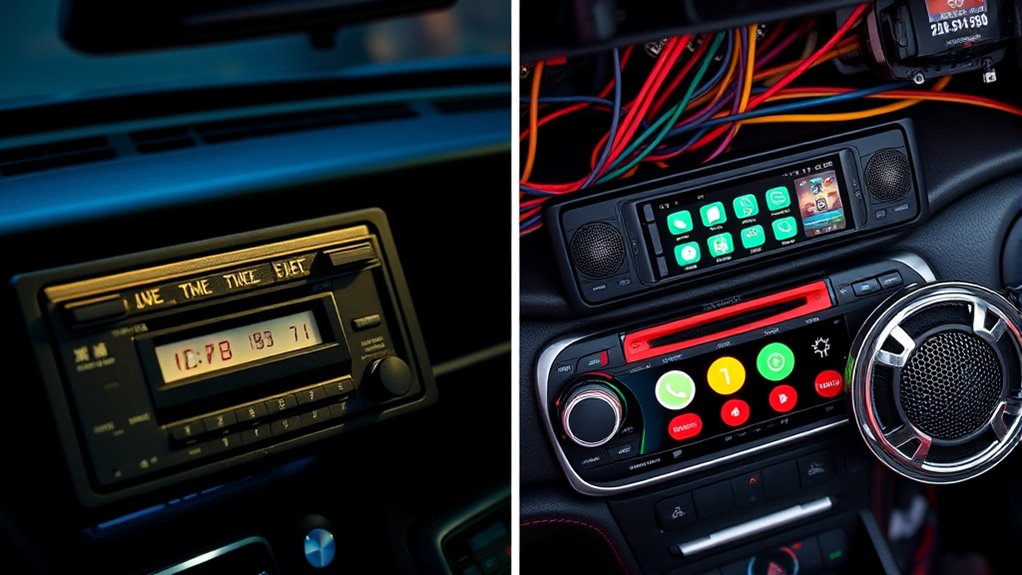
Before upgrading your car stereo, it is vital to evaluate your current audio system. Pay attention to audio aesthetics—how your system sounds and looks. Notice if the speakers produce clear, balanced sound or if there are distortions. Consider the user interface, including the ease of navigation, touchscreen responsiveness, and available controls. Is it intuitive and user-friendly? Do you find yourself struggling to access functions or customize settings? Identifying these elements helps determine what needs improvement and guides your upgrade choices. By evaluating both the sound quality and the interface, you’ll understand which features are essential for your ideal setup. Additionally, understanding the input lag of your current system can help you select components that minimize delays during media playback or gaming. Assessing the audio quality and interface usability ensures your new stereo will meet your expectations for both performance and ease of use. It’s also beneficial to consider system compatibility to ensure new components integrate seamlessly with your existing setup. Moreover, understanding the system calibration process can help you optimize sound performance and achieve a more immersive listening experience. Incorporating insights from Youngster Choice can also inform your choices, especially if you want a modern, trendy upgrade that appeals to a younger audience or reflects current digital trends.
Setting Your Budget and Priorities
Before you start upgrading, set a clear budget so you don’t overspend. Think about which features are most important to you, like Bluetooth or better sound quality, and prioritize those. Knowing your limits helps you make smart choices without sacrificing essential elements. Additionally, consider how Free Floating design principles can influence the integration of new technology into your car’s interior. Recognizing the importance of user experience can guide your selections to ensure a seamless and intuitive upgrade.
Determine Financial Limits
Setting a clear budget is the essential first step in upgrading your car stereo. Knowing your budget constraints helps you focus your financial planning efforts and avoid overspending. Determine how much you’re willing to invest, considering both the stereo unit and installation costs. Be honest about what you can afford and prioritize your needs accordingly. Keep in mind that more advanced features usually come with higher prices, so balancing your desires against your financial limits is key. By establishing your maximum spending early on, you prevent impulse purchases and ensure your upgrade aligns with your overall budget. Staying disciplined in your financial planning guarantees you get the best value without sacrificing other essential expenses. Additionally, understanding diversification of retirement savings can inspire you to allocate your resources wisely, ensuring long-term financial stability while upgrading your car stereo. Moreover, being aware of funding options and financing might help you manage costs more effectively if needed. Exploring AI-related career opportunities could provide alternative income streams to support your upgrade ambitions. Considering cost-saving tips and DIY installation can further help you stay within your budget while achieving a quality setup. Incorporating knowledge of best grocery savings strategies can also give you insights into budgeting and expense management, which are useful in planning your overall spending.
Identify Essential Features
Once you’ve established your budget, the next step is to identify the essential features that will meet your needs without overspending. Focus on soundproofing materials to reduce road noise and improve audio clarity. Consider speaker placement carefully; proper positioning ensures balanced sound and exceptional listening experience. Decide if you want a touchscreen interface, Bluetooth connectivity, or voice control, based on your priorities. Prioritize features that enhance sound quality and usability within your budget. Avoid unnecessary upgrades that don’t add value for your needs. By clearly defining your must-have features, you’ll streamline your choices and make smarter investments. Remember, a well-placed speaker and good soundproofing can make a significant difference, often more than expensive equipment, in creating your ideal car audio system. Additionally, understanding the soundproofing materials can help you achieve a quieter ride and better sound quality. Incorporating advanced soundproofing techniques can elevate your audio experience beyond basic solutions. Furthermore, keeping an eye on the Gold IRA markets can provide insights into making smart investment choices for your financial future. For example, research shows that security systems with integrated smart features can enhance overall safety and convenience in your vehicle.
Exploring Different Types of Car Stereo Units
Choosing the right car stereo involves understanding the different types available to suit your needs. You can opt for a standard CD receiver, which offers basic features and easy control. If you want modern functionality, look at digital media units that support USB drives and SD cards. For seamless connectivity, wireless streaming units are ideal—they allow you to connect your smartphone via Bluetooth or Wi-Fi, letting you play music effortlessly. Touchscreen stereos provide a user-friendly interface and often include navigation and app integration. Consider your priorities: if you value convenience and advanced features, a digital media or wireless streaming unit makes sense. Each type caters to different preferences, so choose one that aligns with how you want to enjoy your music and stay connected on the road. Car stereo technology continues to evolve, offering more integrated solutions for a connected driving experience.
Key Features to Consider When Upgrading
When upgrading your car stereo, you’ll want to focus on connectivity options like Bluetooth, USB, and auxiliary inputs to keep your devices easily linked. Sound quality enhancements such as better speakers or built-in amplifiers can make a noticeable difference in your listening experience. Consider these key features to make certain your new stereo meets your needs and elevates your car’s audio system. Additionally, exploring materials and fuel primers can help you choose the best components for installing your upgraded system securely and efficiently. Ensuring compatibility with existing smartphone features can also streamline your overall experience and maximize convenience. Being aware of modern audio standards can further improve your upgrade choices and sound performance. Incorporating local automation features can enhance your in-car experience by integrating your stereo with other smart technology systems. To ensure a smooth upgrade, paying attention to installation materials and proper wiring techniques can significantly impact the durability and safety of your new system.
Connectivity Options Available
Connecting your new car stereo to your devices is essential for a seamless listening experience. Wireless streaming with Bluetooth connectivity makes it simple to play music directly from your smartphone or tablet without tangled cords. Look for stereo units that support the latest Bluetooth versions for quicker pairing and stronger signals. Some stereos also offer NFC pairing, allowing you to connect devices with a tap. USB ports are another key feature, providing a reliable wired connection and charging options. Additionally, consider whether the stereo supports auxiliary inputs or SD card slots for added versatility. The right connectivity options guarantee you can easily access your favorite music and apps, making your driving experience more enjoyable and hassle-free.
Sound Quality Enhancements
Upgrading your car stereo offers the opportunity to substantially improve sound quality, making every drive more enjoyable. To get the best audio, focus on proper audio calibration, which fine-tunes your system’s settings for ideal clarity and balance. Additionally, pay close attention to speaker placement; positioning speakers correctly ensures even sound distribution and reduces unwanted vibrations. Consider adding sound dampening materials to minimize road noise and enhance clarity. Upgrading to high-quality speakers and amplifiers can also make a big difference. Always test different configurations to find what sounds best in your vehicle’s unique environment. Understanding sound propagation principles can help optimize your speaker placement and acoustic treatment. With careful audio calibration and strategic speaker placement, you’ll enjoy richer, clearer sound that transforms your driving experience.
Understanding Compatibility and Installation Requirements
Before purchasing a new car stereo, it’s essential to verify that it’s compatible with your vehicle’s make, model, and existing audio system. You need to check if the stereo supports wireless compatibility for features like Bluetooth streaming and hands-free calling. Consider the power requirements to guarantee your car’s electrical system can handle the new unit without issues. Make sure the size fits your dashboard or consider custom mounting options. Confirm that the wiring harness matches or can be adapted for your vehicle. Ultimately, verify that the installation will not interfere with other vehicle systems.
- Compatibility with your vehicle’s make and model
- Support for wireless features like Bluetooth
- Power requirements and electrical compatibility
- Size and mounting options
- Wiring harness and connector matching
Choosing the Right Accessories and Extras
Choosing the right accessories and extras can enhance your car stereo experience and guarantee your system functions seamlessly. Wireless connectivity options, like Bluetooth adapters and Wi-Fi modules, let you stream music effortlessly and reduce clutter. Custom accessories, such as tailored mounting brackets, decorative covers, or enhanced speakers, improve both aesthetics and sound quality. Consider adding a high-quality microphone for voice commands or hands-free calls, boosting safety and convenience. Make sure your accessories are compatible with your stereo system to avoid issues down the line. Investing in these extras not only personalizes your setup but also ensures a smooth, modern experience. By selecting the right accessories, you transform your car stereo from basic to cutting-edge, all while maintaining ease of use and reliability.
Step-by-Step Installation Guide
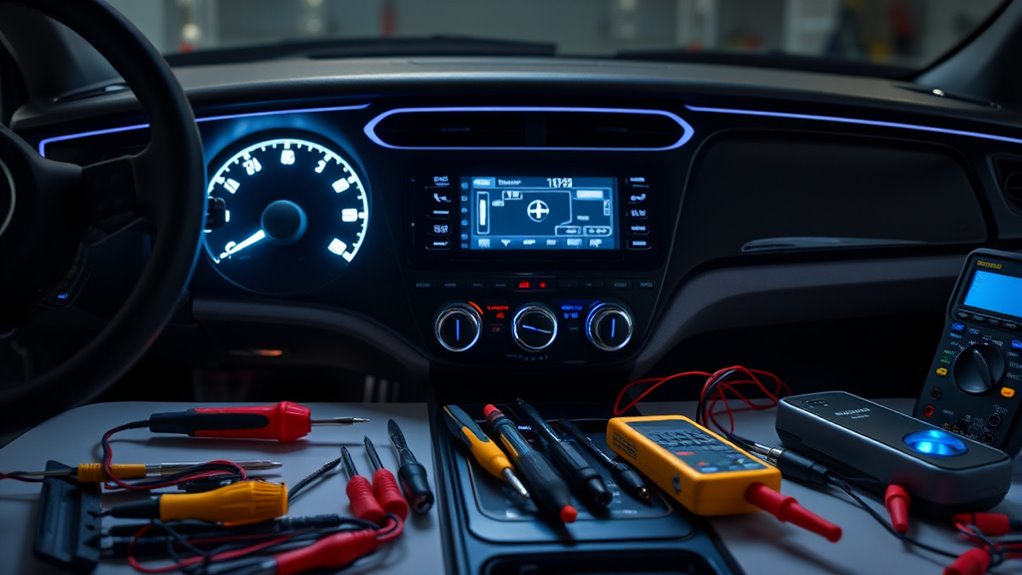
Before you begin, make sure you gather all the necessary tools to complete the installation smoothly. Next, disconnect your car’s battery to prevent any electrical issues during the process. Once everything is connected, test the system to verify it works properly before reassembling.
Gather Necessary Tools
To guarantee a smooth installation process, gathering all the necessary tools beforehand is essential. Having the right equipment on hand makes it easier to connect new features like wireless streaming and maximize speaker placement. Make sure you have:
- Screwdrivers (Phillips and flat-head)
- Wire strippers and crimpers
- Electrical tape or connectors
- A panel removal tool
- A multimeter for testing connections
These tools help you remove the old stereo, wire the new unit properly, and ensure everything functions smoothly. Proper speaker placement is vital for peak sound quality, so having the right tools will assist in securing speakers and adjusting positions. Preparing everything upfront saves time and prevents interruptions during the upgrade process.
Disconnect the Battery
Disconnecting the battery is a crucial safety step before working on your car stereo. This ensures battery safety and prevents accidental electrical shocks or short circuits. Start by turning off your vehicle and locating the battery, usually under the hood. Use a wrench to loosen and remove the negative terminal first; this creates electrical isolation and reduces the risk of sparks. Then, disconnect the positive terminal. With both terminals removed, your system is electrically isolated, preventing any power flow while you work. Always handle the battery cables carefully and avoid contact between the terminals. Taking these precautions protects you and your vehicle’s electrical system. Once the battery is disconnected, you can confidently proceed with removing or upgrading your car stereo without risking damage or personal injury.
Connect and Test System
Once you’ve safely disconnected the battery, it’s time to connect your new stereo system and verify everything works correctly. Start by plugging in the wiring harness, making certain all connections are secure to support wireless connectivity features. Next, connect the antenna and any auxiliary cables needed for sound quality. Power on the system and check the display for proper initialization. Test audio output by playing a song and adjusting volume. Enable voice control settings to confirm responsiveness. Confirm Bluetooth or Wi-Fi pairing works smoothly for wireless streaming. Use the system’s interface to test functions like navigation or apps. Make sure all connected devices respond promptly. Finally, listen for static or interruptions, adjusting connections if needed, to ensure your upgraded system is ready for use.
Tips for Connecting Devices and Optimizing Sound Quality
Connecting your devices properly is essential for achieving the best sound quality from your upgraded car stereo. Start by ensuring your device supports wireless streaming; this eliminates tangled cords and reduces interference, giving you clearer audio. Use a high-quality Bluetooth connection for seamless pairing, and prioritize devices with strong signals to avoid dropouts. Enable voice control features if available, so you can manage playlists or calls hands-free, enhancing safety and convenience. Adjust audio settings like equalizer and balance to suit your preferences, ensuring excellent sound clarity and depth. Keep your firmware updated to maintain compatibility and performance. Proper connections and settings help you enjoy crisp, immersive sound, whether streaming your favorite tunes or managing calls with voice commands.
Troubleshooting Common Installation and Setup Issues
Even with careful installation, you might encounter common setup issues that can affect your stereo’s performance. One frequent problem is Bluetooth pairing difficulties, which can prevent your devices from connecting smoothly. Check that your device is in pairing mode and within range. Poor speaker placement can also cause sound issues—try repositioning speakers for ideal audio. If your sound is muffled or inconsistent, verify wiring connections and make sure they’re secure. Sometimes, the stereo might not recognize inputs; resetting the system can help. Also, ensure that your head unit’s settings match your device’s Bluetooth configuration. Finally, update firmware if available to fix bugs and improve compatibility. Addressing these issues promptly keeps your upgrade running at its best.
Maintaining and Upgrading Your System Over Time
To keep your car stereo performing at its best, regular maintenance and thoughtful upgrades are essential. Over time, updating wireless connectivity options guarantees seamless streaming and device compatibility. Periodically check speaker placement; properly positioned speakers improve sound quality and prevent distortion. Upgrading components like amplifiers or adding new speakers can refresh your system’s performance without a full overhaul.
| Tip | Benefit |
|---|---|
| Revisit speaker placement | Better sound clarity and surround effect |
| Update wireless tech | Faster, more reliable connections for streaming |
| Schedule regular checks | Prevents issues and prolongs system lifespan |
| Consider incremental upgrades | Keeps your system current without major expense |
Frequently Asked Questions
How Do I Ensure My New Stereo Integrates With My Car’s Existing Controls?
To guarantee your new stereo integrates smoothly with your car’s existing controls, check for factory control compatibility and steering wheel integration features. Use a compatible interface or adapter if needed, and verify that the stereo supports your vehicle’s control system. Consult your stereo’s manual or manufacturer for specific compatibility info. Proper installation and the right adapters will help you maintain seamless control over your music and functions.
Can I Upgrade My Car Stereo Without Professional Help?
Yes, you can do a DIY installation if you’re comfortable with wiring compatibility and basic tools. Start by researching your car’s stereo wiring diagram and the new stereo’s requirements. Follow step-by-step guides or video tutorials to guarantee proper connections. Just be patient, double-check your wiring, and make sure your car’s controls will work with the new stereo. If unsure, consulting a professional might save you time and avoid damage.
What Safety Precautions Should I Take During Installation?
When installing your car stereo, prioritize electrical safety by disconnecting the negative battery terminal to prevent shocks. Use insulated tools to avoid accidental shorts or damage. Follow manufacturer instructions carefully, and wear gloves if needed. Keep your workspace dry and well-lit, and handle all wiring with care. Taking these precautions guarantees a safer, smoother installation process while safeguarding your vehicle’s electrical system.
How Do I Choose the Best Bluetooth Options for My System?
To select the best Bluetooth options for your system, focus on wireless connectivity stability and sound quality. Look for Bluetooth versions 4.0 or higher for better range and connection reliability. Check if the system supports high-quality audio codecs like aptX or AAC, which enhance sound clarity. Read reviews to guarantee seamless pairing and minimal latency. Prioritize features that match your needs, whether for hands-free calls or streaming music, to optimize your listening experience.
Are There Eco-Friendly or Energy-Efficient Car Stereo Choices Available?
You’ll find eco-friendly car stereo options that prioritize energy saving, like models with low power consumption and efficient amplifiers. Some even harness solar power, reducing reliance on the car’s battery. While these choices may seem like a small step, they contribute to a greener planet. Embrace these energy-efficient systems to enjoy quality sound without guilt, making your daily drives both enjoyable and environmentally conscious.
Conclusion
Now that you’re ready to upgrade, imagine the thrill of seamless connectivity and crystal-clear sound filling your car. As you finalize your choices and immerse yourself in installation, a new world of audio awaits—one where your favorite tunes and hands-free calls feel closer than ever. But beware, a few unexpected surprises might challenge your journey. Are you prepared to conquer them and access the full potential of your upgraded car stereo? The adventure is just beginning.