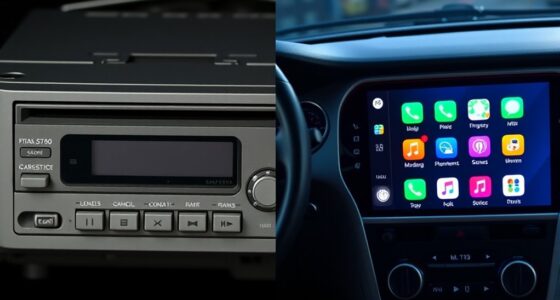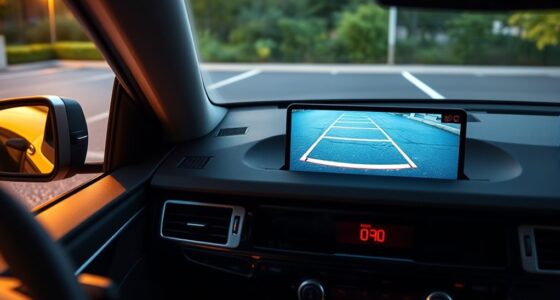
If your vehicle lacks a touchscreen, you can still transform a tablet into a functional infotainment hub by choosing a durable, high-performance device with long battery life. Secure it with a reliable mount, connect via Bluetooth or auxiliary cable to your car’s audio system, and install useful apps for navigation, music, and calls. Proper setup guarantees safety and convenience. Keep exploring to discover tips on app updates, maintenance, and seamless integration for an enhanced driving experience.
Key Takeaways
- Use a reliable mounting system to securely install the tablet in your vehicle, ensuring safety and stability.
- Connect the tablet to your car’s audio system via Bluetooth or auxiliary cable for seamless entertainment.
- Enable voice control and install navigation and media apps for hands-free operation and improved user experience.
- Keep software and firmware updated regularly for compatibility, security, and access to new features.
- Manage power with quality car chargers or power banks to ensure continuous operation during drives.
Choosing the Right Tablet for Automotive Use
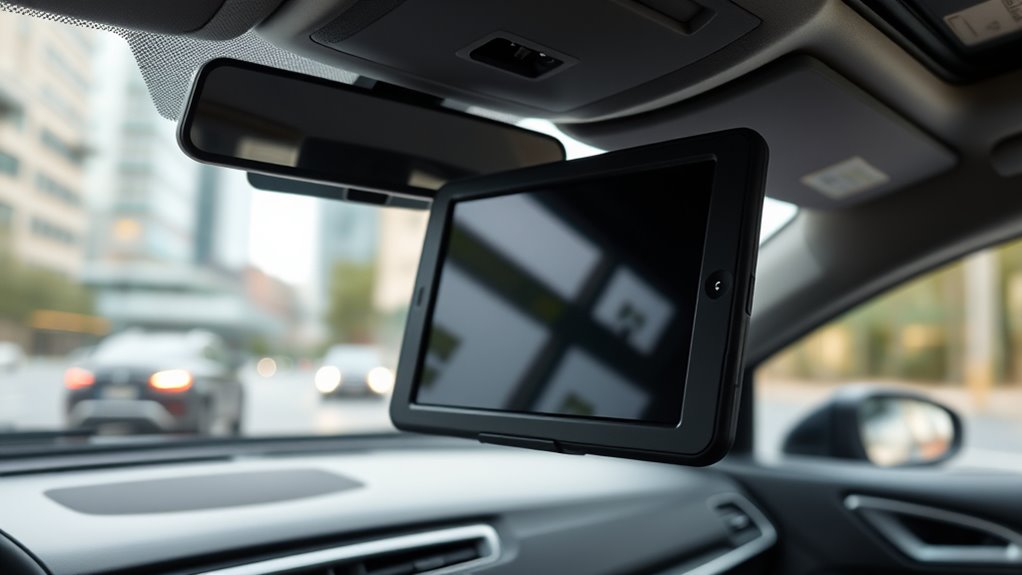
When selecting a tablet for your car’s infotainment system, it’s vital to evaluate durability, performance, and connectivity features. You want a device with screen durability that can withstand bumps, sunlight glare, and temperature changes without cracking or losing clarity. A sturdy screen ensures your display stays clear and responsive over time. Battery life is equally important, especially during long drives, so look for a tablet that offers extended battery performance or supports fast charging. This helps prevent the device from dying mid-journey, especially on longer trips. Prioritize tablets with reliable hardware, quick processors, and strong Wi-Fi or cellular connectivity. Additionally, considering color accuracy can improve your viewing experience, especially in diverse lighting conditions. Investing in a tablet with good thermal management can also help maintain optimal performance in varying temperatures inside the vehicle. Ensuring your tablet has robust construction aligned with safety standards can further enhance its durability and longevity, making your in-car entertainment seamless, durable, and enjoyable. Incorporating durability features from the start can significantly extend the lifespan of your device in the challenging environment of a vehicle. Moreover, selecting energy-efficient components can contribute to better battery life and overall device sustainability.
Essential Accessories to Secure and Power Your Tablet
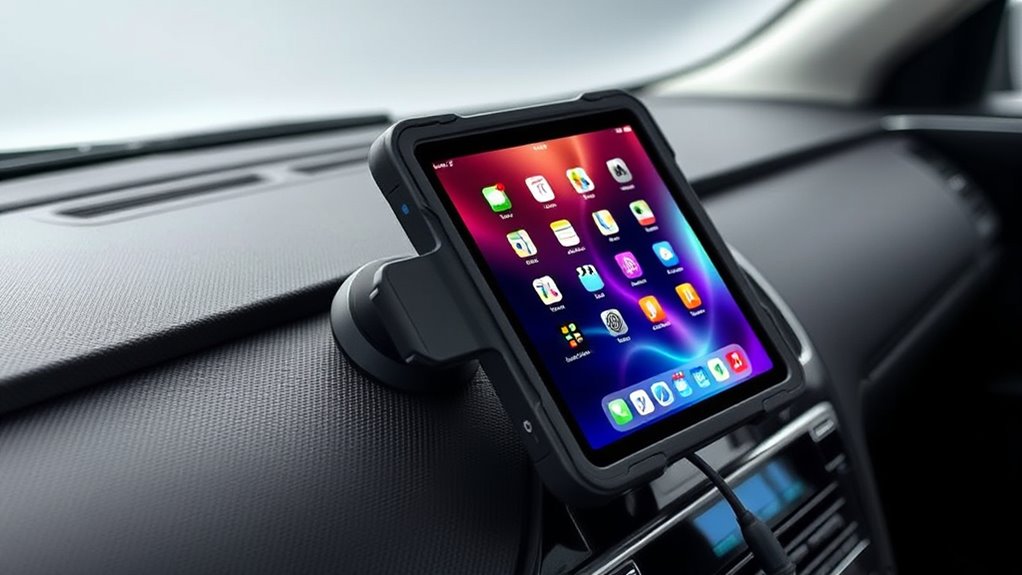
Once you’ve chosen the right tablet for your car, securing it properly and guaranteeing it stays powered are the next steps to a smooth setup. There are various mounting options to keep your tablet stable, such as suction mounts, dashboard mounts, or vent clips. Choose one that fits your vehicle and preferred viewing angle. For power solutions, consider a reliable car charger with a USB port or a power bank designed for automotive use. These accessories prevent your tablet from losing charge during long trips. Secure mounting minimizes distractions and movement, while effective power solutions ensure continuous operation. Investing in quality mounting options and power accessories guarantees your tablet remains accessible and functional, transforming your vehicle into a true infotainment hub. Additionally, understanding time zone information can help you better plan your routes and stay connected across different regions.
Installing and Mounting Your Tablet Safely in Your Vehicle
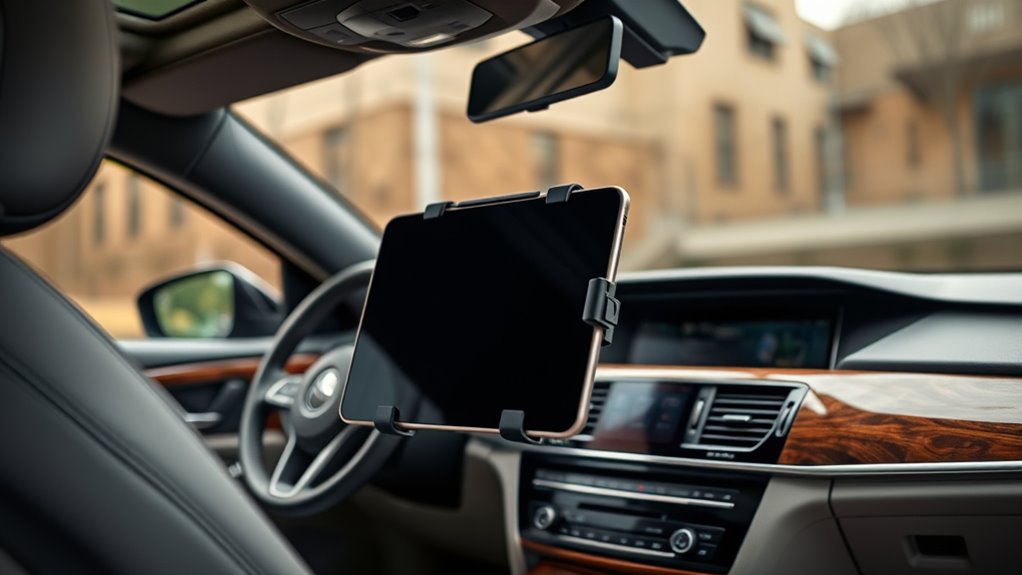
Installing your tablet securely in your vehicle is essential for safe and effective use. Proper mounting guarantees stability, minimizes distractions, and adheres to safety considerations. To achieve this, consider these steps:
- Choose custom mounting solutions tailored to your vehicle’s interior for a seamless fit.
- Select a mount that provides easy access without obstructing your view or controls.
- Ensure the mount is firmly attached to prevent movement during drives.
- Regularly check the stability and position of the mount to maintain safety and functionality.
- Using a secure attachment method helps ensure your tablet remains stable even on bumpy roads.
Recommended Apps to Enhance Your In-Car Entertainment Experience
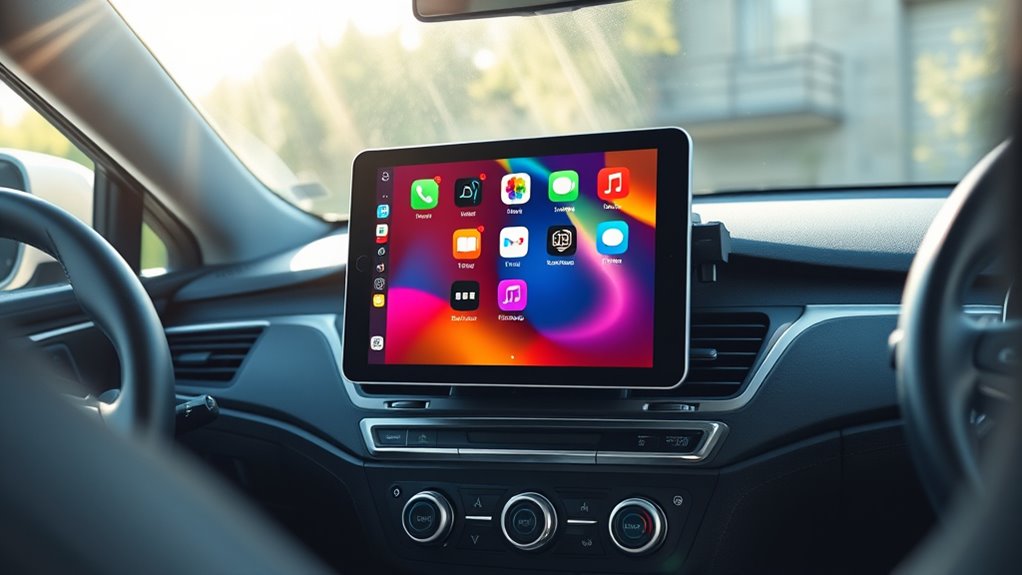
Enhancing your in-car entertainment starts with selecting the right apps that maximize your tablet’s potential. Look for apps that support voice command features, allowing you to control music, navigation, and calls hands-free, keeping your focus on the road. Music streaming services like Spotify or Apple Music offer easy app customization, so you can create playlists or set preferences that suit your mood. Navigation apps like Google Maps or Waze provide real-time traffic updates and can be easily accessed through voice commands. Podcasts and audiobook apps such as Audible or Pocket Casts keep you entertained on long drives. Prioritizing apps that support voice control and offer customization options guarantees a seamless, safer, and more personalized in-car entertainment experience.
Connecting Your Tablet to Car Audio and Other Systems
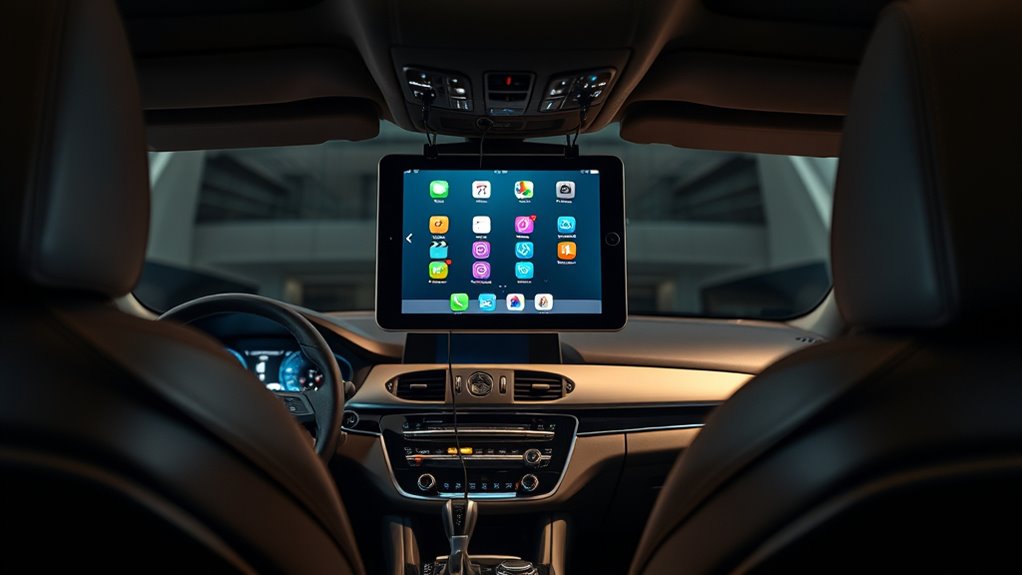
Connecting your tablet to your car’s audio system is straightforward with options like Bluetooth, auxiliary cables, or integrated system connections. Each method offers different benefits regarding ease and sound quality, so you can choose what works best for your setup. Let’s explore how to set up each connection type for seamless audio playback. Incorporating Free Floating design principles can also help you optimize your setup for a clutter-free and flexible experience. For example, using wireless connectivity options like Bluetooth reduces cable clutter and enhances convenience during drives. Additionally, integrating smart automations can further streamline your in-car entertainment setup for a more intuitive experience. Implementing these modern digital asset management strategies ensures your setup remains secure and efficient.
Connecting via Bluetooth
To link your tablet to your car’s audio system, Bluetooth offers a quick and wireless solution. First, enable Bluetooth on both devices and initiate Bluetooth pairing. Once connected, your tablet can seamlessly stream audio through your car’s speakers. To guarantee a smooth setup, follow these steps:
- Turn on Bluetooth on your tablet and vehicle’s audio system.
- Select your car’s Bluetooth name on your tablet’s device list.
- Confirm the pairing code if prompted.
- Once paired, set your car’s system as the default device for audio streaming.
- Ensuring a stable Bluetooth connection is essential for uninterrupted audio streaming and hands-free functionality. Additionally, maintaining compatible devices can prevent connection issues and optimize performance.
This process allows you to enjoy hands-free calls and music without cables, making your driving experience safer and more enjoyable. Remember, stable Bluetooth pairing is key for uninterrupted audio streaming.
Using Auxiliary Cables
Using auxiliary cables is a straightforward way to connect your tablet directly to your car’s audio system, especially when Bluetooth isn’t available or reliable. To guarantee the best audio quality, choose a cable compatible with both your tablet’s headphone jack or USB-C port and your car’s auxiliary input. Compatibility issues can affect sound clarity, so verify cable specifications before purchasing. Once connected, you’ll experience clearer sound and minimal latency compared to wireless options. Here’s a quick compatibility guide:
| Cable Type | Compatibility |
|---|---|
| 3.5mm AUX cable | Most tablets with headphone jack |
| USB-C to AUX | Tablets with USB-C port |
| RCA cables | Older car systems |
| Optical cables | High-end audio systems |
This method offers reliable, high-quality audio without complex setup. Additionally, understanding your vehicle’s audio input options can help you choose the most suitable connection method. Proper connection compatibility between your devices ensures optimal sound performance and reduces potential issues. Checking the available ports on your vehicle can prevent compatibility problems and streamline your setup process. For optimal results, consider the audio quality capabilities of your car system to match your desired listening experience.
Integrating With Car Systems
Integrating your tablet with your car’s audio system allows for seamless access to music, navigation, and other apps while driving. To achieve smooth system integration, consider these options:
- Use Bluetooth for wireless connection, enabling voice control and hands-free calls.
- Connect via USB for reliable data transfer and charging, supporting system integration.
- Implement auxiliary cables if Bluetooth isn’t available, ensuring basic audio connectivity.
- Utilize compatible car adapters or aftermarket interfaces to expand functionality and enhance voice control features.
- Be aware of Vetted wave and wind considerations when installing or connecting devices to ensure safety and optimal performance. Additionally, ensuring compatibility between your tablet and car system helps prevent connection issues and maximizes functionality. Proper installation techniques are essential to maintain safety and device longevity during integration, and understanding system requirements can help prevent potential issues during setup.
Tips for Maintaining and Updating Your Infotainment Setup
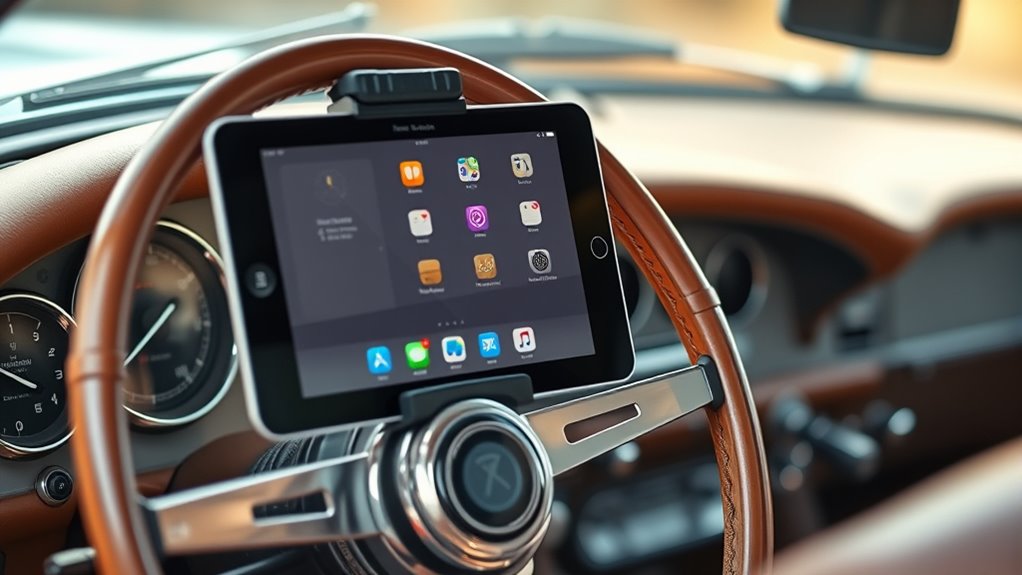
To keep your infotainment setup running smoothly, make sure to install regular software updates to fix bugs and add features. You should also optimize your system settings for better performance and troubleshoot any connectivity issues as they arise. Staying on top of these tasks guarantees a seamless and reliable experience every time you hit the road.
Regular Software Updates
Regular software updates are essential for keeping your car’s infotainment system secure, functional, and running smoothly. These updates often include critical security patches, bug fixes, and performance enhancements. To stay current, check for updates regularly and install them promptly. Here are key tips:
- Enable automatic updates when available to ensure you don’t miss important firmware upgrades.
- Use a reliable Wi-Fi connection to download updates safely and efficiently.
- Back up your settings before updating, in case of any issues during the software update process.
- Follow manufacturer instructions carefully, especially when performing firmware upgrades, to avoid damaging the system.
- Keeping your infotainment system accessible and user-friendly ensures all features remain easy to use and safe for driving.
Staying up-to-date helps prevent vulnerabilities and guarantees your infotainment setup remains compatible with new apps and features.
Optimize System Settings
Keeping your infotainment system guaranteed to run smoothly and stay up-to-date with the latest features. Start by adjusting the display brightness to guarantee clear visibility without draining your battery. Properly calibrate the system to improve responsiveness and accuracy, especially if touch inputs or controls feel off. Regularly review system settings to customize preferences like sound, navigation, and notifications, ensuring they suit your driving style. Avoid neglecting updates, as they often include essential security patches and performance enhancements. When calibrating, follow manufacturer instructions or use built-in calibration tools to fine-tune screen sensitivity. Maintaining ideal display brightness and calibration helps prevent glare, reduces eye strain, and enhances overall usability, making your infotainment experience safer and more enjoyable. Regular system maintenance also extends the lifespan of your device and ensures optimal performance. Additionally, staying informed about software updates can help you identify when new features or improvements are available, further optimizing your setup.
Troubleshoot Connectivity Issues
Connectivity issues can disrupt your infotainment experience, but many problems are fixable with simple troubleshooting steps. Start by ensuring your tablet’s Bluetooth and Wi-Fi are enabled and within range. If you’re experiencing trouble resolving pairing issues, try removing the device from your car’s Bluetooth settings and re-pairing it. Check for software updates on both your tablet and vehicle system, as outdated firmware can cause connectivity problems. Restarting your tablet and car’s infotainment system can also resolve minor glitches. To troubleshoot connectivity effectively, consider these steps:
- Verify Bluetooth/Wi-Fi settings and range
- Remove and re-pair devices
- Update system firmware and apps
- Restart both your tablet and vehicle system
Following these tips can help keep your setup running smoothly.
Frequently Asked Questions
Can I Use a Waterproof Tablet in All Weather Conditions?
Yes, you can use a waterproof tablet in all weather conditions if it offers good waterproof durability and weather resistance. These features protect the device from rain, snow, and splashes, making it suitable for outdoor use. Just make certain you choose a tablet specifically designed with high IP ratings, which indicate strong resistance to water and dust. Regularly check seals and ports to maintain its weatherproof capabilities for reliable performance in any climate.
How Long Does a Tablet’s Battery Last During Extended Trips?
During extended trips, your tablet’s battery typically lasts 4 to 8 hours, depending on usage and screen brightness. To maximize battery life, practice good battery maintenance by avoiding overcharging and letting it drain completely. Use power management features like airplane mode or dim the screen when possible. Carry a portable charger or power bank to keep your tablet running longer, ensuring uninterrupted entertainment and navigation throughout your journey.
Is There a Risk of Distraction When Using a Tablet in the Car?
Using a tablet in the car can be like juggling, so driver distraction is a real concern. Safety considerations demand you stay focused on the road, so avoid fiddling with apps while driving. Mount the device securely and set everything beforehand to minimize distractions. If you stay attentive and limit interaction, a tablet can enhance your journey without compromising safety. Remember, the road should always be your main focus.
What Safety Features Should I Consider When Installing a Tablet?
When installing a tablet in your car, you should consider secure mounting options to prevent distractions and guarantee stability. Opt for mounts that keep the device within your sightline and easily accessible. Also, prioritize electrical safety by using proper charging accessories and avoiding exposed wiring. Check that all connections are secure to prevent shorts or fires, and make sure the installation doesn’t interfere with airbags or other safety features.
Can I Use Voice Commands Instead of Touch Controls Effectively?
Yes, you can use voice commands effectively for your tablet’s infotainment system. Voice command effectiveness depends on the app’s accuracy and your clarity, making hands-free control simple and safe. With proper setup, you’ll find it’s a seamless way to navigate, play music, or get directions without touching your screen. Just speak clearly and confidently—your voice becomes your most reliable remote, reducing distractions and boosting your driving safety.
Conclusion
Just like the legendary ships that braved stormy seas, your car’s new infotainment setup can steer you smoothly through every journey. With the right tablet and accessories, you’re creating a reliable, personalized hub—your modern-day compass. Embrace this upgrade as your vessel for entertainment, connection, and convenience. Now, every drive becomes an adventure worth savoring, proving that even without a touchscreen, you’re still the captain of your own voyage.