If your 90s car lacks an auxiliary input, you can still stream music and podcasts by using a Bluetooth FM transmitter, cassette adapter, or a portable Bluetooth receiver. These devices connect wirelessly or through your car’s existing tape deck, letting you play audio from your phone or other gadgets. Adjust the antenna and FM frequency for the best sound quality, and if you keep exploring, you’ll discover more options to upgrade your in-car sound system easily.
Key Takeaways
- Use a Bluetooth FM transmitter and position the antenna away from interference sources for a clear, stable connection.
- Connect a portable Bluetooth receiver via FM or cassette deck for wireless streaming without auxiliary input.
- Utilize a smartphone with an auxiliary output adapter to connect directly to the car’s auxiliary port if available.
- Employ wired methods like cassette adapters, USB, or SD cards for reliable music playback in cars without auxiliary ports.
- Optimize signal quality by adjusting antenna placement, updating firmware, and minimizing electronic interference for clear audio.
Using a Bluetooth FM Transmitter
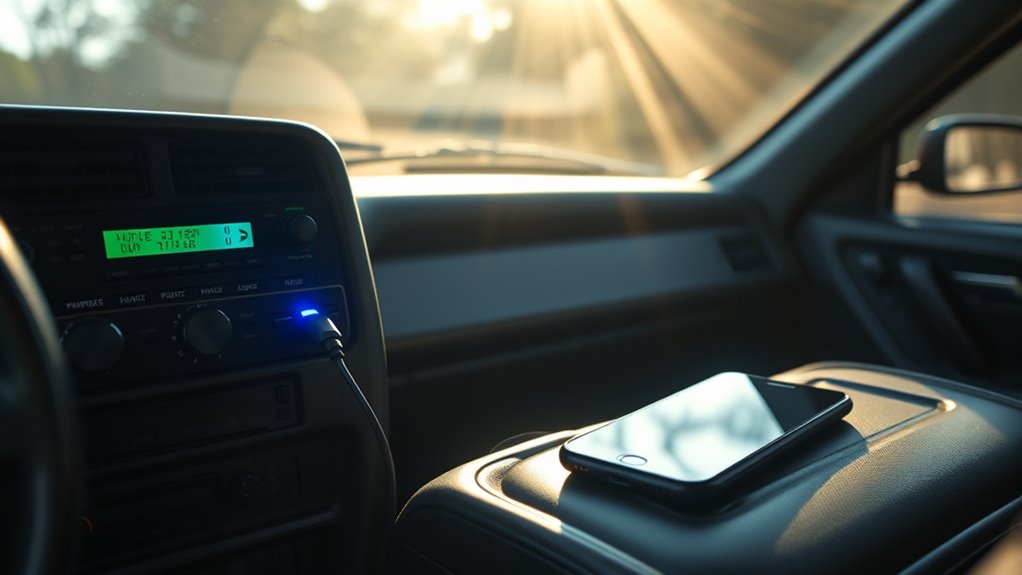
If your 90s car has a cassette or CD player but no Bluetooth capability, a Bluetooth FM transmitter is a practical solution for streaming music and podcasts. To get the best sound quality, pay attention to antenna placement, as it can affect your signal strength. Position the transmitter and your car’s antenna away from electronic devices or metal objects that cause signal interference. Keep the transmitter’s antenna clear and upright for peak reception. Avoid placing it near other wireless devices, as this can introduce static or dropouts. Testing different locations inside your vehicle helps find the best spot for a stable, clear signal. Proper placement ensures smoother streaming and prevents frustrating interruptions while listening. Incorporating energy-efficient technology can further improve your device’s performance and reduce power consumption during extended use. Additionally, understanding Free Floating concepts, such as minimizing physical obstructions, can help optimize your signal quality for a more enjoyable listening experience. Being mindful of the vehicle’s interior layout and materials can also aid in signal propagation, ensuring a more reliable connection. Adjusting for interference sources and maintaining a clear path for the signal can make a significant difference in overall audio quality. To enhance your setup, consider using antenna placement techniques that maximize signal strength and stability.
Connecting With a Cassette Adapter
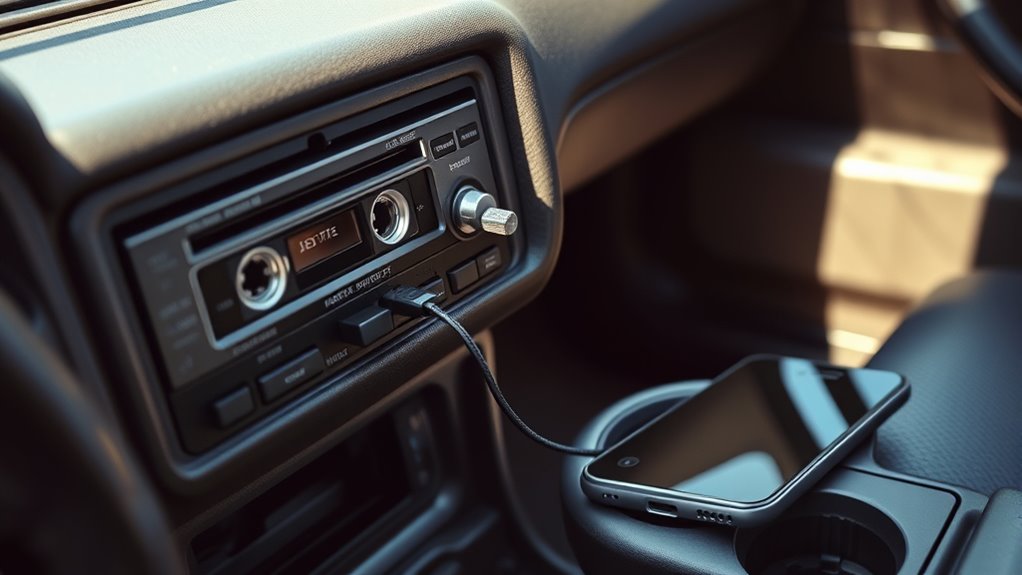
Connecting your modern devices to a 90s car stereo is straightforward with a cassette adapter. These adapters fit into your car’s tape deck just like traditional cassette tapes, but they have a cord that connects to your phone or media player. Once inserted into the tape deck, your device’s audio plays through the car’s speakers. This method works well if your car has a functioning tape deck but no auxiliary input. Just select the tape function, and you’ll hear your music or podcasts clearly. Cassette adapters are affordable, simple to use, and don’t require any complicated setup. They’re a reliable way to stream audio without replacing your existing stereo or dealing with outdated wiring. Plus, they preserve the classic feel of your vehicle’s interior. Understanding audio connectivity options can help you choose the best method for your specific car setup.
Employing a Portable Bluetooth Receiver

Setting up a portable Bluetooth receiver is straightforward and doesn’t require much time. To get the best sound quality, keep your device close to the receiver and make certain your car’s speakers are clean and in good condition. Using a passive voice detection tool can help identify and correct any passive constructions in your setup instructions for clearer communication. Additionally, ensuring your vehicle’s audio system is properly maintained can significantly enhance your listening experience. Regularly updating your software and firmware can also improve compatibility and performance. Proper smartphone connectivity ensures a more reliable streaming experience. For added safety and reliability, check that your transfer switch and fuel storage are suitable for portable power sources. With a few simple tips, you’ll enjoy clear, seamless music streaming in your 90s car.
Easy Device Setup
Using a portable Bluetooth receiver makes it easy to stream music and podcasts in your 90s car without complicated wiring or upgrades. Simply connect the receiver to your car’s FM radio or cassette deck, then power it using a USB port or cigarette lighter. To optimize reception, adjust the antenna orientation for better signal clarity. Setting up takes seconds: turn on Bluetooth on your device, pair with the receiver, and you’re ready to play your favorite content. Ensuring proper signal reception can also prolong the life of your device and improve audio quality. Additionally, understanding home charging basics can help you keep your device charged and ready for use during longer drives.
Sound Quality Tips
To get the best sound quality from your portable Bluetooth receiver, start by positioning the device and antenna for ideal signal clarity. Keep the receiver in a central location, away from obstructions, to reduce audio compression and minimize signal loss. Proper speaker placement is vital—place your car’s speakers where they can deliver balanced sound without distortion. Avoid stacking objects or placing the receiver near metal surfaces, which can interfere with the Bluetooth signal. If your receiver has an adjustable antenna, fine-tune its orientation for maximum reception. Reducing audio compression helps preserve sound detail, so choose high-quality streaming settings when possible. Additionally, understanding wireless signal interference can help you troubleshoot and optimize your setup. Employing a portable Bluetooth receiver that supports advanced codecs can further enhance audio fidelity. Using Suprem fabric in your upholstery or accessories can also contribute to a quieter, more acoustically friendly environment, improving overall listening quality. These small adjustments greatly improve clarity, ensuring you enjoy your music and podcasts with better sound quality, even in a classic 90s car.
Utilizing a Smartphone With an Auxiliary Output Adapter
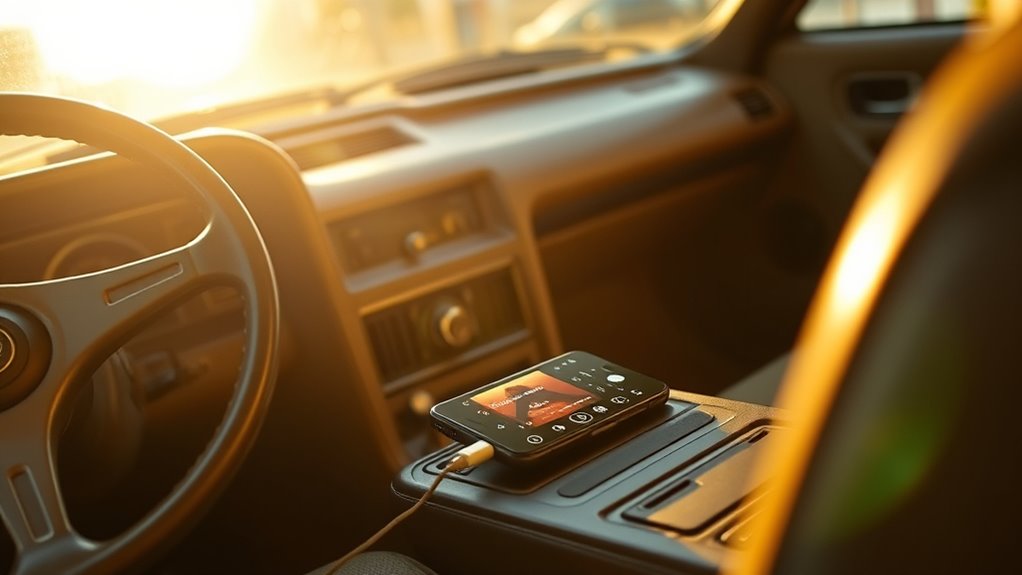
Connecting your smartphone to a 90s car stereo is straightforward with an auxiliary output adapter. Simply plug the audio adapter into your phone’s headphone jack or charging port if needed. Then, insert the other end into the auxiliary port of your car’s stereo. This setup allows you to stream music or podcasts directly from your device with minimal hassle. Make sure your audio adapter is compatible with your smartphone model to guarantee excellent sound quality. Once connected, select the auxiliary input on your stereo to start playback. This method provides a reliable, wired connection that avoids interference or latency issues common with wireless options. Overall, using an auxiliary port with an audio adapter is an affordable and effective way to enjoy modern content in your vintage car.
Installing a FM Transmitter With Built-In Bluetooth
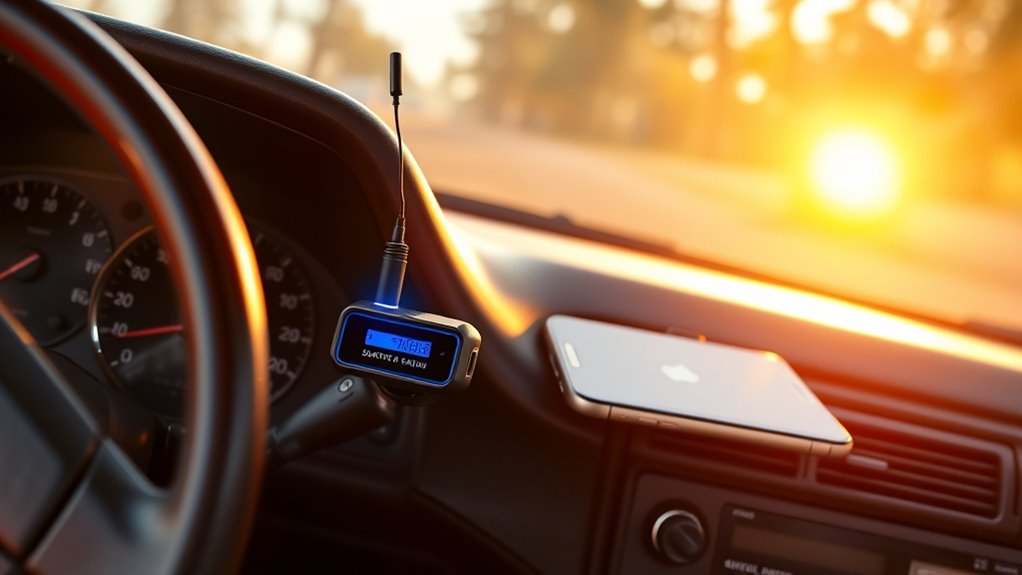
When installing a Bluetooth-enabled FM transmitter, you’ll want to guarantee it’s compatible with your car’s audio system and easy to set up. Pay attention to sound quality tips to get the clearest audio and be prepared to troubleshoot common issues like static or connection drops. Ensuring proper audio signal transmission can further enhance your listening experience by minimizing interference and maintaining consistent quality. Additionally, reviewing compatibility requirements can help ensure your device functions properly with your vehicle’s audio system. A thorough understanding of modern connection techniques can also assist in optimizing your streaming setup for the best possible performance. Familiarizing yourself with wireless audio protocols may provide additional options for seamless connectivity.
Compatibility and Setup
Installing a Bluetooth-enabled FM transmitter in your 90s car is straightforward, but guaranteeing compatibility is essential for smooth operation. First, check antenna compatibility; some transmitters work better with certain antenna types, so verify your car’s antenna connection. Additionally, consider power requirements—most transmitters draw power from your cigarette lighter socket, but confirm it provides enough voltage and current. Make sure your device supports Bluetooth profiles compatible with your streaming apps. Before mounting, guarantee the transmitter fits securely and the antenna connection is stable to prevent signal dropouts. Also, verify that the transmitter’s FM frequency range doesn’t conflict with local radio stations. Ensuring proper antenna connection is crucial for optimal signal transmission. Confirming antenna compatibility can prevent potential interference issues. Taking these steps helps you set up a reliable connection, ensuring seamless streaming without interference or technical issues.
Sound Quality Tips
To get the best sound quality from your FM transmitter with built-in Bluetooth, start by positioning the device as close to your car’s antenna as possible. This minimizes signal interference and reduces static. Next, perform audio calibration to fine-tune the transmitter’s output, ensuring clear, balanced sound. Improving sound insulation helps block external noise, making your audio experience more immersive.
- Keep your transmitter away from other electronic devices to prevent interference.
- Use sound insulation materials like foam or automotive mats to dampen road noise.
- Regularly check and update your device’s firmware for ideal audio performance.
Focusing on proper placement, calibration, and insulation will greatly enhance your streaming quality, making every drive more enjoyable.
Troubleshooting Common Issues
Despite the convenience of built-in Bluetooth FM transmitters, issues like static, dropped connections, or poor audio quality can still occur. Audio interference from other electronic devices or nearby stations often causes static or background noise. To troubleshoot, first check your device compatibility; ensure your phone and transmitter support the same Bluetooth profiles. If you experience audio interference, try changing the FM frequency to a less crowded station. Keep the transmitter away from other electronics, like GPS units or power adapters, which can cause interference. Reposition the transmitter or antenna if needed. Reset your Bluetooth connection or restart your device. Regularly update your transmitter’s firmware, if possible, to improve stability. Additionally, understanding the field‑of‑view and imaging‑scale can help you optimize your setup to reduce signal issues. With these steps, you can minimize issues and enjoy seamless streaming in your 90s car.
Leveraging Car Power Inverters for Portable Devices

Car power inverters are essential tools for keeping your portable devices charged and ready to go on long drives. They convert your vehicle’s 12V power into standard AC outlets, allowing you to power or charge multiple devices simultaneously. When choosing a power inverter, consider device compatibility to ensure it supports your gadgets’ wattage and plug types. This helps prevent overloads and potential damage to your devices. Additionally, selecting a quiet inverter can make your journey more comfortable by reducing noise during operation. This way, you can keep smartphones, tablets, or portable speakers powered without hassle.
Using a Bluetooth Car Kit With FM Transmission

Connecting your phone via Bluetooth to a car kit with FM transmission is straightforward, but getting the best sound depends on some key tips. You’ll want to easily pair your devices and find the clearest FM frequency to avoid static. Adjusting settings for ideal sound quality will make your music and podcasts sound much better during your drive.
Easy Bluetooth Pairing
Using a Bluetooth car kit with FM transmission makes pairing your device straightforward and hassle-free. Once you activate Bluetooth on your phone and set the kit to pairing mode, your device will quickly recognize the car kit for wireless connectivity. Key to smooth pairing is making certain device compatibility—most modern smartphones work seamlessly, but check your model’s Bluetooth version if issues arise. To simplify the process:
- Keep your phone close during pairing to ensure a strong connection
- Turn off other Bluetooth devices to prevent interference
- Restart your device if pairing fails initially
This approach minimizes disruptions, keeps the setup simple, and guarantees a reliable connection, so you can enjoy your music and podcasts without fuss.
Optimizing FM Frequency
To get the best sound quality and minimize static, it’s essential to optimize your FM frequency when using a Bluetooth car kit with FM transmission. Start by scanning for a clear station with minimal signal interference. Adjust your radio and transmitter to find a frequency that’s free of strong broadcasts. Proper antenna tuning can also improve reception; ensure your antenna isn’t damaged or obstructed. Use this table to help locate the best frequency:
| Step | Action | Tips |
|---|---|---|
| Scan for Clear FM | Find a station with little interference | Use the radio’s scan feature |
| Adjust Transmitter | Match the transmitter to the station | Fine-tune for clarity |
| Check Signal Strength | Ensure a strong, steady signal | Avoid crowded frequencies |
Optimizing these factors reduces noise and enhances your listening experience.
Sound Quality Tips
Once you’ve refined your FM frequency for a clearer signal, focusing on sound quality can make a noticeable difference in your listening experience. To improve audio fidelity with your Bluetooth car kit, pay attention to sound calibration. Proper calibration ensures balanced volume levels and reduces distortions. You can also tweak your device’s equalizer settings for a richer sound. Additionally, maintaining a clear FM transmission path minimizes interference that can muddy audio quality.
- Adjust your equalizer for personalized sound preferences
- Keep your device and car antenna free of obstructions
- Regularly update your device’s firmware for ideal sound calibration
Connecting via a FM Transmitter and Smartphone App

Connecting your smartphone to a 90s car stereo often involves an FM transmitter. To get the best sound, position the antenna of the transmitter carefully; this can improve reception and reduce signal interference. Find a spot away from metal objects and electronic devices that might cause static. Adjust the transmitter’s frequency to avoid overlapping with local radio stations, which can cause interruptions. Use a smartphone app to control playback and volume, making the experience seamless. To help you choose the right setup, here’s a quick comparison:
| Feature | Benefit |
|---|---|
| Antenna Placement | Improves signal clarity |
| Frequency Selection | Minimizes signal interference |
| App Control | Easy playlist management |
| Signal Interference | Reduced static and dropout |
Proper placement and frequency tuning guarantee smooth streaming in your vintage ride.
Adapting a USB or SD Card for Music Playback
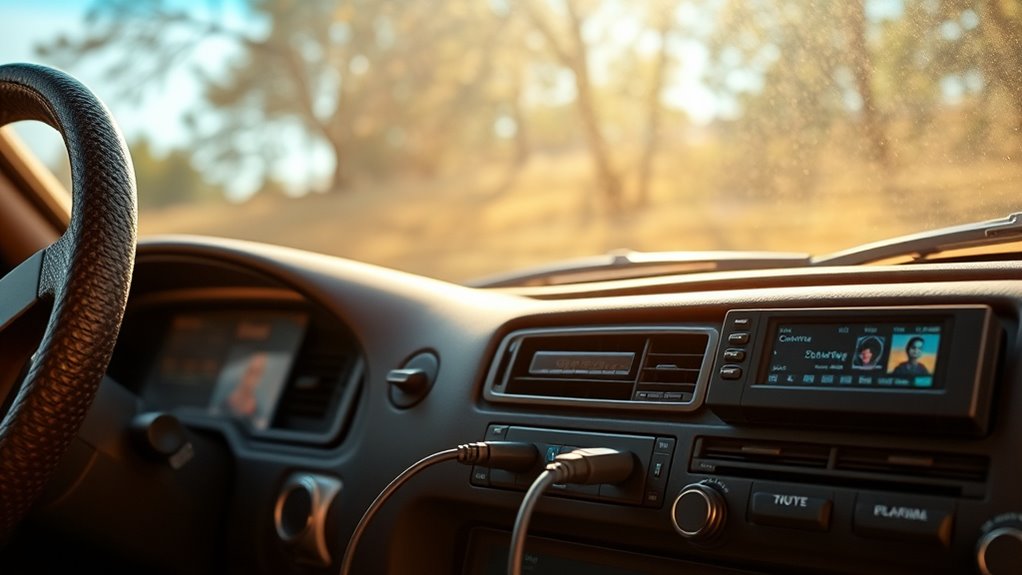
Many 90s cars can be easily upgraded to play music directly from USB drives or SD cards, providing a simple and reliable alternative to FM transmitters. To do this, you’ll need a compatible USB adaptation device or an SD card reader that connects to your car’s audio system. Make sure to format your SD card properly—using the correct file system (like FAT32)—so your car can read the files smoothly. Keep your music organized in folders for easy navigation. Remember, not all devices support high-capacity cards, so check your adapter’s specifications.
- Ensures compatibility with your car’s audio system
- Simplifies navigation through your music library
- Keeps your files organized for quick access
Exploring Wireless Transmitter and Receiver Options

Are wireless transmitters and receivers a viable solution for streamlining music and podcast playback in your 90s car? They can be a great way to enable wireless streaming without upgrading your stereo. These devices connect to your phone via Bluetooth and transmit audio directly to your car’s radio. However, you need to watch out for signal interference, which can disrupt playback or cause dropouts. Choose a high-quality transmitter with features like noise filtering and a strong signal range to minimize interference. Keep in mind that some devices may struggle in crowded areas with multiple Bluetooth signals. Overall, wireless transmitters and receivers offer a flexible, cable-free way to enjoy your favorite content, making your vintage car experience more modern and convenient.
Frequently Asked Questions
Can I Stream Music Directly From My Streaming Service Without Bluetooth?
Yes, you can stream music directly from your streaming apps without Bluetooth by using direct connections. If your car has an auxiliary input, you can connect your phone or device with a compatible cable. Alternatively, consider a FM transmitter that connects to your phone and broadcasts the sound to your car’s radio. These options let you enjoy your favorite music and podcasts seamlessly, even in a 90s car.
Are There Any Legal Restrictions When Using FM Transmitters for Music?
Imagine tuning your FM transmitter, only to realize licensing and copyright restrictions are in play. You should know FM transmitter licensing may be required in some areas, and copyright restrictions can limit what you stream. Always check local regulations, as unauthorized use might lead to legal trouble. Staying informed guarantees you enjoy your music or podcasts without risking fines or violations, making your drive smooth and worry-free.
How Do I Improve Audio Quality With These Non-Bluetooth Methods?
To improve audio quality with non-Bluetooth methods, focus on audio enhancement and signal clarity. You can do this by positioning your FM transmitter away from other electronics to reduce interference, using high-quality transmitters, and tuning to a clear station. Additionally, connect your device with a good quality cable or antenna, and keep your device and transmitter close for stronger signal strength. These steps help deliver better sound and clearer playback.
Will My Car’s FM Radio Interfere With Other Signals?
Did you know that FM radio signals can travel up to 75 miles? Your car’s FM radio might experience interference from other signals, but you can improve signal stability by adjusting the tuner or choosing a different frequency. Keep in mind, strong signals can cause radio interference, but experimenting with different channels helps minimize disruptions and keeps your music streaming smoothly, even in a 90s car.
What’s the Best Method for Controlling Playback Without a Touchscreen?
You can control playback without a touchscreen by using your car’s physical buttons or steering wheel controls for volume and playback management. Many Bluetooth adapters or FM transmitters come with remote controls or app-based management, allowing you to skip tracks, pause, or adjust volume easily. This way, you stay focused on the road while managing your music or podcasts effortlessly, even without a touchscreen interface.
Conclusion
Even without factory aux or Bluetooth, you can still enjoy your favorite music and podcasts on the road. With these simple adapters and transmitters, you’ll stay connected without needing to upgrade your car. Don’t worry about compatibility—most options work with any device. Just pick what fits your setup, and get ready for a seamless listening experience. No tech skills? No problem—these solutions are easy to set up, so you can focus on the drive ahead.