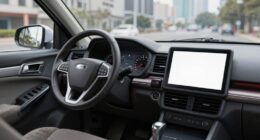
You may already have built-in phone-car systems like MirrorLink that make connecting your smartphone to your vehicle simple and wireless. These systems let you access apps, navigation, and media safely on the road, often with voice control to reduce distractions. They support multiple devices, work across various platforms, and improve over time through updates. If you’d like to discover how these overlooked features can boost your driving experience, keep exploring to learn more.
Key Takeaways
- Many cars support MirrorLink and similar systems that enable wireless smartphone integration.
- These systems allow access to apps, navigation, and media directly on your vehicle’s display.
- Voice control and hands-free features enhance safety and reduce driver distraction.
- Compatibility varies; they often support multiple devices via Wi-Fi or Bluetooth without extra hardware.
- Regular updates improve reliability, system compatibility, and ensure the technology remains current.
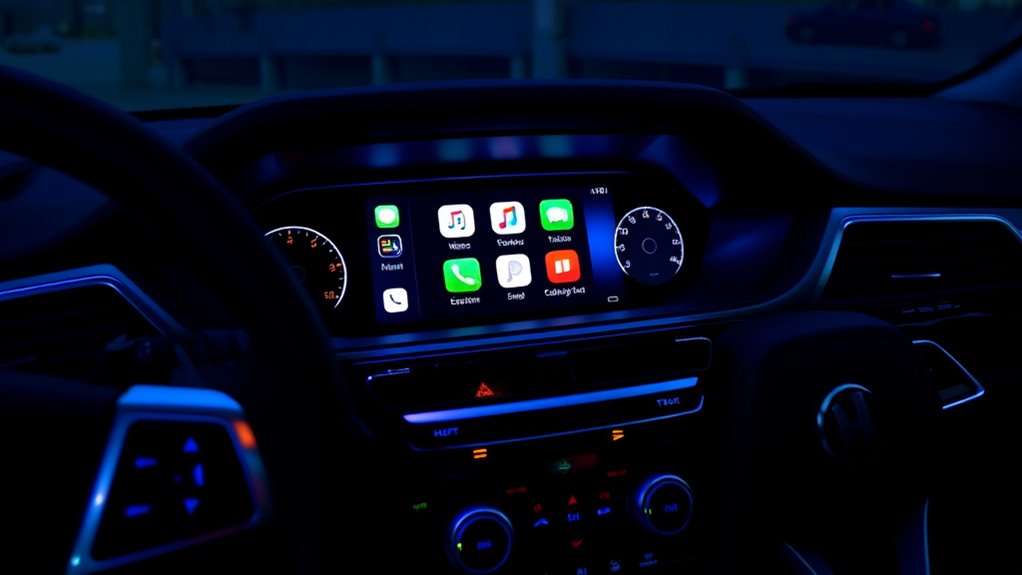
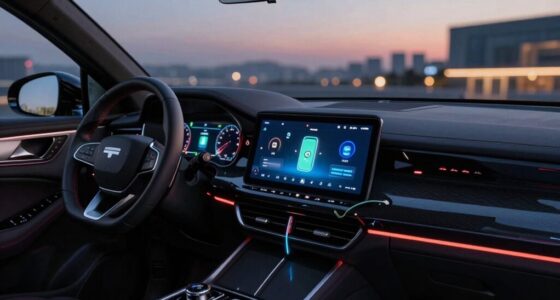
MirrorLink and similar technologies are transforming the way you connect your smartphone to your car’s infotainment system, making it easier to access apps, navigation, and media safely while on the road. Instead of fumbling with cables or trying to navigate small screens, these systems use wireless connectivity to establish a seamless link between your device and your vehicle. This wireless connection means you can keep your phone in your pocket or bag, reducing distractions and clutter. Once connected, your car’s display mirrors your phone’s interface, allowing you to control everything from calls and messages to music and navigation with ease.
One of the key advantages of these systems is their support for voice control. Rather than taking your eyes off the road to tap on the screen, you can simply speak commands to make calls, send texts, select playlists, or get directions. Voice control isn’t just a convenience; it’s a safety feature that helps you stay focused on driving. Many systems integrate with your phone’s virtual assistant, like Siri or Google Assistant, so you can ask for weather updates, calendar reminders, or nearby restaurants without interrupting your journey. This hands-free operation makes your driving experience more intuitive and safer.
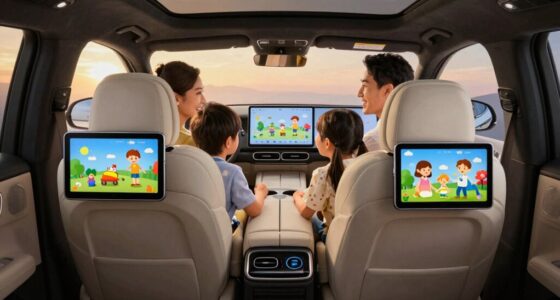
Wireless connectivity also enhances compatibility. You don’t need to worry about carrying around cables or worrying about compatibility issues with different devices. If your vehicle supports MirrorLink or similar platforms, your smartphone can connect effortlessly via Wi-Fi or Bluetooth, depending on the system. This means you can switch between devices or passengers’ phones without hassle. Some systems even support multiple devices, so everyone in the car can access their favorite apps and media without reconnecting every time. This flexibility makes the technology more practical and user-friendly.
Additionally, wireless connection improves the overall user experience by allowing more reliable and stable links between your phone and car system, even during longer trips. Furthermore, these systems often come with updates that improve their functionality over time. As your smartphone’s operating system evolves, your car’s infotainment system can also receive upgrades to support new features or enhance stability. This ongoing support ensures you’re not left behind with outdated technology, and it keeps your connected experience smooth and reliable. Because of the wireless setup, updates tend to be more straightforward, often happening automatically or with minimal user intervention.

Road Top 12.3 Inch Car Radio Wireless CarPlay Ultra-Narrow Touchscreen for Audi A6/A7 2012-2018 Year, Car Radio Stereo Multimedia Screen, Support Wireless Android Auto, Mirrorlink
12.3 Inch Ultra-Narrow CarPlay Touchscreen for Audi : Road Top brings a new technology to upgrade your car's…
As an affiliate, we earn on qualifying purchases.
As an affiliate, we earn on qualifying purchases.
Frequently Asked Questions
Can Mirrorlink Work With All Smartphone Brands?
MirrorLink doesn’t work with all smartphone brands. It’s primarily compatible with select Android devices and some older Windows phones, but many newer smartphones prefer wireless streaming options like Android Auto or Apple CarPlay. When using MirrorLink, you should consider data privacy, as your data could be accessed during the connection. Always check your phone’s compatibility and verify your system’s security settings to protect your information.
What Are the Main Differences Between Mirrorlink and Apple Carplay?
You’ll notice that Apple CarPlay offers a more polished user interface and seamless wireless connectivity, making it easier to access apps and navigation without plugging in. In contrast, MirrorLink often relies on wired connections and supports a wider range of devices, but its user interface isn’t as refined. If you want a smooth, wireless experience, Apple CarPlay is the better choice; for broader device compatibility, MirrorLink works well.
Is Additional Hardware Needed to Activate These Systems?
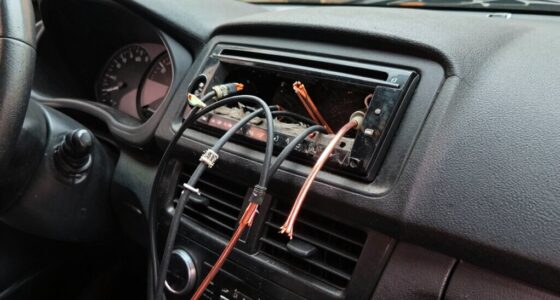
You usually don’t need additional hardware to activate systems like MirrorLink and Apple CarPlay if your smartphone compatibility and vehicle support them. Many cars come with built-in hardware required for these features, but it’s wise to check your car’s manual or consult the manufacturer. If your vehicle doesn’t support these systems, you might need extra hardware, such as an aftermarket multimedia interface, to enable smartphone connectivity.
Are These Systems Compatible With All Vehicle Models?
Imagine opening a familiar door—your vehicle’s system may not be compatible with all models. While some systems work seamlessly across various vehicles, others require specific vehicle compatibility. Check your car’s firmware updates and manufacturer support to guarantee compatibility. You might need additional hardware for certain features, but many systems are built into your vehicle, making integration smoother if supported. Always verify before attempting to connect.
How Secure Are These Phone-To-Car Connection Systems?
These phone-to-car connection systems are generally secure, but vulnerabilities exist. They use encryption protocols to protect your data, reducing the risk of hacking or unauthorized access. However, vulnerability risks still remain if the systems aren’t regularly updated or if you connect to untrusted networks. To stay safe, keep your software current, avoid public Wi-Fi, and use strong, unique passwords. This way, you minimize potential security threats.

Volam 9'' Carplay Screen with Net-Flix YouTube and 1080P Backup Camera Upgraded Android Auto Screen Portable AI Magic Video Box Built-in Apps Voice Control Car GPS for iOS 10+ Android 11+
【Enhanced Wireless CarPlay and Android Auto: New Video Streaming Apps】Our carplay screen for car now supports wireless apple…
As an affiliate, we earn on qualifying purchases.
As an affiliate, we earn on qualifying purchases.
Conclusion
So, next time you hop into your car, remember these hidden gems like MirrorLink that could turn your drive into a seamless digital escape. They’re quietly waiting in the background, like a trusted co-pilot ready to assist when needed. Don’t overlook these forgotten systems — they’re the unsung heroes of your connected journey. Embrace them, and your car’s technology becomes more than just gadgets; it becomes a trusted companion on every ride.
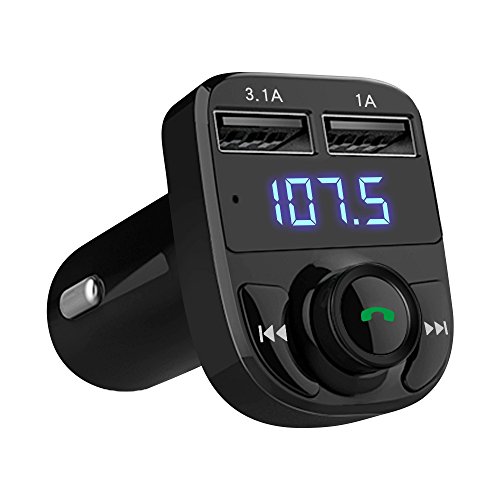
Handsfree Call Car Charger, Wireless Bluetooth 5.3 FM Transmitter Radio Receiver, MP3 Audio Music Adapter, Dual USB Ports, LED Show Voltage/FM Frequency, Compatible for iPhone Samsung Smartphones
Music Streaming Adapter & Player: Wireless Bluetooth FM transmitter adapter supports Bluetooth /USB disk/TF card/ MP3/WMA player. With…
As an affiliate, we earn on qualifying purchases.
As an affiliate, we earn on qualifying purchases.

2026 Upgrade 3 in 1 Screen Mirroring for iOS Android Phone,Wired to Wireless Screen Mirroring Carplay Adapter for Car,Mirror Link Auto Adapter with 2.4/5Ghz WiFi & Bluetooth 5.0
【3-IN-1 SMART VERSATILITY & PREMIUM BUILD】 Seamlessly convert your factory wired system to wireless! Choose the iOS version…
As an affiliate, we earn on qualifying purchases.
As an affiliate, we earn on qualifying purchases.