
Before upgrading your vehicle’s infotainment system, it’s vital to check compatibility, space, and your priorities. Assess if your dash can fit the new head unit and if your vehicle’s electrical system supports it. Decide which features matter most—like touchscreen size, connectivity, or future upgrades—and choose the right system accordingly. Proper installation and tools are key, and knowing when to seek professional help can prevent costly mistakes. Continuing guarantees you’ll have all the essential tips for a successful upgrade.
Key Takeaways
- Assess your vehicle’s compatibility, space, and electrical system before choosing an aftermarket head unit.
- Prioritize features like audio quality, display size, connectivity, and future-proof options to suit your needs.
- Learn proper installation techniques and gather essential tools to ensure safety and optimal performance.
- Consider professional installation for complex wiring or integration to avoid costly mistakes.
- Budget for system costs, installation, and potential upgrades, and plan for long-term maintenance and software updates.
Assessing Your Vehicle’s Compatibility and Space
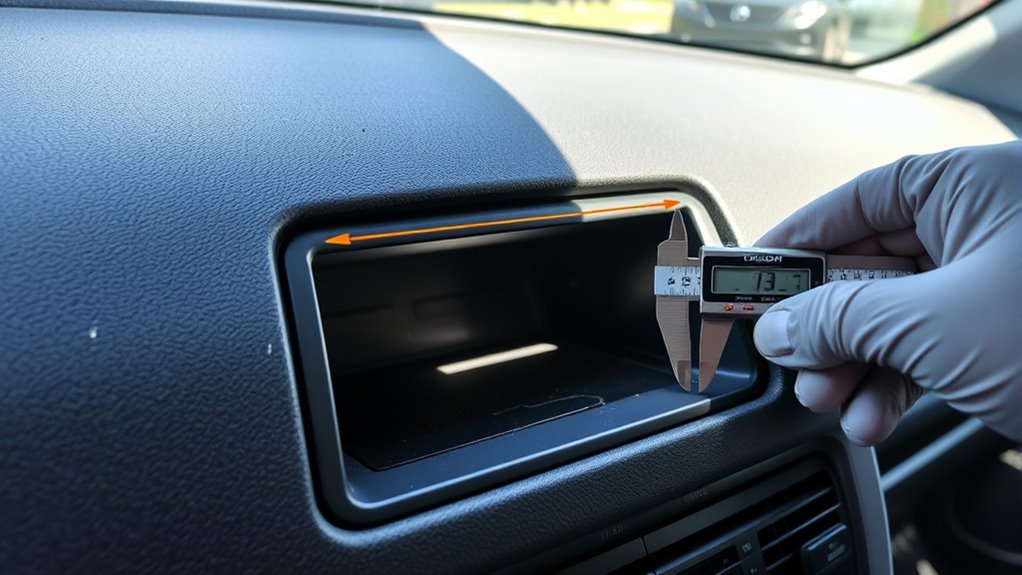
Before installing an aftermarket infotainment system, you need to determine if your vehicle can accommodate it. Check if there’s enough space in your dashboard or console for the new head unit. Some vehicles might require custom mounts or trims. Additionally, consider the system’s power requirements; make sure your vehicle’s electrical system can support the new unit without overloads. This is vital for maintaining good audio quality, as insufficient power can cause static or poor sound performance. Measure the existing wiring and connections to see if adapters are needed. Compatibility isn’t just about fitting physically but also about matching power needs and ensuring the system will operate smoothly with your vehicle’s electrical setup. Proper assessment prevents future issues and guarantees a seamless upgrade. Considering European cloud innovation can also inspire more advanced, reliable, and energy-efficient systems for your vehicle.
Identifying Your Must-Have Features and Priorities

Think about the audio features you can’t live without, like premium sound or voice control. Consider display options and how easily your devices connect to your system. Also, decide what user interface style feels most intuitive for your daily use. Additionally, evaluating options like 4K resolution can significantly enhance your viewing experience and add future-proofing to your setup. Incorporating content relevance into your decision-making ensures your infotainment system remains functional and engaging over time.
Essential Audio Features
When choosing essential audio features for your aftermarket infotainment system, it’s important to identify what matters most to you. Prioritize audio quality to guarantee clear, rich sound that enhances your driving experience. Look for systems with high-resolution audio support and good speaker compatibility. Additionally, Bluetooth connectivity is vital for hands-free calls and wireless streaming from your devices. Seamless pairing and stable connections make your drives safer and more convenient. Consider how well the system handles audio sources, such as USB drives or auxiliary inputs, to give you flexibility. By focusing on these key features, you’ll guarantee your new setup delivers crisp sound and easy connectivity, making your time behind the wheel more enjoyable without unnecessary complexity.
Display and Connectivity Options
Choosing the right display and connectivity options can considerably enhance your overall infotainment experience. Start by considering screen resolution—higher resolutions deliver sharper images and easier viewing, especially for navigation or media browsing. Touchscreen size also matters; larger screens are more comfortable to interact with on the go. Connectivity features like Bluetooth, Wi-Fi, and USB ports keep your devices connected effortlessly. Voice recognition is a key feature that allows hands-free control, making it safer and more convenient to operate your system while driving. Determine which options are essential for your needs: do you want seamless smartphone integration, streaming capabilities, or voice commands? Prioritizing these features helps you select an infotainment system that fits your lifestyle and keeps your driving safe and enjoyable. Additionally, understanding Free Floating can help you appreciate how adaptable and customizable your in-car tech setup can be, allowing for a more intuitive and personalized experience.
User Interface Preferences
Your user interface preferences play a crucial role in how enjoyable and intuitive your infotainment system is to use. Think about whether you prefer a responsive touchscreen interface that you can navigate with taps and swipes or if voice command features are more your style for hands-free control. If you’re often on the go, a system with voice command capabilities allows you to change music, make calls, or get directions without distraction. Consider how you interact with your system daily—do you want a sleek, minimal touchscreen or one with customizable menus? Prioritize features that enhance safety and convenience, ensuring your system aligns with your driving habits. Knowing your must-have interface features helps you choose an aftermarket setup that feels natural and supports your in-car experience.
Understanding Different Types of Infotainment Systems
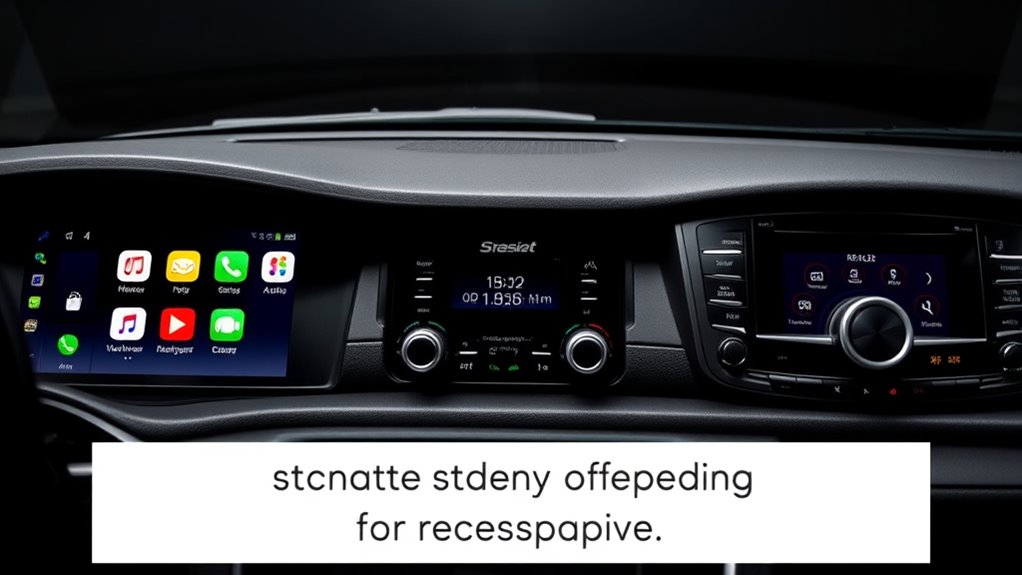
Understanding the different types of infotainment systems is essential to making an informed upgrade. You’ll find options ranging from basic stereos to advanced units with voice recognition and multimedia streaming capabilities. Each type offers different features, interfaces, and compatibility levels. To clarify, here’s a comparison:
| Type | Features | Best For |
|---|---|---|
| Factory OEM | Seamless integration, limited options | Original vehicle owners |
| Aftermarket Single-Din | Cost-effective, simple interface | Budget-conscious buyers |
| Aftermarket Touchscreen | Multimedia streaming, voice control | Tech-savvy users |
| Android Auto / CarPlay | Smartphone integration, navigation | Modern smartphone users |
| Custom Systems | Fully customizable, advanced features | Enthusiasts seeking control |
Choosing the right system hinges on your needs for voice recognition and multimedia streaming.

Upgrading to a new infotainment system involves more than just picking the right model; it also requires a clear budget plan. Effective cost management helps you avoid overspending and surprises. Start by researching the costs of the system itself, including installation fees. Remember, hidden expenses like wiring, adapters, or additional accessories can add up quickly. Comparing vendors is essential—look for transparent pricing and warranty options. Don’t forget to factor in potential future costs, such as software updates or maintenance. Creating a detailed budget upfront keeps your project on track and prevents unexpected financial strain. Be aware that vetted wave and wind options in your system can impact both performance and long-term costs. Additionally, considering long-term maintenance can help you plan for ongoing expenses. Understanding system compatibility and integration requirements is crucial to avoid costly modifications later. Conducting thorough research on installation complexity can reveal additional time and labor costs that might otherwise be overlooked. Being aware of power requirements and ensuring your vehicle’s electrical system can handle the upgrade is also vital to prevent damage or additional upgrades. By carefully managing costs and doing vendor comparisons, you’ll ensure a smooth upgrade without breaking the bank or compromising on features.
Choosing the Right Installation Approach and Tools
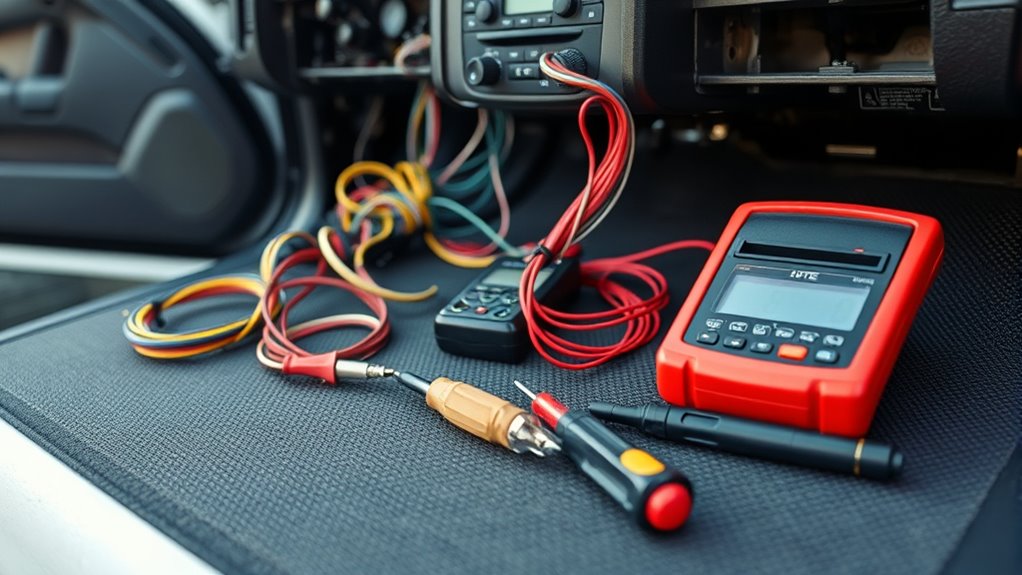
When selecting an installation approach, you need to contemplate whether you’ll do it yourself or hire a professional, as each method has different tools and skills involved. Having the right essential toolkit makes the process smoother and reduces the risk of damage. Make sure you understand the options and gather the necessary tools before starting your upgrade. Proper installation techniques can also influence the longevity and performance of your upgraded system. Additionally, understanding reliable backup power principles can help ensure your system remains safe and effective over time. Familiarizing yourself with smart appliance integration can further enhance your system’s functionality and reliability, allowing for a more calm and organized home setup.
Installation Method Options
Choosing the right installation method is vital to guarantee your aftermarket infotainment system fits securely and functions properly. Your approach affects sound quality and speaker placement, which are essential for an optimal listening experience. You can opt for a dash kit installation, which offers a clean, factory-like look, or a custom install if you want more flexibility. Some methods involve replacing the factory head unit directly, while others use an interface adapter to preserve existing features. Consider your skill level and the complexity of your vehicle’s dash when choosing an approach. The method you select will impact the tools needed and the overall installation process. Taking the time to choose wisely ensures your system operates smoothly and delivers the best sound quality possible. Additionally, evaluating installation complexity and your comfort with DIY tasks can help prevent potential issues during setup. Carefully assessing vehicle compatibility can save you time and frustration during installation.
Essential Tool Kit
Selecting the right tools is essential to guarantee a smooth and successful installation. A well-chosen toolkit helps you avoid compatibility issues and preserves sound quality. Basic tools like a Phillips screwdriver, panel removal tools, and wire strippers are must-haves. If you’re working with newer vehicles, a wiring harness adapter and a dash kit might be necessary to assure proper fit and connection. Using the correct tools minimizes damage to your dashboard and enhances sound quality by ensuring secure connections. Avoid shortcuts by investing in quality tools, as they help prevent compatibility issues that could lead to poor audio performance. With the right kit, you’ll streamline the installation process, saving time and frustration while guaranteeing your aftermarket infotainment system delivers ideal sound quality. Paying attention to essential tools for audio systems can further improve your overall installation experience.
Ensuring Future Compatibility and Upgradability
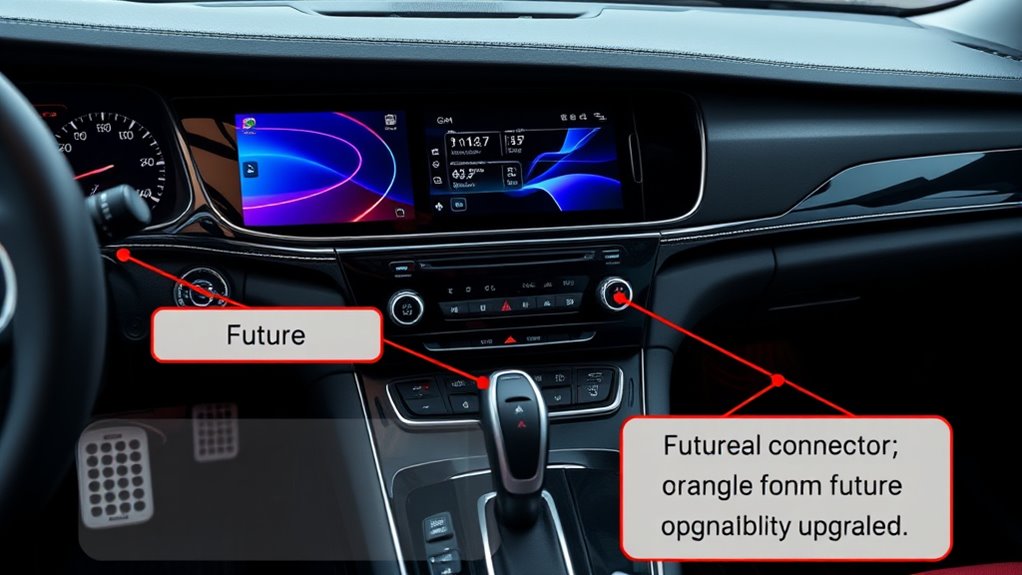
To guarantee your aftermarket infotainment system remains compatible with future updates and technology, it’s essential to prioritize flexibility and modularity from the start. Focus on systems that support seamless Bluetooth pairing and easy app integration, ensuring your setup can adapt over time. Consider these key points:
- Choose a head unit with open-source firmware or future upgrade options.
- Opt for models with multiple USB and HDMI ports for expandability.
- Select systems with support for wireless updates to keep software current.
- Ensure compatibility with your smartphone’s Bluetooth pairing and preferred apps.
Recognizing When to Seek Professional Assistance
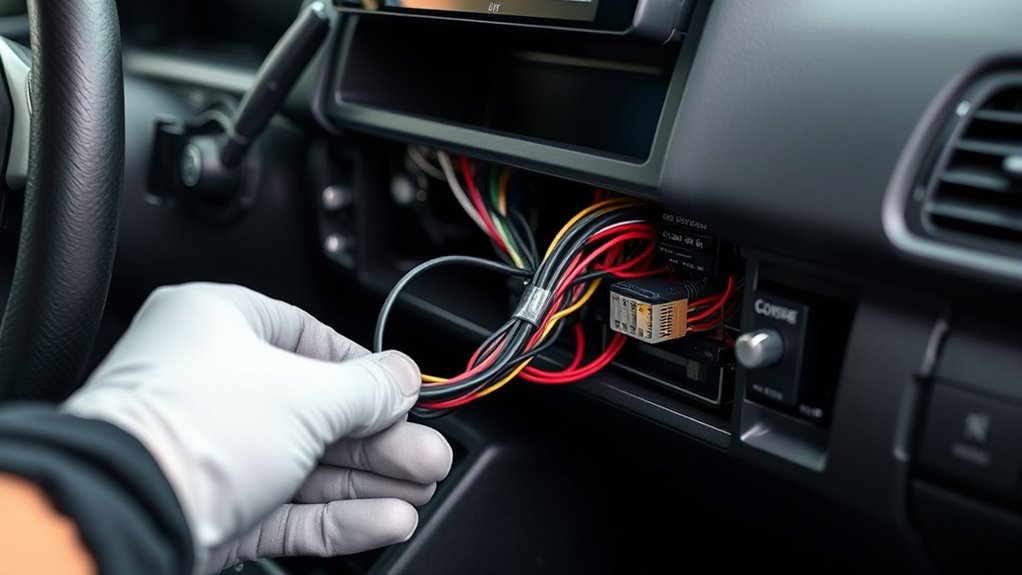
Knowing when to seek professional help can save you time and prevent costly mistakes, especially if you encounter complex wiring, integration issues, or unfamiliar installation procedures. If you’re struggling with custom wiring or need specific antenna adapters, don’t hesitate to consult an expert. Recognize these signs: your stereo won’t turn on, the display is unresponsive, or the sound quality is poor despite following instructions. Additionally, if you’re unsure about connecting to factory wiring harnesses or integrating with vehicle systems, professional assistance ensures safety and functionality. Being aware of tax implications of inheritances and gifts can also help you prepare for potential financial impacts during your installation process. Understanding vehicle electronics and how they interact with aftermarket systems can also prevent potential compatibility issues.
Frequently Asked Questions
Can I Upgrade My Infotainment System Without Losing Factory Features?
Yes, you can upgrade your infotainment system without losing factory features by choosing aftermarket units with factory integration. Look for systems that support feature retention, ensuring your existing functions like steering wheel controls and backup cameras stay intact. Research compatible models and professional installation options to maintain seamless factory integration, so you get new tech without sacrificing your vehicle’s original features.
How Does Upgrading Affect My Vehicle’s Warranty?
Upgrading your infotainment system can risk your manufacturer warranty, but it depends. If you choose reputable installers and confirm your modifications don’t void warranty coverage, you might avoid issues. However, some manufacturers view aftermarket upgrades as potential risks, which could limit warranty support. Always check your vehicle’s warranty terms before upgrading, so you protect your coverage while enjoying the new features. Being informed helps you balance innovation and warranty protection.
Are There Specific Apps Compatible With Aftermarket Head Units?
Many aftermarket head units support popular apps like Spotify, Google Maps, and Waze, but app compatibility varies by model. Before buying, check whether the unit allows easy app installation and guarantees your preferred apps are supported. Some systems use Android Auto or Apple CarPlay, simplifying app access and updates. Confirm compatibility with your smartphone and the head unit to avoid frustration and enjoy seamless app integration during your drives.
What Security Risks Are Associated With Aftermarket Infotainment Systems?
Think of your aftermarket infotainment system as a castle vulnerable to invaders. You face risks like unauthorized access and data breaches if security isn’t tight. Hackers can exploit vulnerabilities, gaining control or stealing personal info. To defend your digital fortress, keep software updated, use strong passwords, and choose reputable brands with robust security features. Protecting your system guarantees your drives stay safe, and your private data remains yours alone.
Will Installing a New System Impact My Vehicle’s Resale Value?
Installing a new aftermarket infotainment system can impact your vehicle’s resale value, but it depends on compatibility and buyer preferences. If your system is compatible with your car’s make and model, it might boost appeal, but poorly installed or outdated tech can lead to resale depreciation. Consider how potential buyers view aftermarket upgrades; some may see it as a benefit, while others might worry about compatibility issues or future repairs.
Conclusion
So, before you plunge into the world of shiny new screens and fancy features, remember—your car’s patience is not infinite. Skipping research could leave you with a system that’s more frustration than function. Think of it as upgrading your phone without reading the manual—sure, it’s tempting, but you’ll regret it when you’re stuck with a useless gadget. Play it smart, and your new infotainment will be a joy, not a headache.