To add Bluetooth to any car stereo without tools, simply plug a compact wireless Bluetooth adapter into the auxiliary port. Make sure your stereo has an AUX input and your adapter supports your device’s Bluetooth version for seamless pairing. Turn on your car and device, then connect them wirelessly. For more tips on optimizing your setup and solving common issues, keep exploring how to upgrade your audio experience easily.
Key Takeaways
- Use a Bluetooth transmitter that connects via auxiliary (AUX) port for a tool-free upgrade.
- Ensure your car stereo has an accessible AUX input labeled “AUX” or headphone icon.
- Simply plug the Bluetooth adapter into the AUX port and pair your device wirelessly.
- Keep devices close and avoid obstacles to maintain a strong, interference-free signal.
- Update firmware of your devices if needed for seamless pairing and optimal audio quality.
Understanding Your Car Stereo’s Compatibility
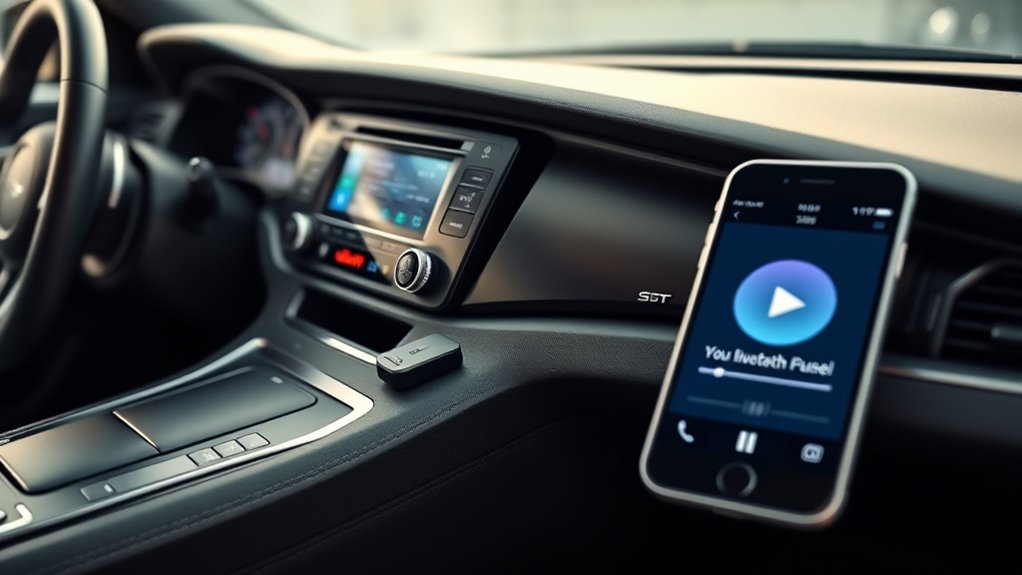
Before adding Bluetooth to your car stereo, it’s vital to determine if your system is compatible. Start with a compatibility check by reviewing your stereo’s manual or inspecting its features. Focus on port identification: look for a USB port, auxiliary input, or Bluetooth symbol. If your stereo already has Bluetooth capabilities, you might just need to enable it. If not, identify whether your system supports an auxiliary or USB connection for a Bluetooth adapter. Knowing the type of port available ensures you choose the right adapter later. Confirming compatibility now saves you time and frustration. Additionally, checking your stereo’s connectivity options can help you determine the most suitable method for adding Bluetooth. To maximize your chances of a successful upgrade, understanding the car stereo’s hardware limitations is essential. Recognizing the audio input types your system supports can also prevent purchasing incompatible devices. Moreover, understanding your device’s power requirements can ensure the Bluetooth adapter functions correctly without draining your car’s battery. Also, consider the installation process as some adapters may require simple plug-and-play setup, while others might need more detailed installation steps.
Gathering the Necessary Bluetooth Adapter
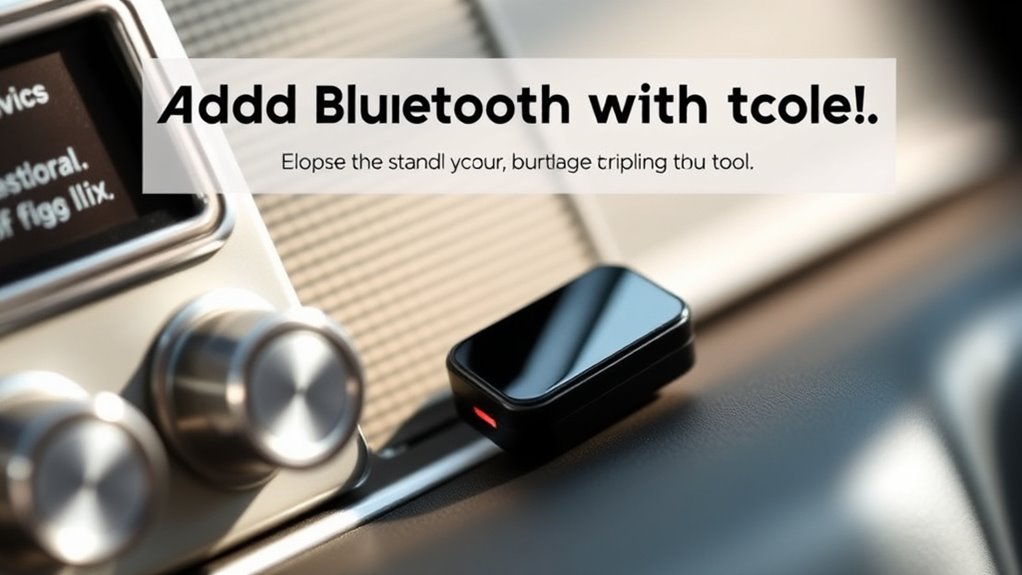
Once you’ve confirmed your stereo’s compatibility, the next step is to gather the right Bluetooth adapter. Look for a compact, wireless adapter that offers excellent sound quality and broad device compatibility. Verify the adapter supports your phone’s Bluetooth version and profiles for seamless pairing. Check reviews to verify it maintains sound clarity without lag or interference. Some adapters are designed specifically for car stereo use, providing better sound quality and a stable connection. Compatibility with your car’s auxiliary port is essential, so verify that the adapter matches your setup. By choosing a reliable, compatible Bluetooth adapter, you’ll ensure smooth audio streaming and a hassle-free experience. Remember, the right device makes all the difference in achieving clear sound and effortless connectivity. Additionally, selecting an adapter with Vetted quality standards ensures durability and consistent performance over time. Ensuring your adapter meets industry safety standards can also provide added confidence in its reliable operation. Incorporating noise reduction features can further enhance audio clarity during your drives. Opting for an adapter with advanced signal processing can help minimize potential disruptions and maintain a stable connection.
Connecting Your Adapter to the Car’s Auxiliary Port
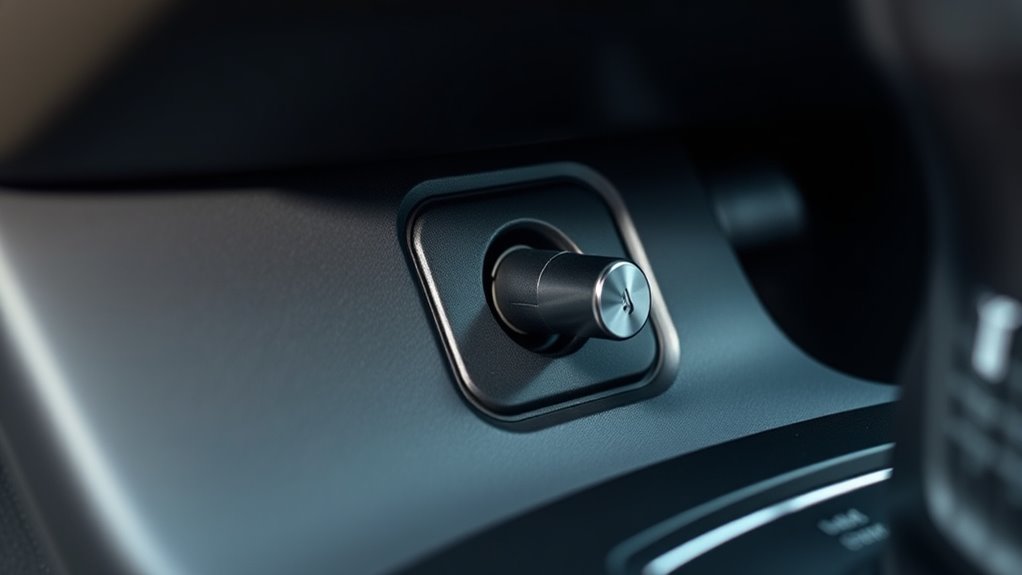
First, locate the auxiliary input on your car stereo, usually labeled “AUX” or with a headphone icon. Then, connect your Bluetooth adapter to this port reliably. You may also want to ensure that your car’s audio system has integrated Bluetooth capabilities or is compatible with external adapters for optimal performance. Free Floating Finally, turn on your car and test the connection to guarantee your device pairs correctly.
Locate Auxiliary Input
To connect your Bluetooth adapter, start by locating your car’s auxiliary input port, which is usually labeled “AUX” and found on the dashboard, center console, or near the stereo system. This port is essential for transmitting audio quality from your device to the car’s speakers. Once found, verify the port isn’t blocked or obscured. The AUX input typically draws power from the car’s electrical system, so no separate power sources are needed for the adapter itself. Confirm the port’s compatibility with your Bluetooth device for seamless audio streaming. Keep in mind that a secure connection helps maintain consistent audio quality. When you’ve located the AUX port, you’re ready to connect your adapter and enjoy wireless music without sacrificing sound clarity. Additionally, ensuring your overall system compatibility helps prevent potential issues with audio transmission. Understanding the audio quality that your car stereo can support will enhance your listening experience and prevent disruptions.
Connect and Test Adapter
After locating the AUX port, connect your Bluetooth adapter by firmly plugging it into the port. Make certain it’s inserted all the way for a secure connection, which helps maintain good audio quality. Once connected, turn on your car and your Bluetooth device. Pair the adapter with your device, following the manufacturer’s instructions. This step tests device compatibility, confirming that your phone or music player recognizes the adapter. Play some audio to check the sound quality; it should be clear and free of static or interruptions. If the audio isn’t satisfactory, double-check the connection and make sure your device is fully compatible with the adapter. Proper connection stability ensures your Bluetooth connection works smoothly, giving you wireless control over your car’s stereo system. Additionally, regular maintenance of your car’s audio system can prevent common issues and improve overall performance. Being mindful of vacuum features like suction power and filter types can help keep your vehicle’s interior clean and enhance your overall driving experience. Remember to maintain your car’s audio system regularly for optimal performance.
Configuring Your Bluetooth Device for Pairing
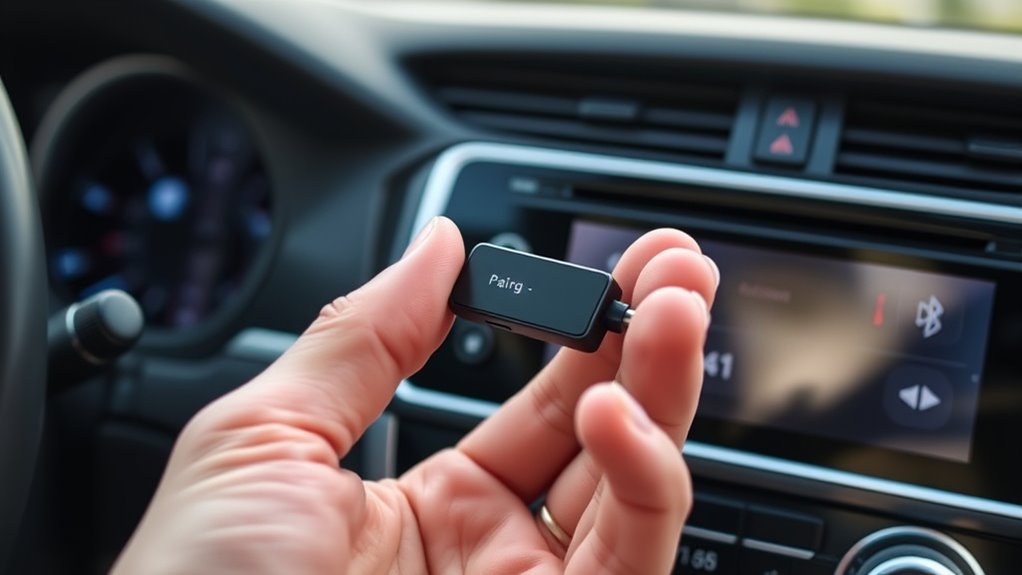
Before you can enjoy hands-free calling and music streaming, you’ll need to configure your Bluetooth device for pairing. Start by turning on your Bluetooth device and setting it to discoverable mode, which allows it to be visible to your car stereo. When pairing, be mindful of Bluetooth security; avoid public or unsecured networks to protect your device. Follow your device’s instructions to initiate pairing, ensuring you select the correct device name on your car stereo. Many devices use specific pairing protocols—like Secure Simple Pairing—to establish a safe connection. Once paired, you might be prompted to enter a PIN or confirm a code. Complete these steps to guarantee a secure, reliable connection, ready for seamless audio streaming and calls. Additionally, detecting passive voice can help you improve clarity and make your instructions more direct. Remember to verify device compatibility beforehand to avoid pairing issues and ensure a smooth setup process. Being aware of pairing protocols can further enhance the security and ease of your connection. Ensuring you follow proper security practices during pairing can help protect your device from potential vulnerabilities. To further improve your setup process, consider reviewing passive voice detection techniques to make your instructions more straightforward.
Troubleshooting Common Connection Issues
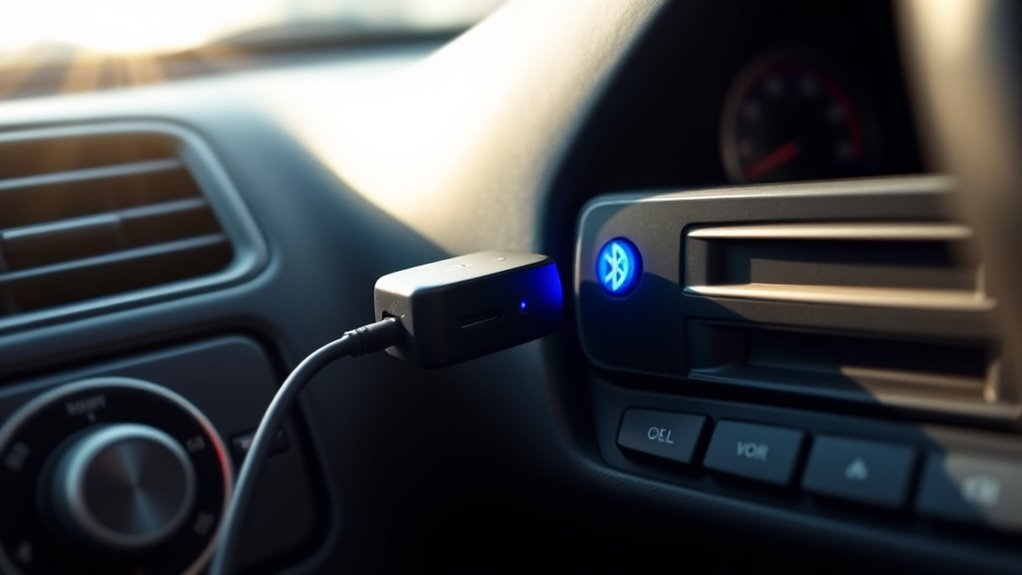
If you’re having trouble connecting your Bluetooth device, start by clearing any pairing errors to guarantee a fresh connection. Make sure your device is within the effective signal range, as obstacles or distance can weaken the connection. Adjusting these factors can often resolve common issues quickly and improve overall performance. Additionally, verifying that your car stereo’s firmware is up to date can help ensure compatibility and smooth connectivity for reliable communication.
Clearing Pairing Errors
When you encounter pairing errors between your Bluetooth device and your car stereo, troubleshooting quickly becomes essential to restore connectivity. First, ensure your devices support wireless audio and are compatible. Check that both are within close range and free from interference. Clear old Bluetooth pairings from your device’s settings and your car stereo’s memory to prevent conflicts. Restart both devices to refresh their Bluetooth modules. If pairing still fails, verify that your device’s Bluetooth version matches the stereo’s requirements. Sometimes, firmware updates for your device or stereo can resolve compatibility issues. Finally, turn Bluetooth off and on again on both devices. These steps help eliminate common causes of pairing errors, making it easier to enjoy seamless wireless audio.
Improving Signal Range
Even after resolving pairing errors, a weak Bluetooth signal can cause frequent disconnects or poor audio quality. To improve signal range, focus on minimizing signal interference and optimizing antenna placement. Keep your Bluetooth transmitter away from metal objects, electronics, and other wireless devices that may cause interference. Positioning the transmitter higher, like on your dashboard or sun visor, can enhance signal strength. Use the table below to identify potential issues and solutions:
| Issue | Solution | Tip |
|---|---|---|
| Signal interference | Reduce nearby electronics or move transmitter | Keep away from microwaves, Wi-Fi routers |
| Antenna placement | Place transmitter higher and unobstructed | Elevate for clearer line-of-sight |
| Obstructions | Clear physical barriers between devices | Avoid metal or thick glass |
Enhancing Sound Quality and Stability
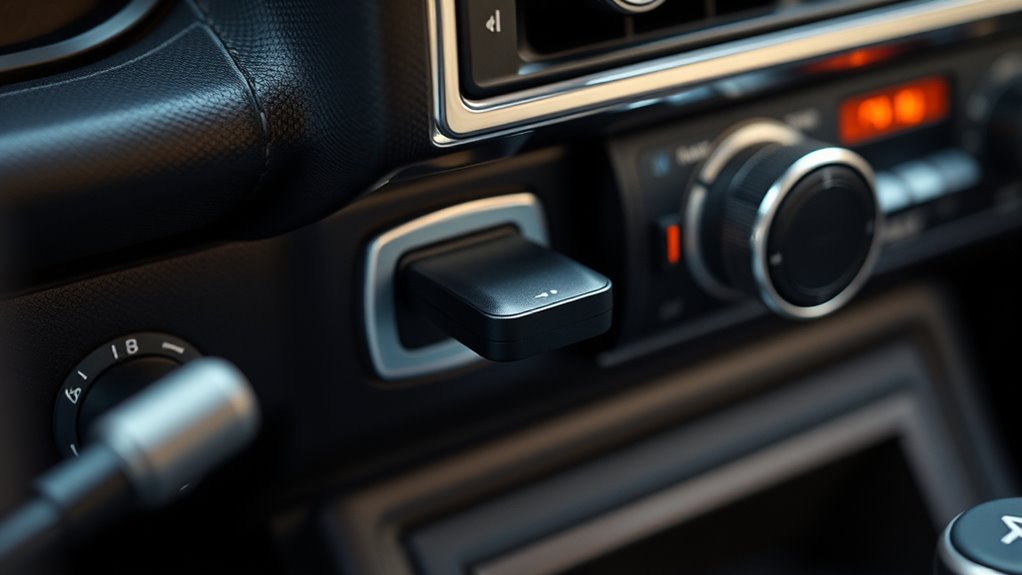
Enhancing sound quality and stability when adding Bluetooth to your car stereo requires careful attention to both hardware and setup. To improve music streaming, choose a high-quality Bluetooth transmitter with aptX or AAC support for clearer audio. Keep your device and transmitter within a close range to minimize interference. Using a stable, interference-free connection ensures your music streams smoothly without dropouts. Voice commands become more effective when your Bluetooth connection is solid, allowing you to control playback hands-free without interruptions. Adjust your device’s audio settings for ideal sound, and avoid unnecessary Bluetooth devices that could cause interference. Proper placement of the transmitter and maintaining a clear line of sight can considerably boost stability, resulting in better sound quality during every drive.
Tips for Maintaining a Clean and Organized Setup
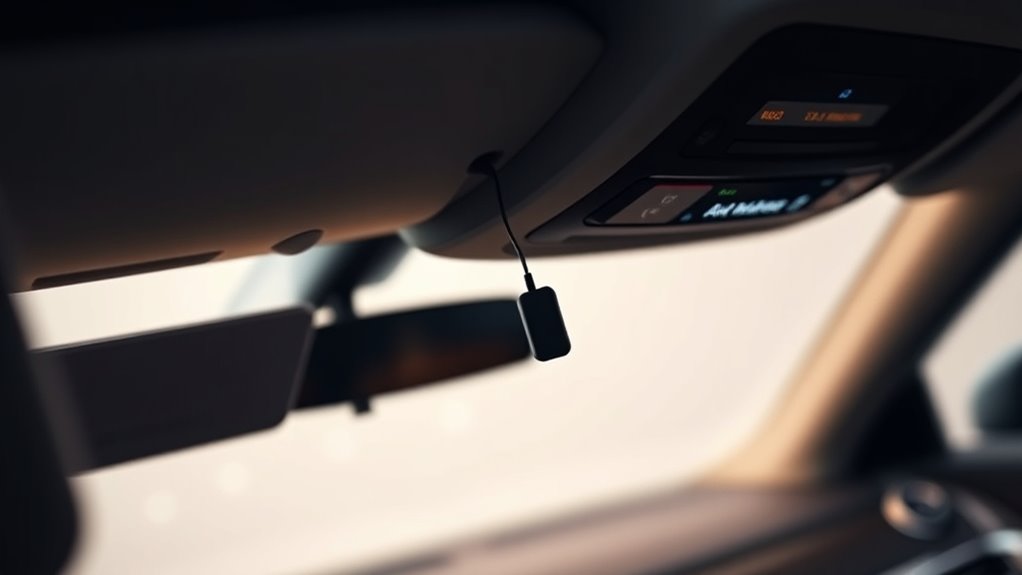
Maintaining a clean and organized setup for your car stereo guarantees safer driving and easier access to your Bluetooth devices. Proper cable management prevents tangles and reduces distractions, making your drives smoother. A clutter-free space also enhances aesthetic enhancements, giving your car a polished look. Use cable clips or sleeves to route cables neatly along the dashboard or center console. Keep unused cables tucked away or labeled for quick identification. Regularly check and clean your setup, removing dust and debris. Here’s a visual guide:
| Cable Management | Aesthetic Enhancements | Accessibility |
|---|---|---|
| Clip cables along panels | Use matching covers | Place controls within reach |
| Tuck excess cables behind panels | Add decorative wraps | Keep Bluetooth device nearby |
| Label cables for quick ID | Install sleek holders | Maintain clear pathways |
Exploring Additional Features and Upgrades
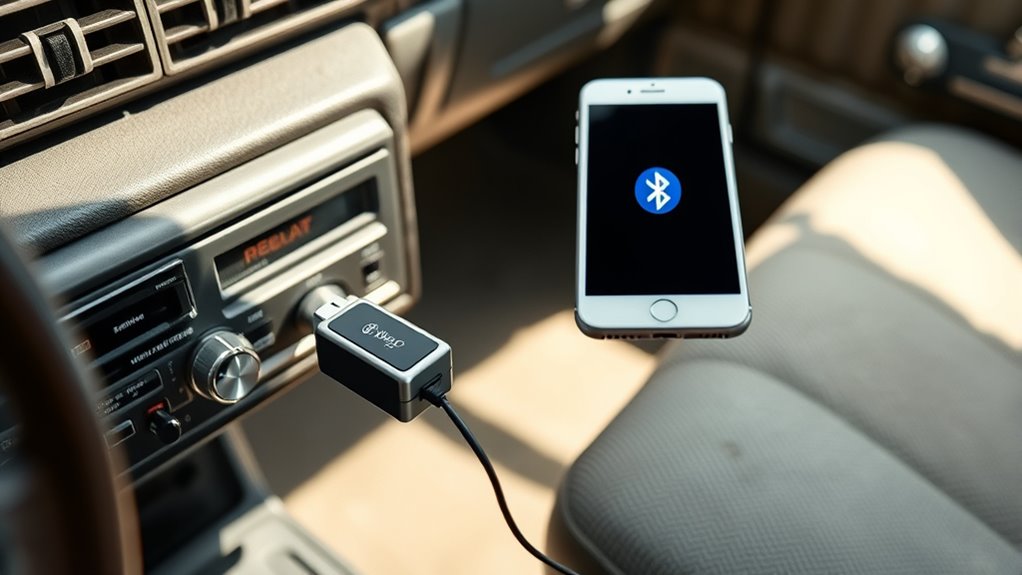
Adding advanced features and upgrades to your car stereo can substantially improve your driving experience. Wireless streaming allows you to effortlessly play music, podcasts, and audiobooks directly from your smartphone without cluttering your dashboard. Upgrading for voice control enhances convenience, letting you manage calls, navigation, and media with simple voice commands. These features not only boost safety by reducing distractions but also make your drives more enjoyable. Many affordable adapters and devices support these upgrades, so you don’t need extensive installations or tools. By exploring these additional options, you transform your basic stereo into a smart, connected system. Whether you’re commuting or taking road trips, these enhancements optimize your setup and keep your focus on the road while staying connected.
Frequently Asked Questions
Can I Use This Method With a Vintage or Non-Aux Car Stereo?
Yes, you can use this method with vintage or non-aux car stereos, but there are some limitations. Vintage compatibility depends on whether your stereo has any input options, such as RCA or other connectors. If it doesn’t, non-aux limitations may prevent easy Bluetooth integration. In that case, you might need a different adapter or upgrade your stereo to add Bluetooth functionality.
Will Connecting Bluetooth Drain My Car’s Battery Faster?
Worried about your battery drain increasing? Connecting Bluetooth for streaming does consume some power, but it’s usually minimal and won’t substantially affect your car’s battery life. Modern devices are designed to manage power consumption efficiently, so unless you keep Bluetooth active constantly, your battery drain remains low. Just remember to turn off Bluetooth when not in use to preserve your vehicle’s battery life and avoid unnecessary power drain.
Is There a Delay in Audio Transmission With This Setup?
You might notice some audio lag or latency issues with this setup, especially if your Bluetooth device isn’t latest version. Typically, the delay is minimal and barely noticeable, but it can vary depending on your car stereo and Bluetooth quality. To reduce audio lag, use devices with low latency support or connect to higher-quality Bluetooth transmitters. Keep in mind, some minor delay is common with wireless audio transmission.
Are There Any Safety Concerns When Installing Bluetooth Adapters?
Think of installation safety as steering through calm waters—you want smooth sailing. When installing Bluetooth adapters, make certain device compatibility and follow instructions carefully to avoid hazards. Avoid forcing connections or tampering with wiring, and disconnect the car battery if necessary. This helps prevent electrical issues or damage. Staying cautious during installation minimizes risks, so you can enjoy wireless streaming safely without compromising your vehicle’s safety or your own.
Can I Connect Multiple Bluetooth Devices Simultaneously?
Yes, you can connect multiple Bluetooth devices simultaneously, but it depends on the Bluetooth adapter’s pairing capabilities and device compatibility. Some adapters support multi-device pairing, allowing you to switch between or even use multiple devices at once. make certain your Bluetooth pairing process is smooth, and check the device compatibility before purchasing. Keep in mind, audio quality may decrease if multiple devices are connected, so choose an adapter that suits your needs.
Conclusion
Now that you know how to add Bluetooth to your car stereo without tools, you’re all set to enjoy hands-free calls and wireless music. Remember, a stitch in time saves nine—keeping your setup tidy and up-to-date guarantees smooth performance. With just a few simple steps, you can upgrade your driving experience effortlessly. So go ahead, embrace the convenience and turn your car into a smart, connected space.