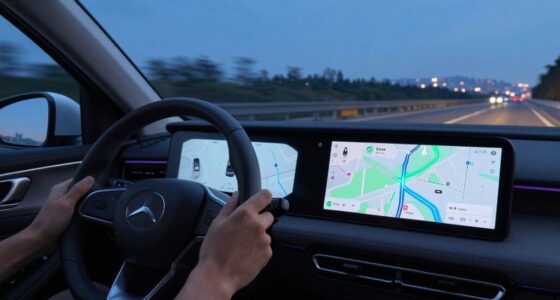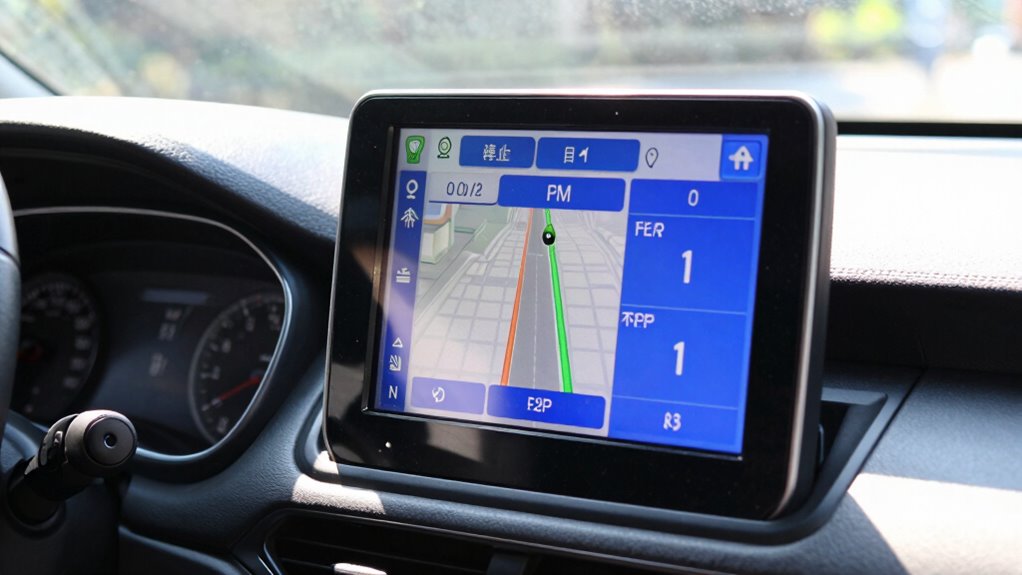

To make navigation more readable in bright sunlight, start by increasing your screen brightness and applying anti-glare or matte screen protectors to reduce reflections. Reposition your device or adjust the angle to minimize glare, and use high-contrast display settings like dark mode with bright text. Mount your device in shaded areas or add sunshades for better visibility. If you want to discover more effective tips, keep exploring how to improve outdoor navigation.
Key Takeaways
- Use high-brightness, outdoor-rated screens or devices with adaptive display technology for better visibility.
- Apply anti-glare screen protectors and reposition devices to minimize reflections and direct sunlight.
- Increase font contrast with bold, high-contrast text colors like white on black or yellow on dark backgrounds.
- Mount devices in shaded areas or use sunshades to reduce direct sunlight exposure.
- Keep screens clean and free of smudges to maintain maximum clarity in bright conditions.
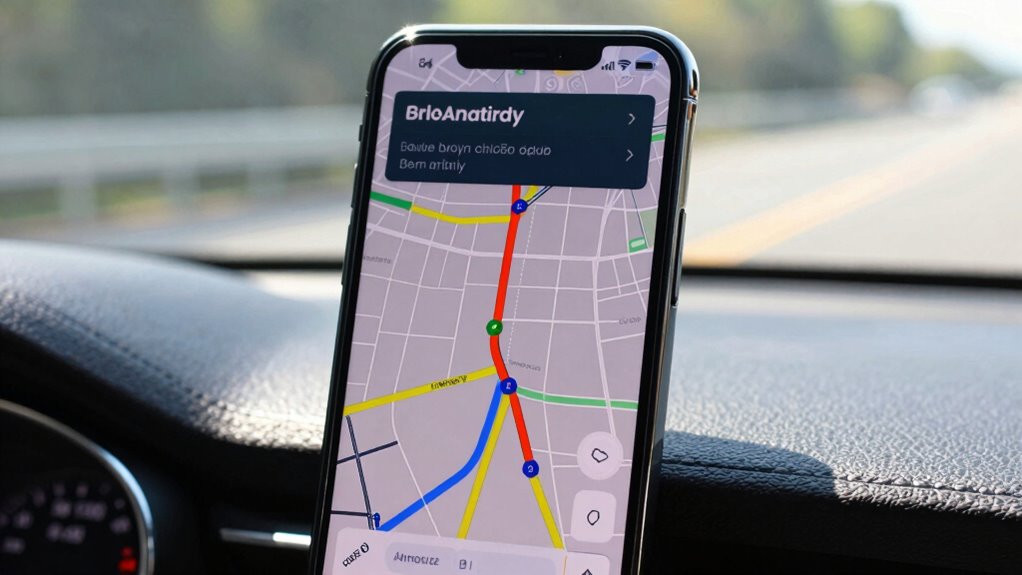
Have you ever struggled to see your navigation tools in bright sunlight? If so, you’re not alone. Direct sunlight can wash out screens, making it tough to read maps, directions, or icons. Luckily, there are practical ways to improve visibility and guarantee you stay on track without squinting or fumbling. The key lies in focusing on glare reduction and enhancing font contrast to make your display more readable in bright conditions.
Glare reduction is essential when facing intense sunlight. One effective strategy is to adjust your device’s screen brightness to the maximum, which helps counteract the glare and makes the display more visible. Many smartphones and GPS units also come with anti-glare or matte screen protectors designed specifically for bright environments. These filters scatter incoming light rather than reflecting it, markedly reducing glare and improving clarity. Additionally, you can reposition your device or change your angle to minimize reflections, ensuring the screen faces away from direct sunlight whenever possible. Using anti-glare screen protectors can make a significant difference in reducing reflections and enhancing screen clarity.
Another critical aspect of making navigation more readable is optimizing font contrast. When the text on your screen blends into the background, it becomes difficult to read. To combat this, select display settings that offer high contrast options, such as dark mode with bright text or vice versa. Many apps allow you to customize font colors—choose bold, clear fonts with high contrast colors like white on black or yellow on dark backgrounds. This creates a stark difference between the text and its background, making it easier to scan maps or instructions quickly. Proper contrast enhancement can further improve readability in challenging lighting conditions.
Beyond software adjustments, consider the physical setup. If you’re using a mounted device, position it in a way that the sun isn’t directly shining on it, such as under a shade or in a shaded area. If you’re using a handheld device, shield it with your hand or a sunshade accessory designed for this purpose. Some newer devices feature adaptive displays that automatically adjust contrast and brightness based on ambient light, so enabling these features can make a noticeable difference. Additionally, display technology plays a crucial role in visibility, with some screens being inherently more readable in bright sunlight than others. Choosing devices with high-brightness screens can significantly improve outdoor visibility in bright conditions.
Finally, keep your device clean and free of fingerprints or smudges, which can further diminish screen clarity under bright light. By combining glare reduction techniques with high contrast font settings, you can greatly improve your device’s readability in bright sunlight. This way, you’ll spend less time trying to decipher your navigation tools and more time focused on reaching your destination safely. Bright sunlight doesn’t have to mean a loss of clarity; with a few adjustments, you can make your navigation more visible and dependable, no matter how sunny it is outside.
outdoor anti-glare screen protector for smartphones
As an affiliate, we earn on qualifying purchases.
As an affiliate, we earn on qualifying purchases.
Frequently Asked Questions
What Materials Are Best for Glare Reduction on Screens?
You should choose screens with glare reduction materials like specialized screen coatings and matte finishes. Screen coatings can reduce reflections and minimize glare, making it easier to see in bright sunlight. Matte finishes also help by diffusing light and preventing reflections from interfering with your view. Both options are effective in reducing glare, so selecting devices with these materials will improve readability and comfort when you’re outdoors or in bright environments.
How Does Screen Brightness Impact Readability in Sunlight?
Higher screen brightness settings directly improve readability in sunlight by reducing the impact of screen glare, making text and images clearer. When you increase brightness, your device can combat the intense ambient light, helping you see details without straining your eyes. However, balancing brightness is key—too high can cause eye fatigue, so adjust it to the maximum comfortable level for ideal visibility in bright conditions.
Can Sunglasses Improve Navigation Visibility Outdoors?
Yes, sunglasses can improve your navigation visibility outdoors. Opt for sunglasses with polarized lenses, which reduce glare from reflective surfaces like water or glass, making screens easier to see. Additionally, sunglasses with anti-glare coatings further minimize reflections and eye strain. Wearing these helps you clearly view your device or signs in bright sunlight, ensuring safer and more effective navigation without squinting or struggling to see the display.
Are There Specific Fonts That Are Easier to Read in Sunlight?
Yes, certain fonts are easier to read in sunlight. Opt for bold, sans-serif fonts like Helvetica or Arial, which have clean, simple lines. Use larger font sizes to enhance visibility, especially on small screens or distant signs. Avoid intricate or decorative fonts, as they become hard to decipher in bright conditions. Combining a clear font style with an increased font size helps improve navigation readability in sunlight.
How Do Weather Conditions Affect Screen Visibility?
Weather conditions like rain, fog, or snow can substantially reduce screen visibility. Shadow casting from these elements creates uneven lighting, making it harder to see details clearly. Additionally, low ambient light affects screen contrast, causing screens to appear dull or washed out. To improve visibility, use screens with high brightness and contrast settings, and consider anti-glare or matte finishes that minimize shadow effects and enhance readability regardless of weather.
As an affiliate, we earn on qualifying purchases.
Conclusion
To make navigation clearer in bright sunlight, you need to reduce glare, enhance contrast, and stay alert. Use sunshades or polarized glasses to cut down glare, choose screens with high contrast and anti-reflective coatings, and keep your focus sharp on your route. By adjusting your view, protecting your eyes, and staying attentive, you improve readability and guarantee safety. Clearer navigation in bright sunlight isn’t just about seeing better; it’s about staying confident, staying safe, and staying on course.
high brightness outdoor smartphone
As an affiliate, we earn on qualifying purchases.
As an affiliate, we earn on qualifying purchases.
anti-glare screen filter for tablets
As an affiliate, we earn on qualifying purchases.
As an affiliate, we earn on qualifying purchases.